
2.0 Add SEO texts to the city and promotions pages
Add a unique text, that will increase your website's visibility for search engines. You can add SEO texts that will appear on the city webpage.
To add SEO texts:
- In the Control Panel, click Settings > Cities.
- Locate the city you need and click the pencil icon.
- Click the SEO tab.
- Choose the desired language.
- Fill in the SEO texts into SEO text field (more details below).
- Click Save.
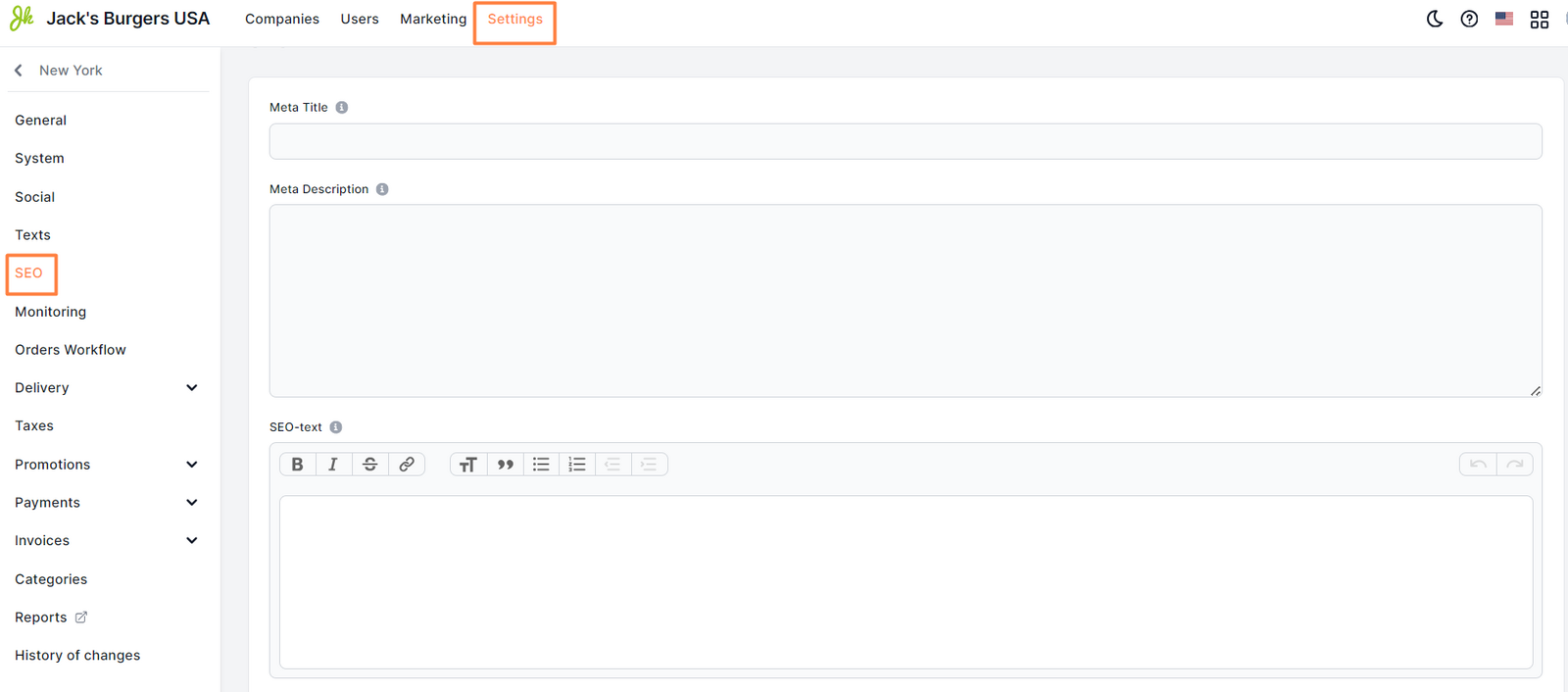
Fill in the texts according to the requirements for SEO and the linguistic rules of the selected language. Use the markup tags , and
.
Note: If you operate a single brand company, there’s no need to add above-mentioned texts. Instead, it is recommended to add relevant SEO texts in the ** SEO ** ** tab in the company settings **
Link to this article: ** here **
Was this article helpful?
Thanks for your feedback!