
2.0 Enable pop-up messages in the Dots Delivery app
Enable pop-up messages which will remind courier to check packaging or give a free gift upon delivery.
To enable pop-up messages:
- In the Control Panel, click Settings.
- Go to the Interfaces > Delivery Apps tab.
- Select the Show popup with the information about the package and Give a gift to the first client checkboxes (more details below).
- Click Save.
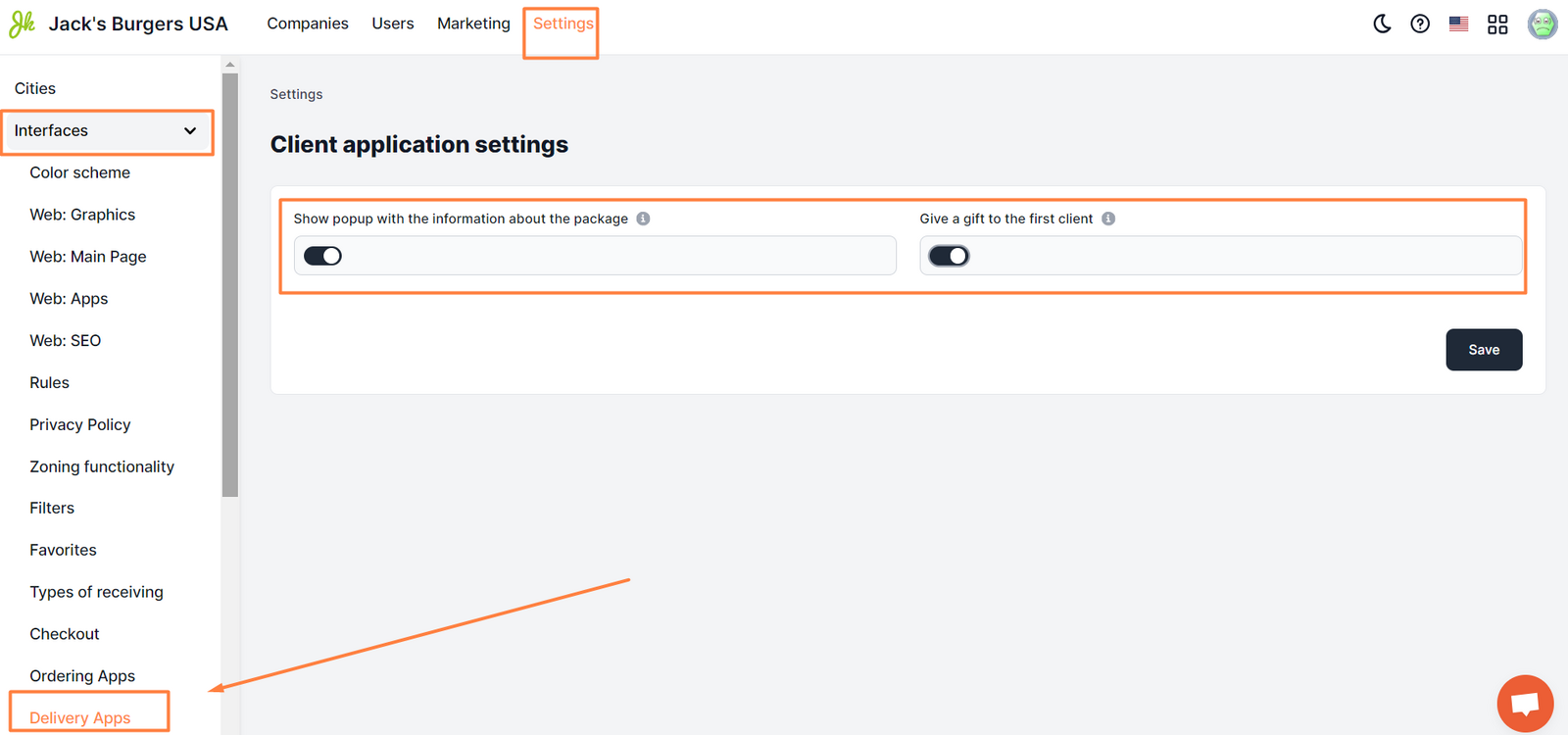
Show popup with the information about the package. Appears to courier upon receiving and order at a location.
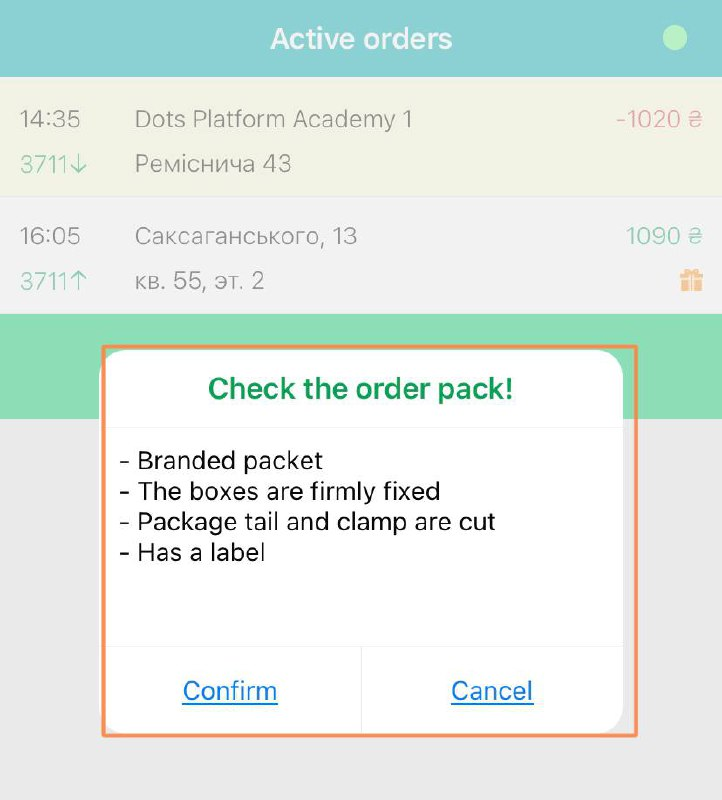
|| Important: The app won’t allow the courier to continue working with the order without confirmation of packaging inspection.
Give a gift to the first client. When enabled, a courier will see a pop-up, that will require a confirmation of giving a gift to the client, that placed their first order.
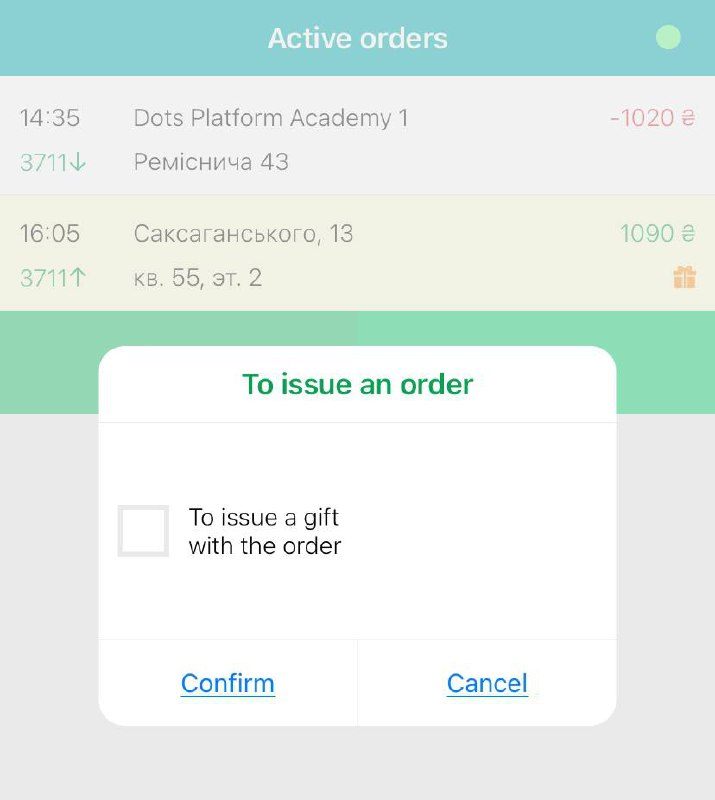
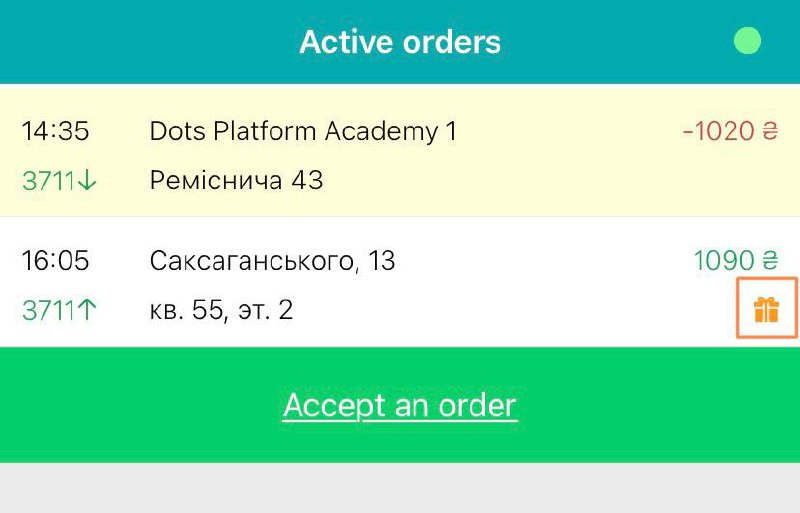
|| Note: The courier will be able to confirm the delivery of the order without confirmation of the gift issuance.
Link to this article: here
Was this article helpful?
Thanks for your feedback!