
3.0 Calling a courier in Dots Business
The Call courier function is provided for the case when a customer orders pickup or delivery in an establishment through the establishment manager/cashier. In other words, the composition of the order is already known, and this functionality is used to get the order into our system and to process it for the courier.
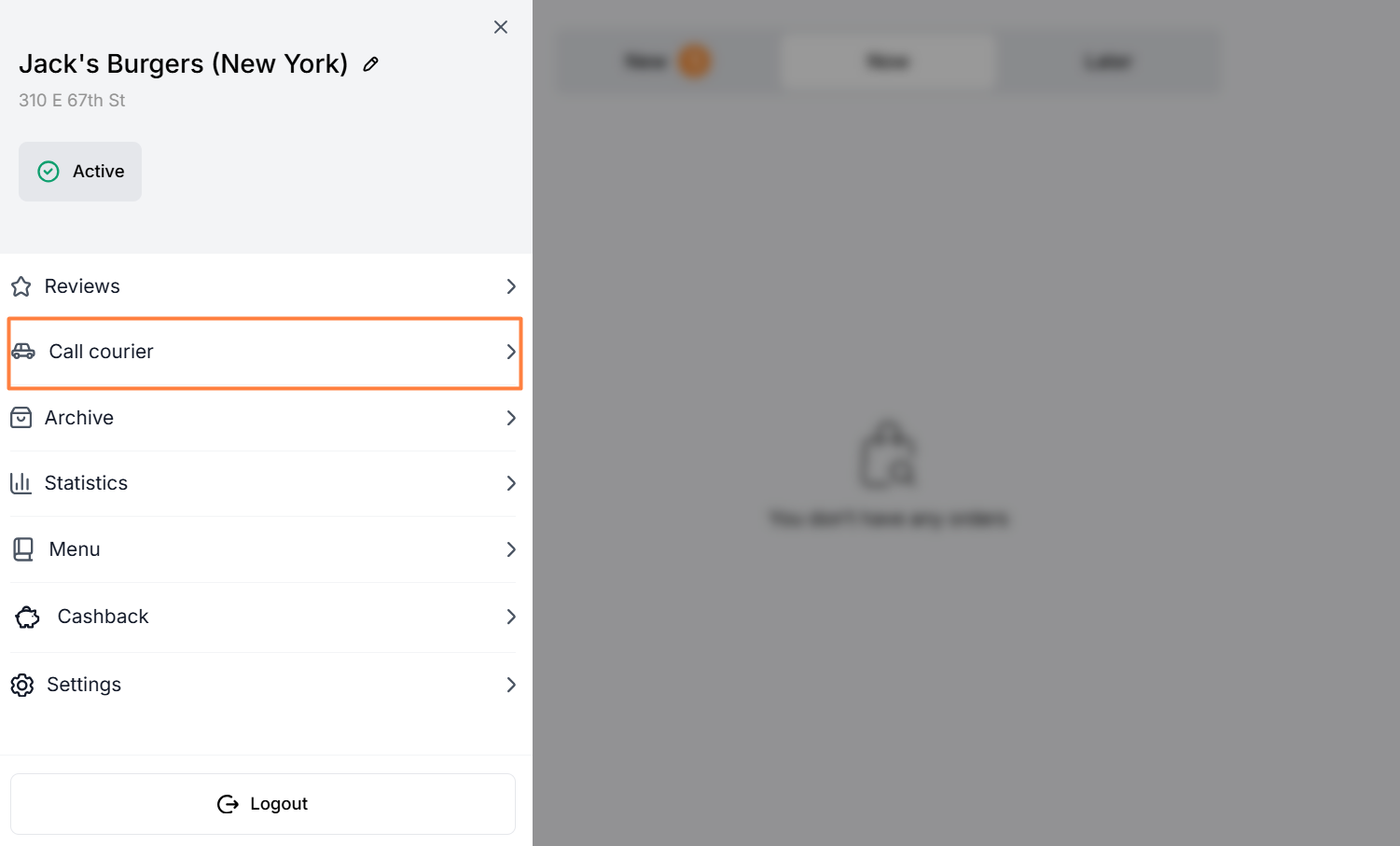
The Call courier tab is located in the side menu on the left in Dots Business.
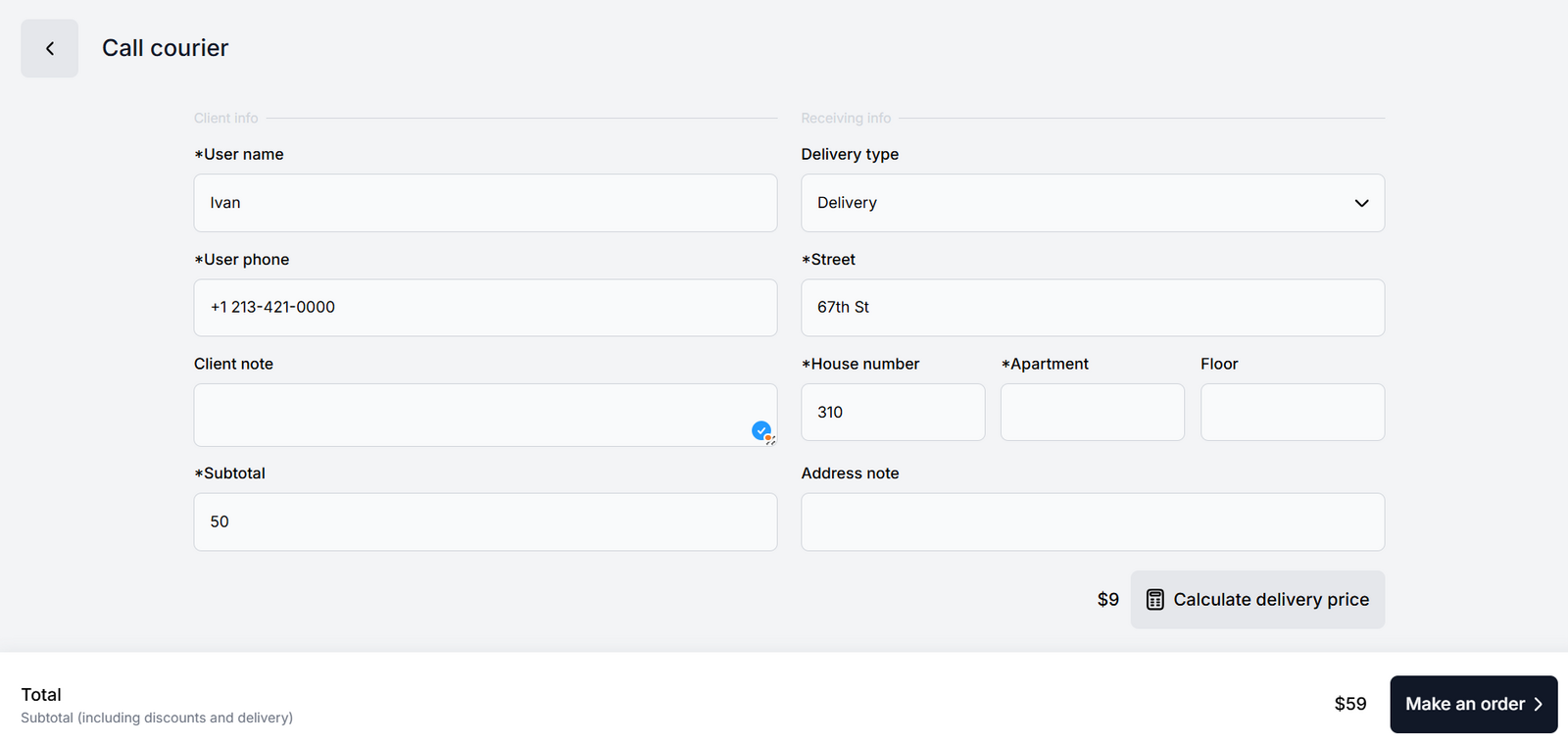
Displayed elements
User name. The name of the customer who will receive the order. Examples Alex Sergio
User phone. Customer's phone number with operator code. Example 1 213-421-0000
Client note. Note to the order in any format. Will be seen by operators, couriers, and cashiers. Example Pepperoni without cheese
Subtotal. Order price including the price of packaging.
Delivery type. Available options:
- Delivery
- Basic delivery
- Pickup
Delivery address. An address is required for all delivery methods. In case of placing a takeaway order, table reservation, etc., just add the location’s address.
Street. Street name only. Example Oxford St.
House number. House number only. Example 15
Apartment. Apartment number only (if required). Example 107
Floor. Floor number only (if required). Example 1
Address note. Note to the address in any format. Will be seen by operators, couriers, and cashiers.
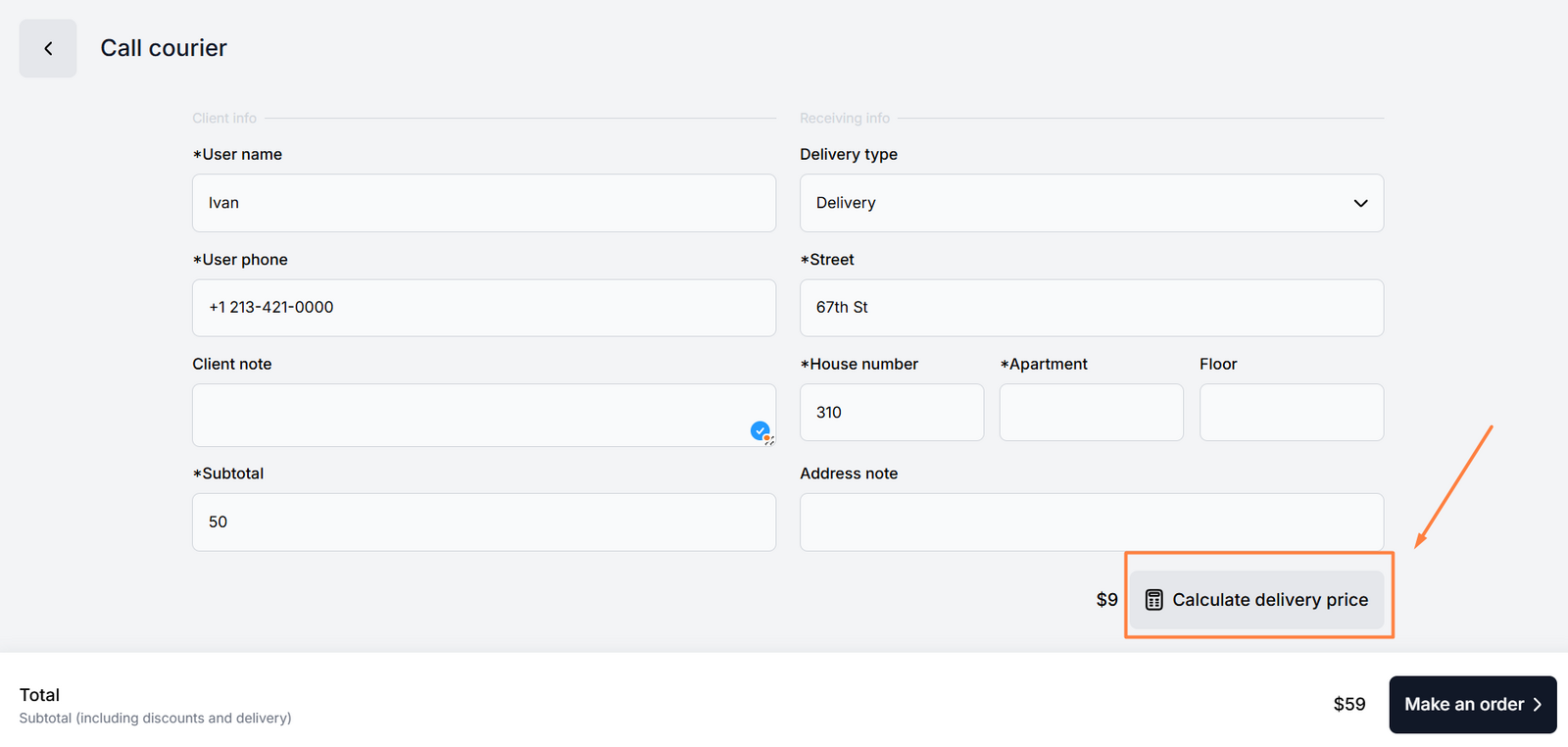
In case of standard delivery or doorstep delivery, you must check the delivery price by taping Calculate delivery price. Then the system will calculate the delivery cost depending on the delivery distance.
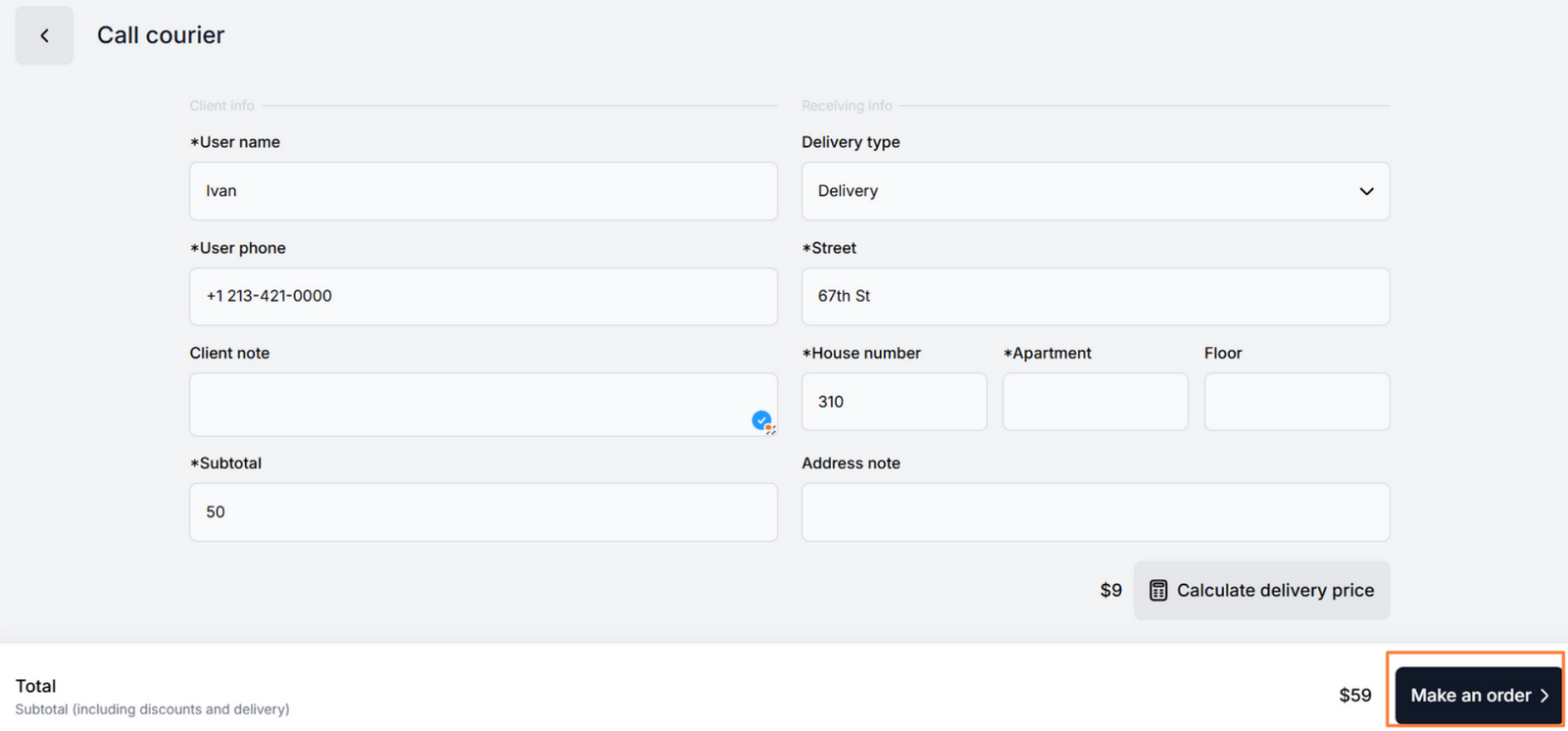
When all the data is added, click the Make an order button. The order is placed in the New tab, and then it is processed according to the standard algorithm.


Link to this article: here
Was this article helpful?
Thanks for your feedback!