
3.0 Notifications in the Dots Business app
The Notifications tab displays all notifications about cancelled orders and new reviews.


New review notification
When a new review appears, your pick-up point’s phone number for messages will receive a call asking you to respond to the new notification. In addition, a sound notification will be played until you mark the notification as viewed. When a new review arrives in the app, you will also see a push notification and hear a sound signal.

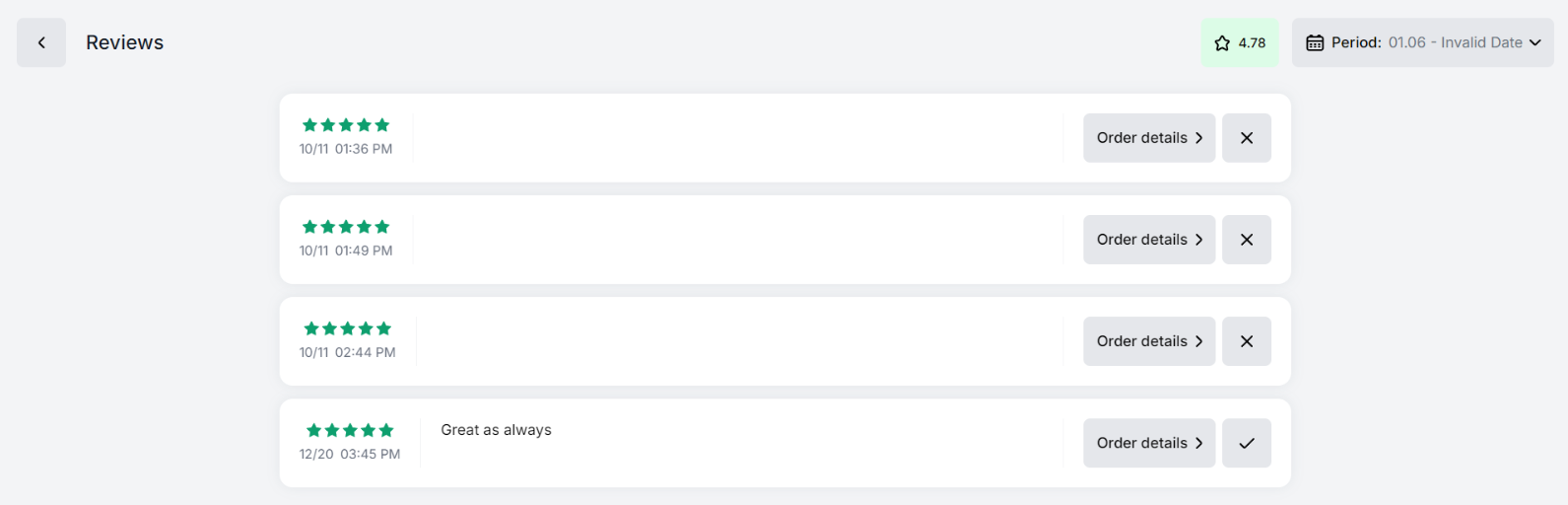
After marking the notification as viewed, you have to read the review and respond to it in the Reviews tab.
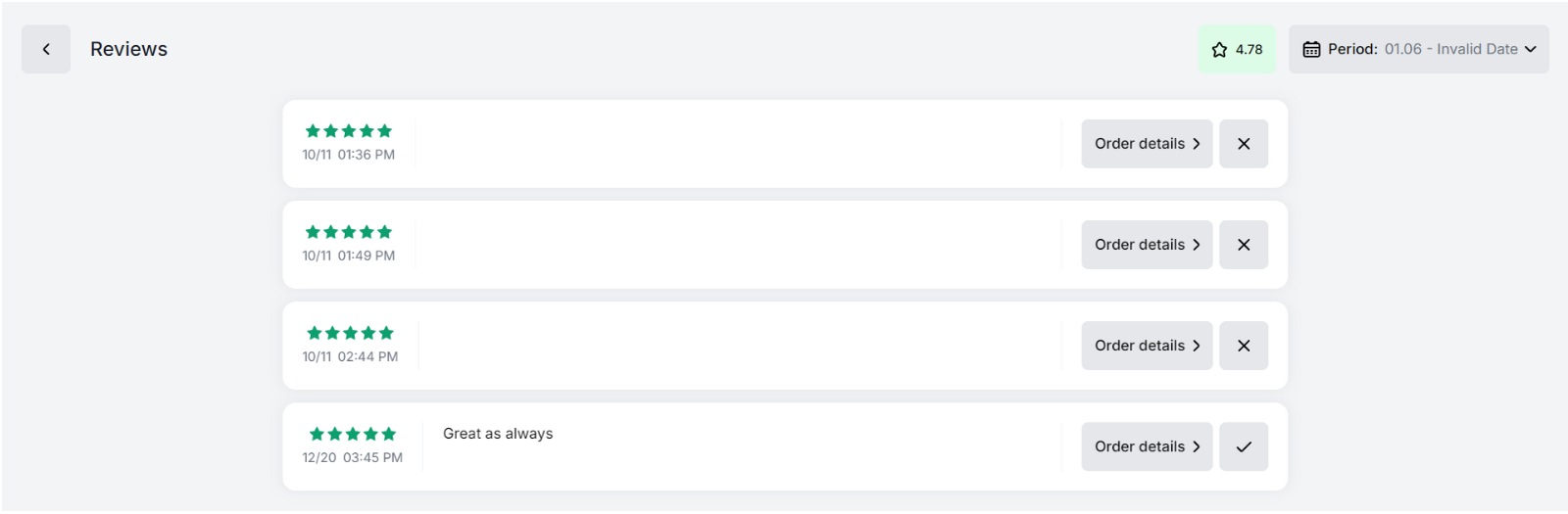 | Note: Notification about a new review will appear only after it is processed by the Monitoring Panel operator.
Canceled order notification
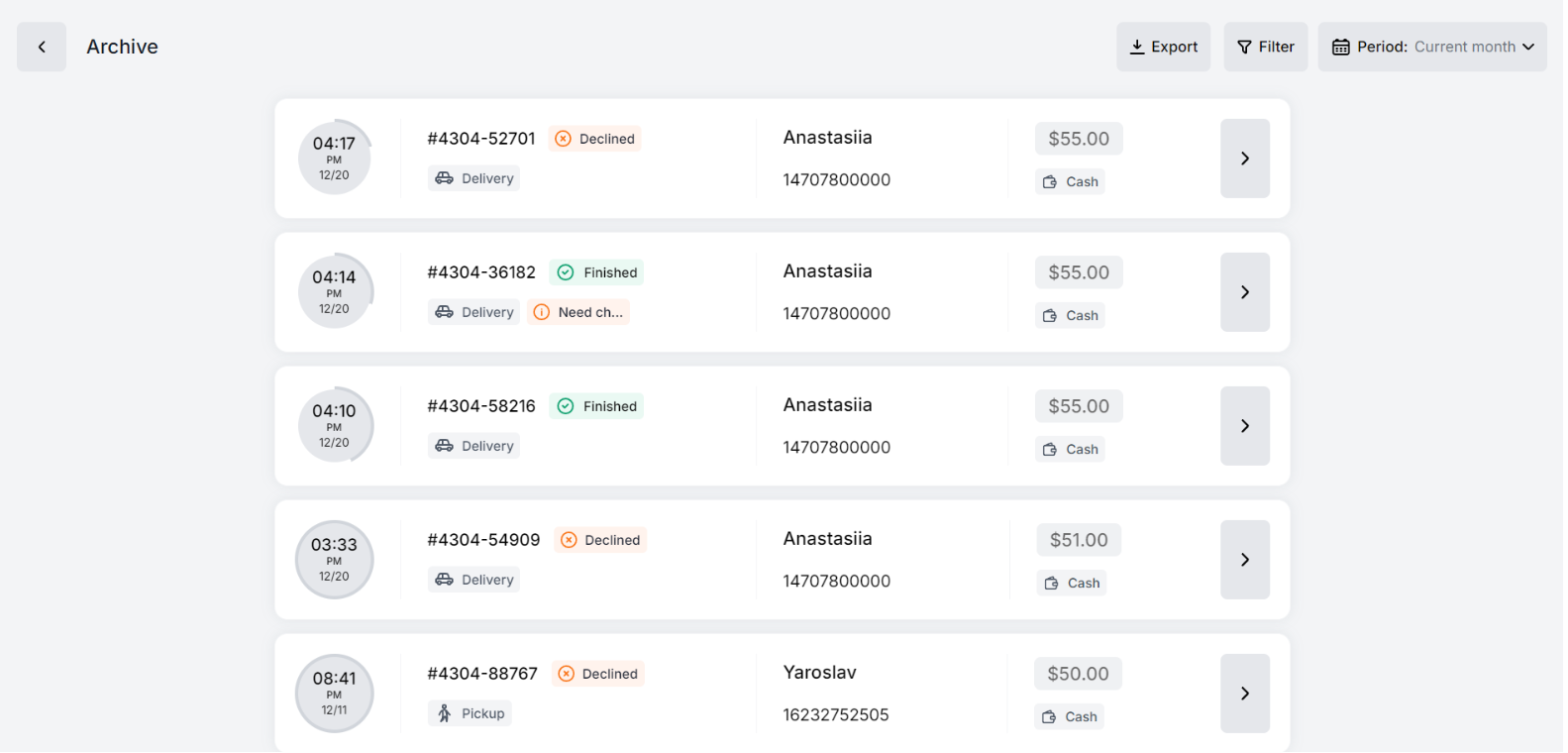
When an order is canceled, your pick-up point’s phone number for messages will receive a call asking you to respond to the new notification. In addition, a sound notification will be played until you mark the notification as viewed. When a new review arrives in the app, you will also see a push notification and hear a sound signal. All canceled orders are displayed in the Archive tab.
Click the Read All button to mark all notifications as viewed.

Link to this article: here.
**
Was this article helpful?
Thanks for your feedback!