
"Add a location to Google Maps"
A unique location identifier on Google Maps will allow customers to find it using Google services, as well as leave ratings and comments.
To check an ID:
-
Click Companies.
-
Locate the company you need and click the pencil icon.
-
Go to the Locations tab.
-
Locate the desired location and click the pencil icon.
-
The location ID will appear in the Google Places ID field.
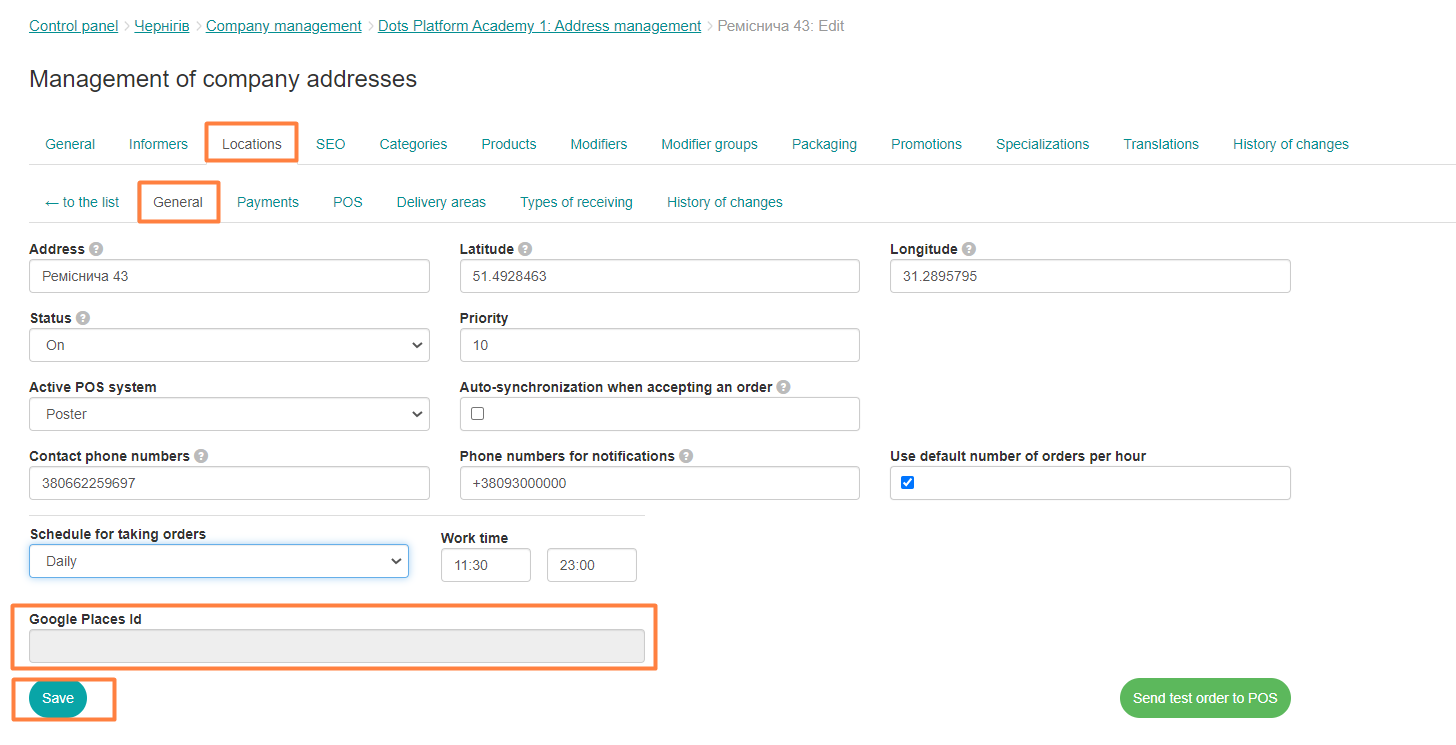
Note: This setting is optional and does not imply any user configuration. If you need to add a Place ID, please contact Dots Platform support.
Link to this article: here
Was this article helpful?
Thanks for your feedback!