
2.0 Control panel. Companies. Editing the Company. Сatalog. Packaging. Create or edit the packaging types
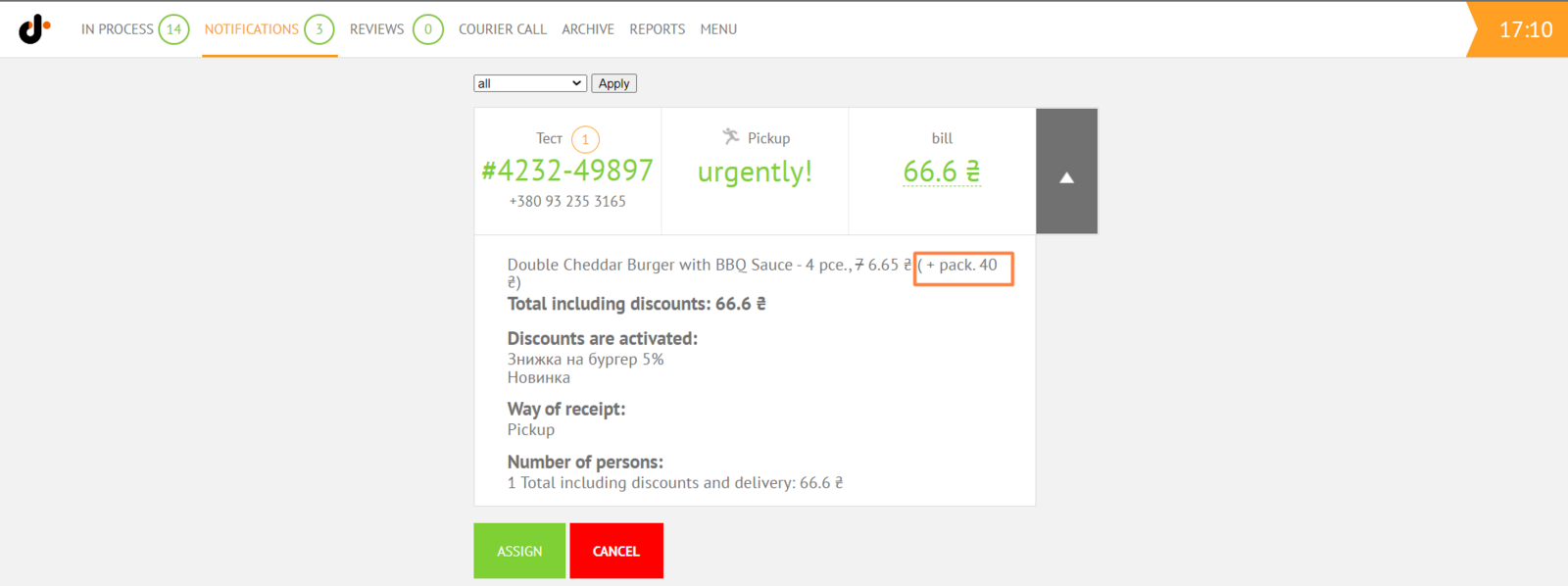
Add or edit the packaging, which will be available in the packaging selection list for a product (dish) or category of goods.
To add new packaging:
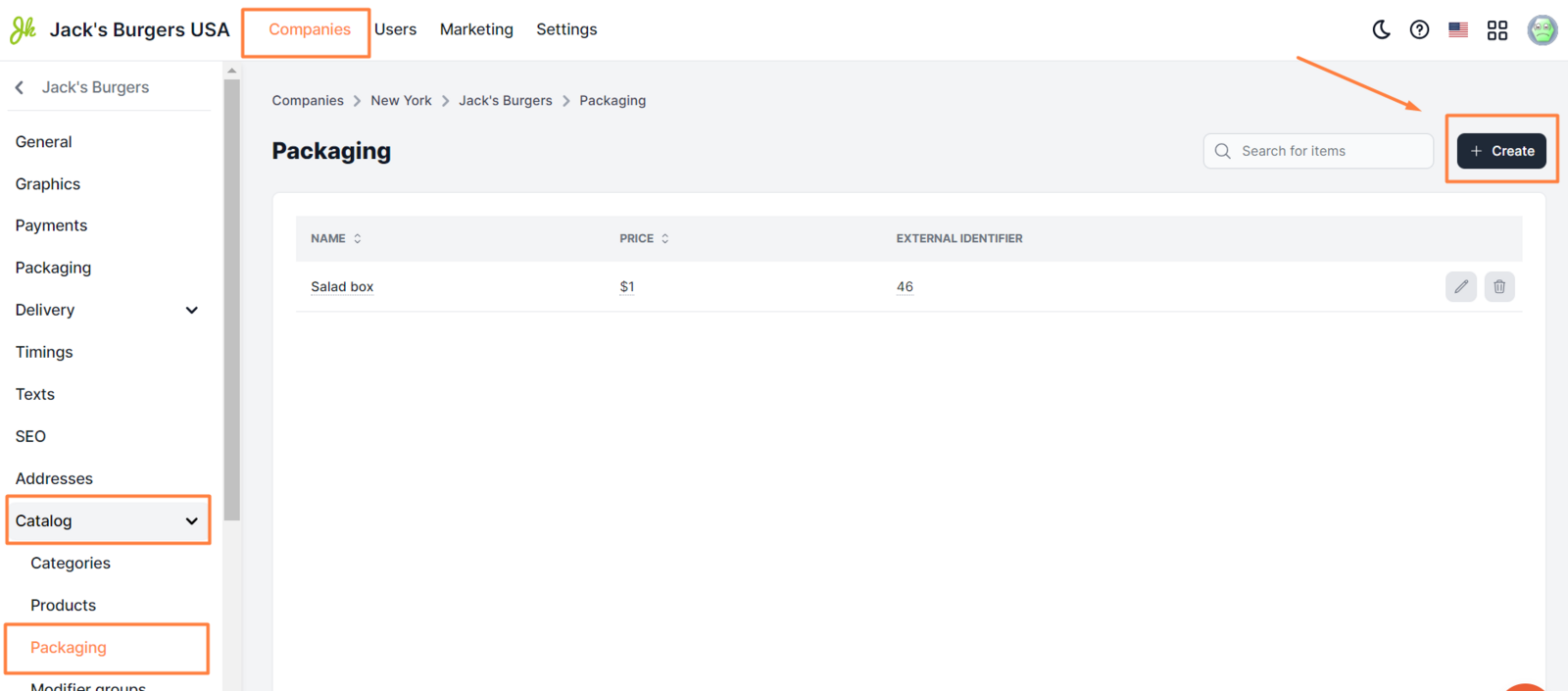
- Click Companies.
- Choose the company you need and click the pencil icon.
- Click Catalog and then Packaging.
- Click Create a package.
- Set up the newly created packaging (more details below).
- Click Save.
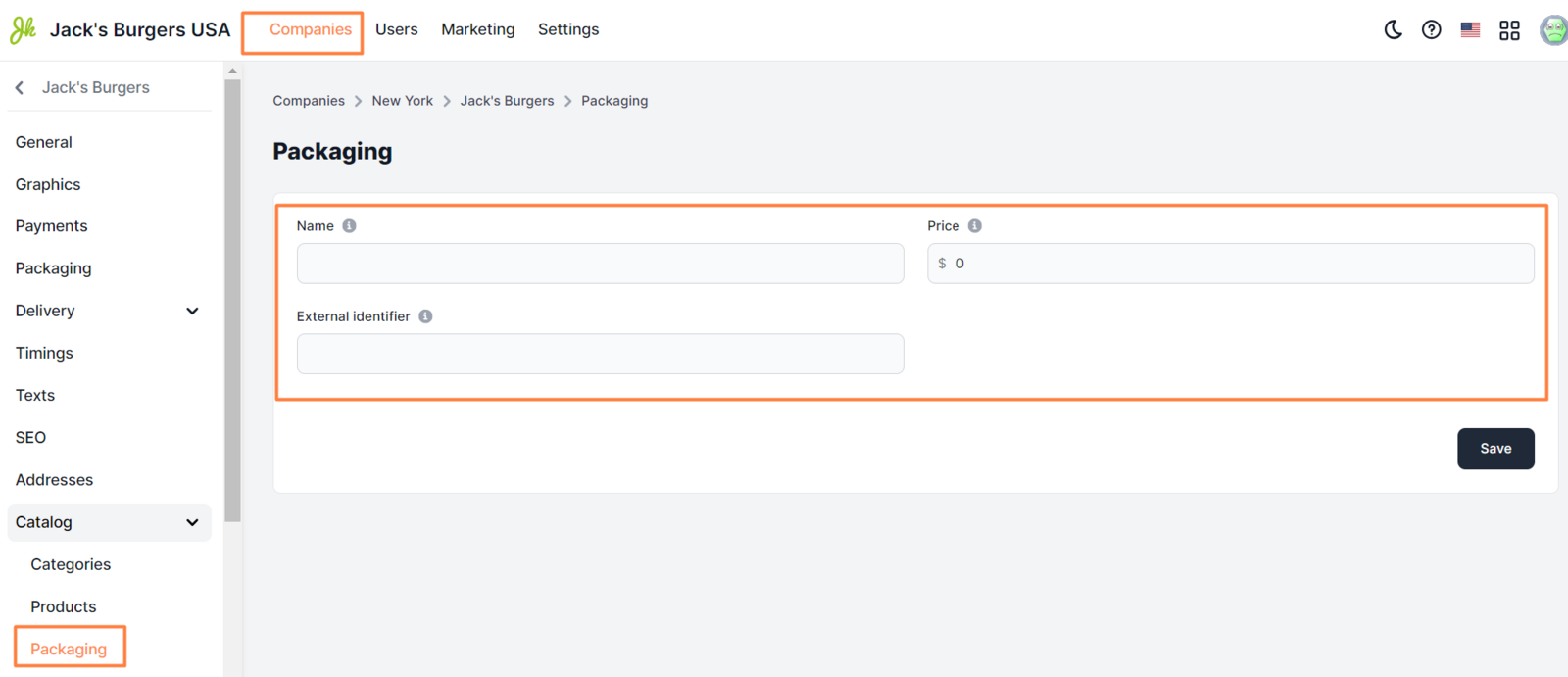
Available settings:
-
Name. Name of packaging that appears in all apps.
** Examples ** Salad box Burger box -
Price. Packing price in city currency. A currency sign is not required.
** Examples ** 1 1.5 -
External identifier. Packaging ID in a third-party POS system.
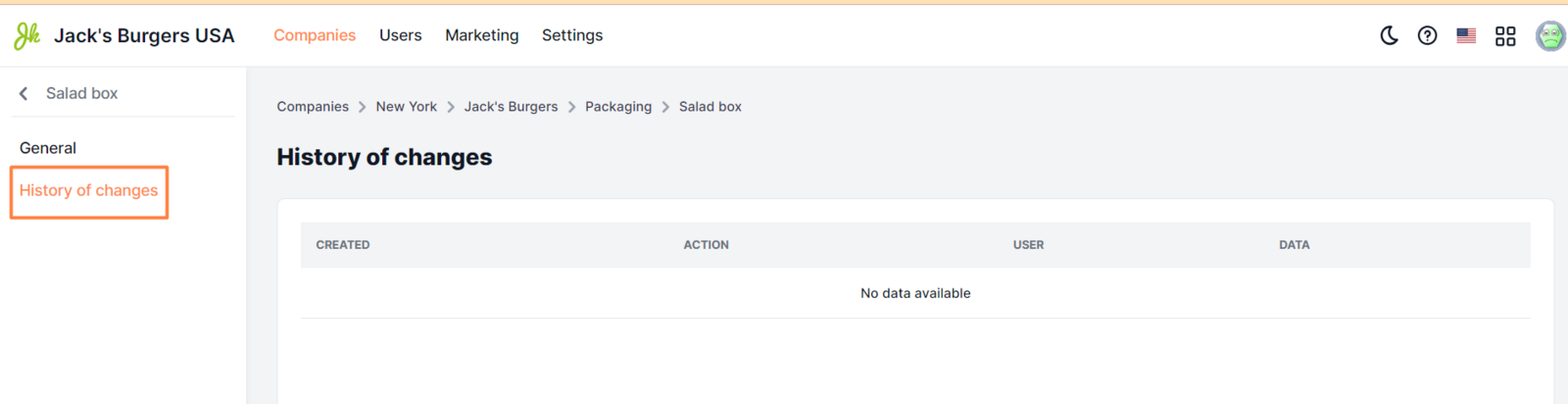
The History of changes tab shows a list of all changes when changing packaging settings. This lets you track when and by whom changes were made.
Website

App

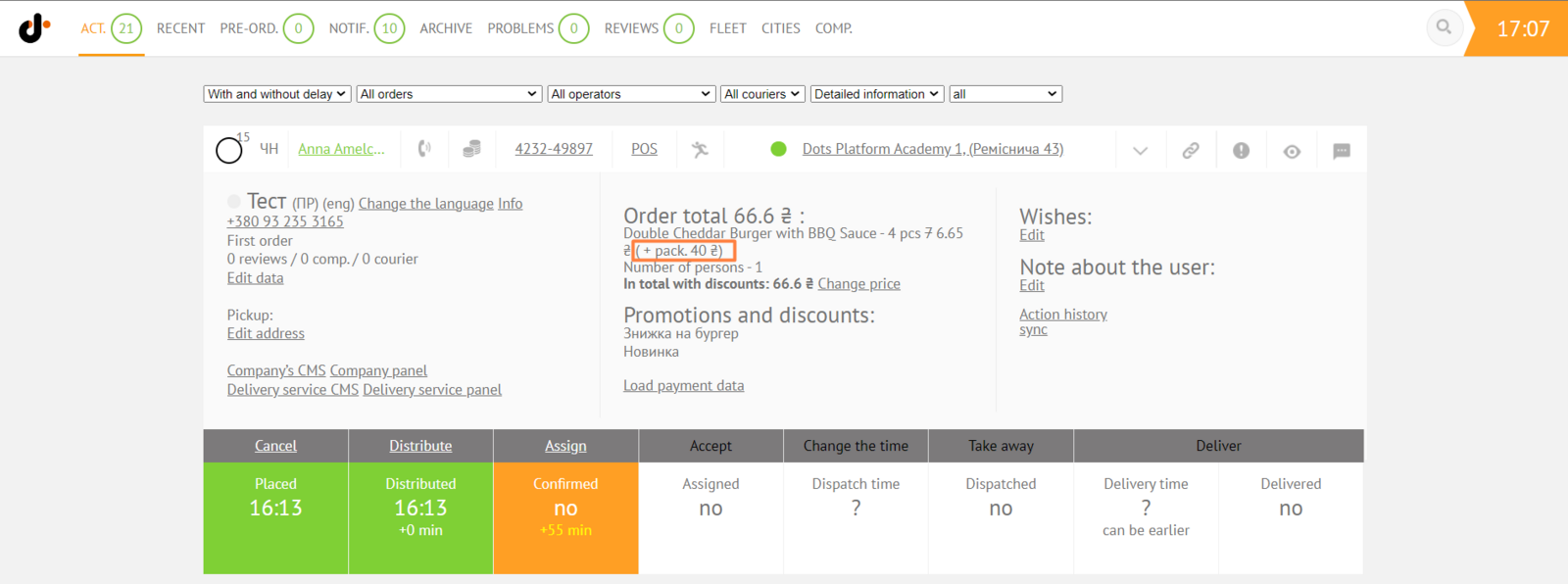
Monitoring Panel
Dots Business app
Link to this article: here
Was this article helpful?
Thanks for your feedback!