
2.0 Control Panel. Editing a City. Social
Each webpage includes social media buttons for Facebook and Instagram. You can add links to desired pages so that your customers can follow you on social media.
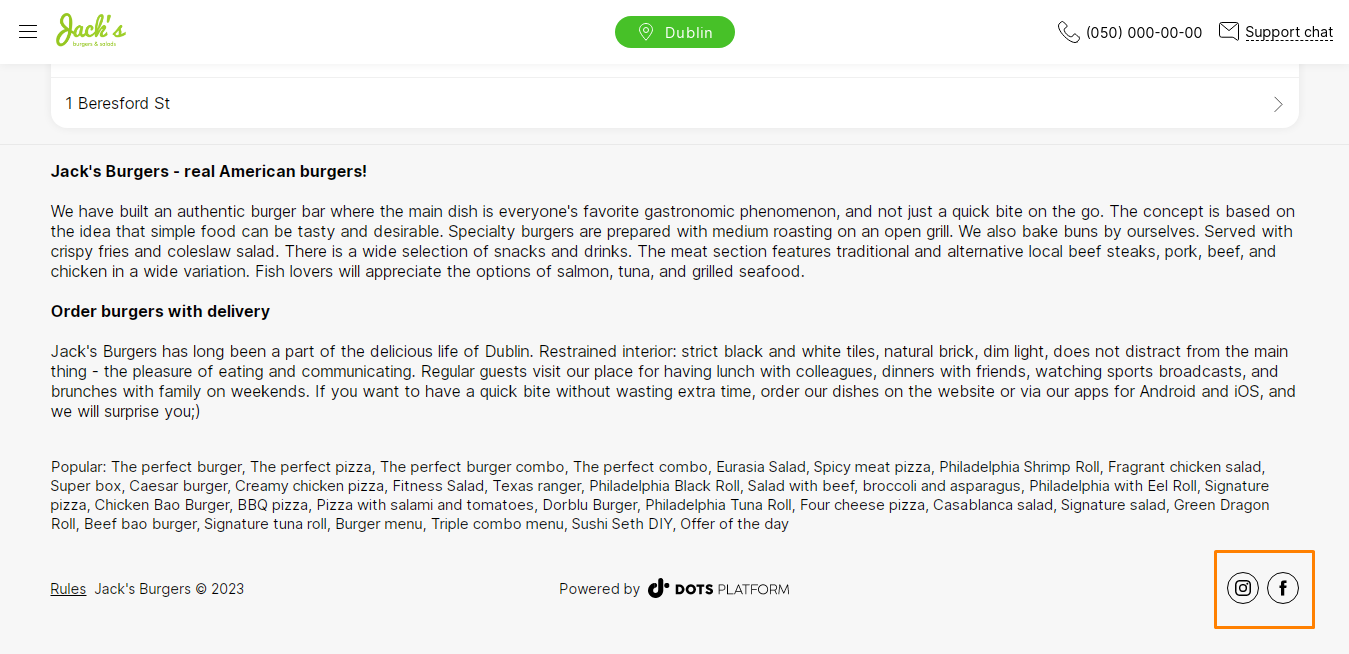
To add social media links:
- Open the Settings section in the Control Panel.
- Click the Cities tab.
- Click the edit icon next to the desired city.
- Click Social.
- Fill in all the required fields (see below).
- Click Save.
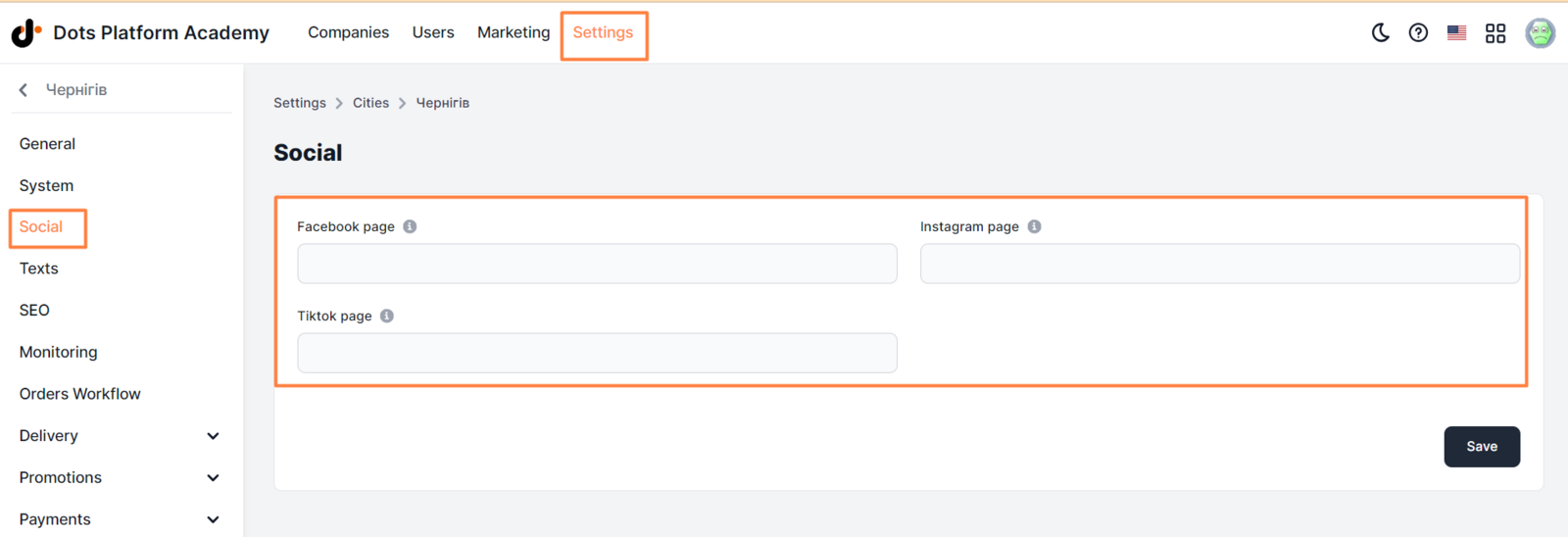
Each link must include “https://”.
** Correct format ** https://www.instagram.com/hide_restaurant/ _
** Incorrect format ** instagram.com/hiderestaurant/_
Link to this article: here
Was this article helpful?
Thanks for your feedback!