
2.0 Control panel. Editing a company. Copy Company
This function allows you to create a copy of the company in the selected city. When copying, all company settings are transferred, except for its addresses and settings at this level.
Copying company settings
- Select the Company section in the Control Panel.
- Click on the edit icon opposite the desired company.
- Go to the tab Copy => Facility.
- Select the required city in the Copy company to city field.
- Click Save.
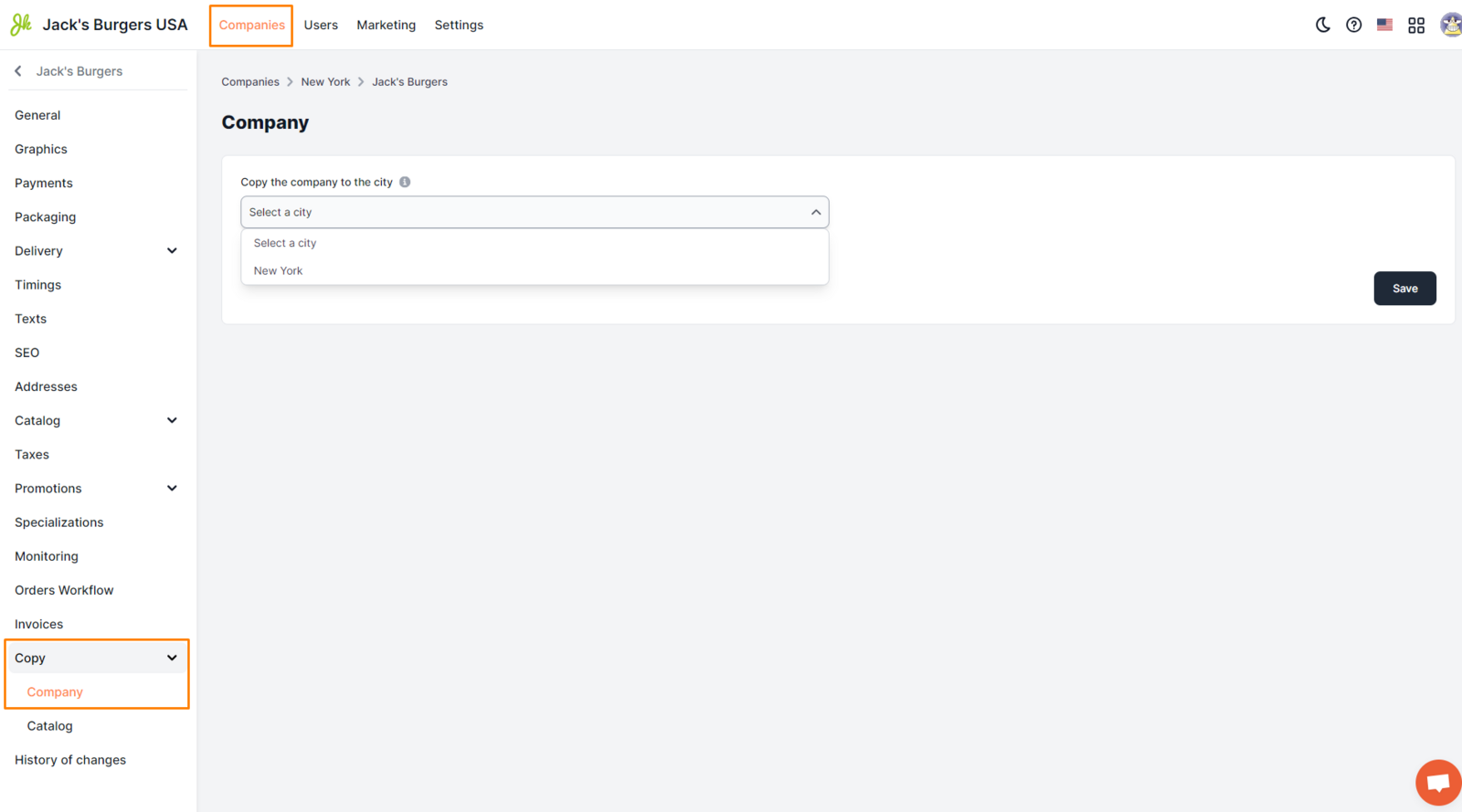
Display examples
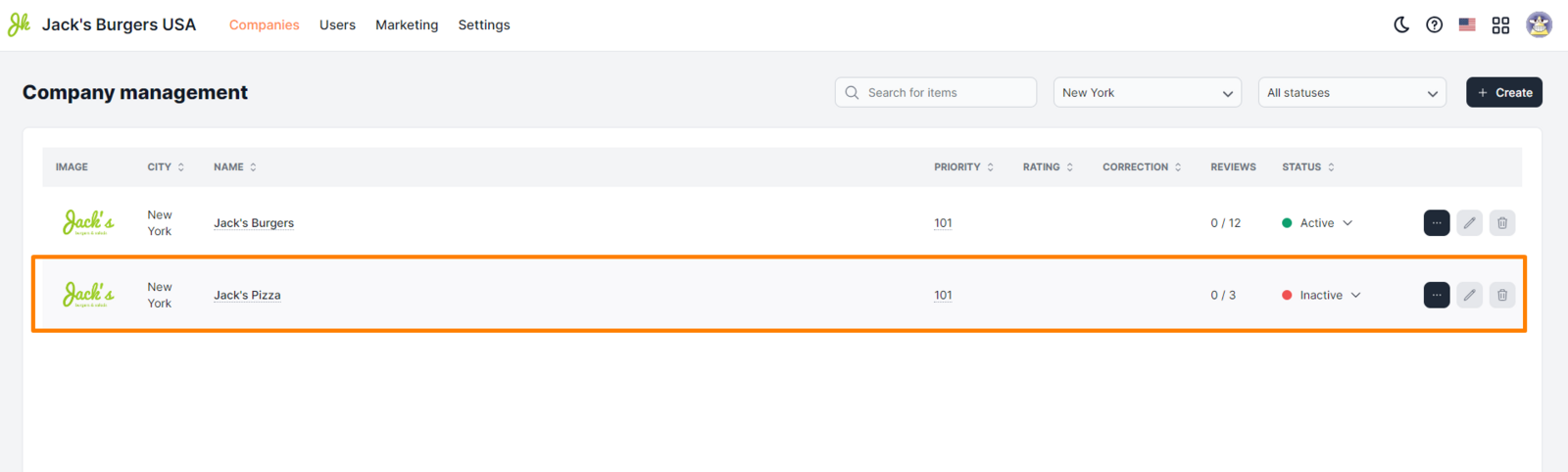
After copying, the company will appear in the list of companies in the Establishments section of the Monitoring Panel with the status Inactive.
Link to this article: here.
Was this article helpful?
Thanks for your feedback!