
2.0 Control Panel. Editing a Company. Editing Addresses. Payments. Alcohol payments provider
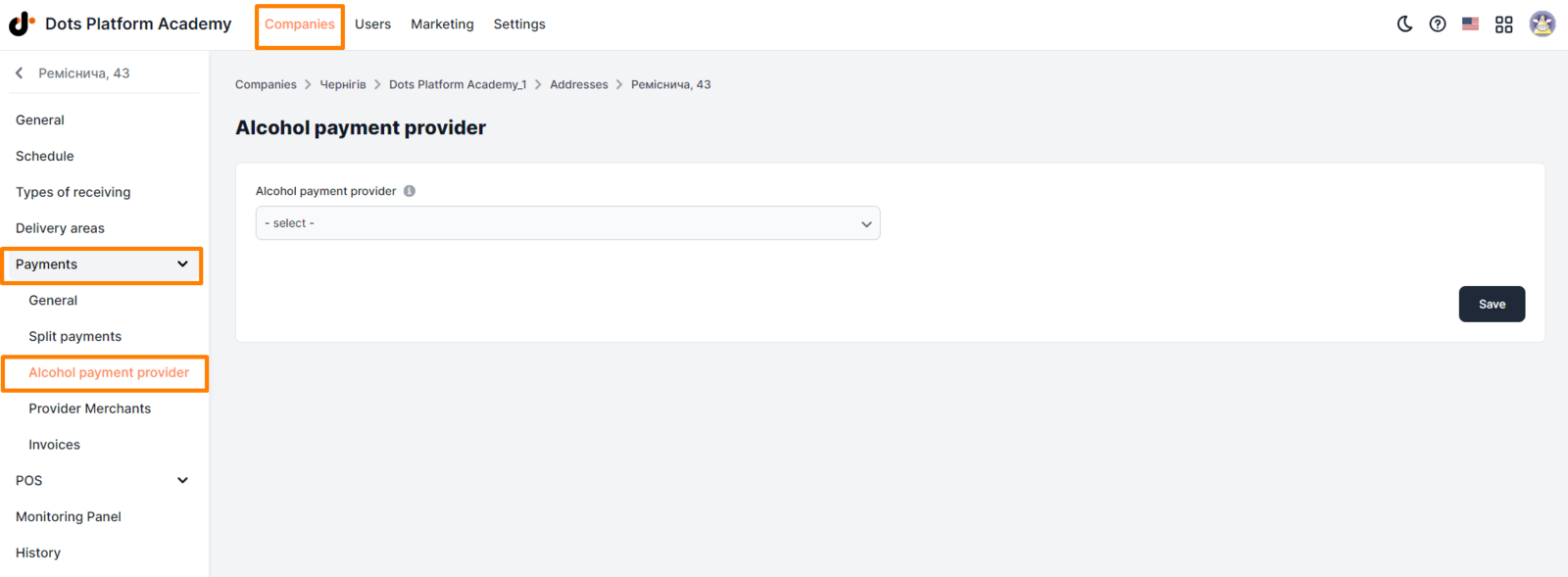
In this tab, it is possible to set a separate provider for accepting online payments for alcohol.
Setting up the provider:
- Open the Companies section in the Control Panel.
- Click on the edit icon opposite the desired company.
- Go to the Addresses tab.
- Click on the edit icon opposite the desired location.
- Go to the Payments => Alcohol payment provider tab.
- In the Alcohol payment provider field, select the merchant that was added earlier on the Provider merchants tab.
- Click Save.
If the merchant is not available for selection, then it must first be added in the Provider Merchants tab.
Link to this article: here.
Was this article helpful?
Thanks for your feedback!