
2.0 Control Panel. Editing a Company. Editing Addresses. Schedule
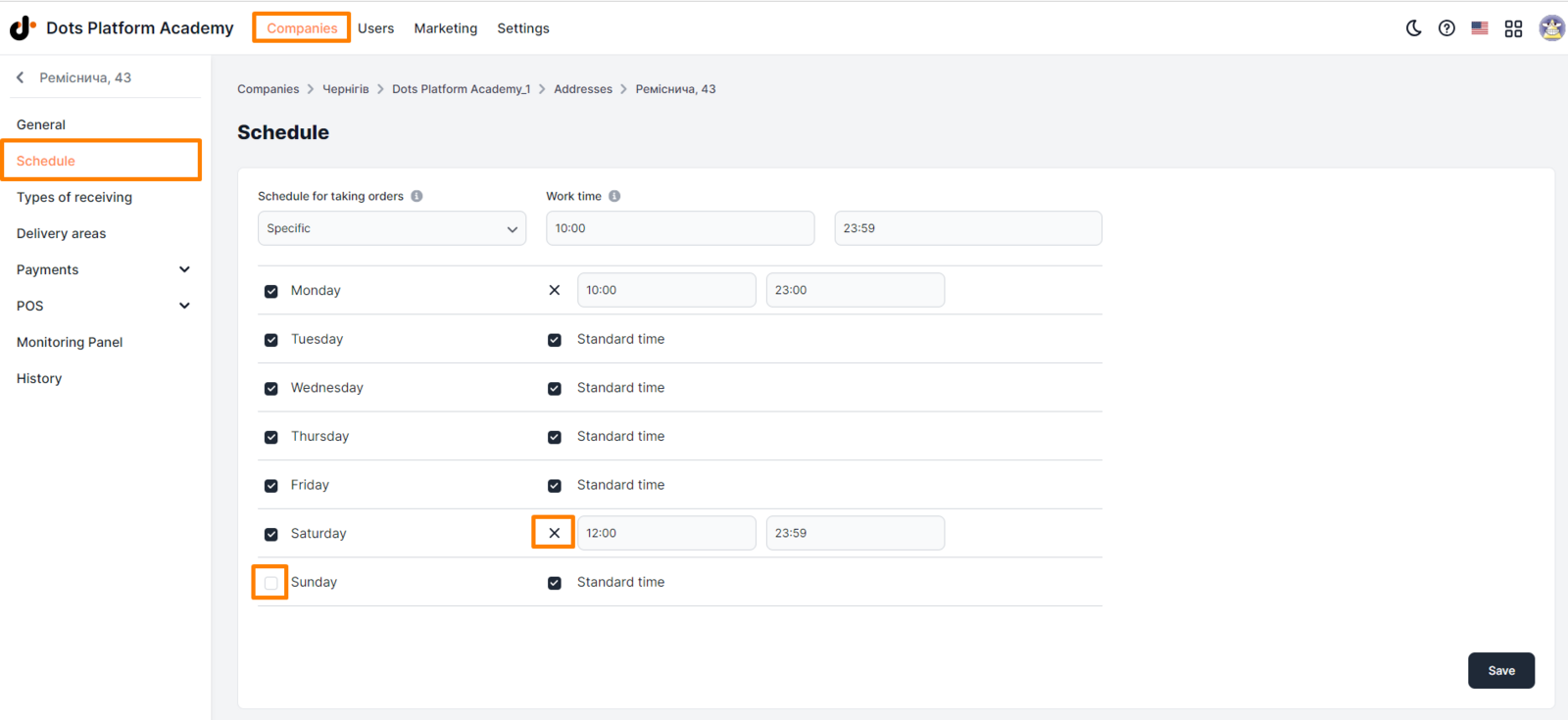
These parameters allow you to specify the working days and hours of the delivery point (pick-up point, location). Orders will be distributed to the delivery point only during its business hours.
Setting up working schedule:
- Select the **Companies **section in the Control Panel.
- Click on the edit icon opposite the desired company.
- Go to the **Addresses **tab.
- Click on the edit icon opposite the desired location.
- Go to the Schedule subsection
- Specify the working hours of the delivery point.
- Click Save.
Setup requirements
|| Important! If the delivery point works in the "Hidden" or "Active" status, it is necessary to specify its days and hours of operation.
-
Schedule for taking orders. Standard time activates daily acceptance of orders. A specific schedule allows you to more flexibly adjust it for each day of the week.
-
Hours of operation. Specifying certain hours of operation of the location for a daily or individual schedule.
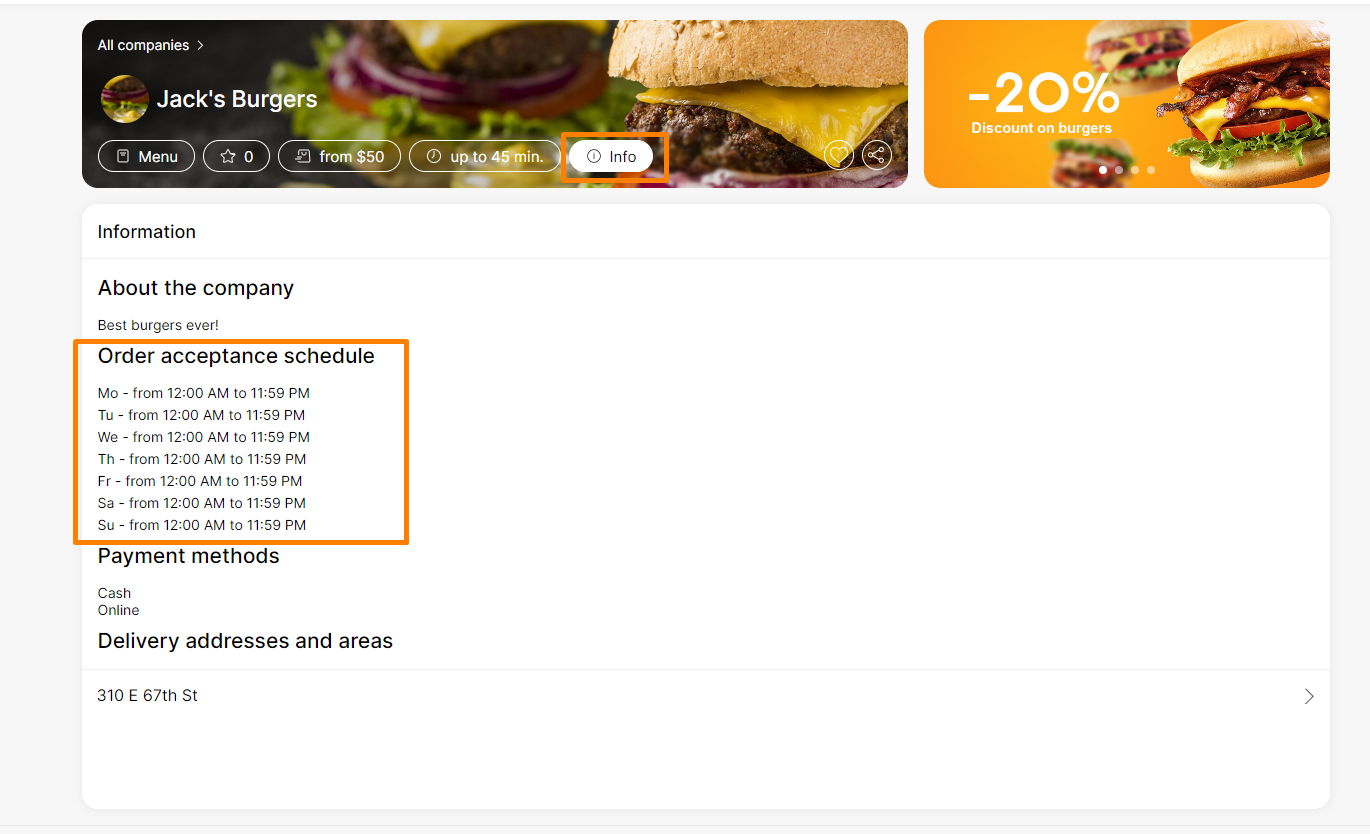
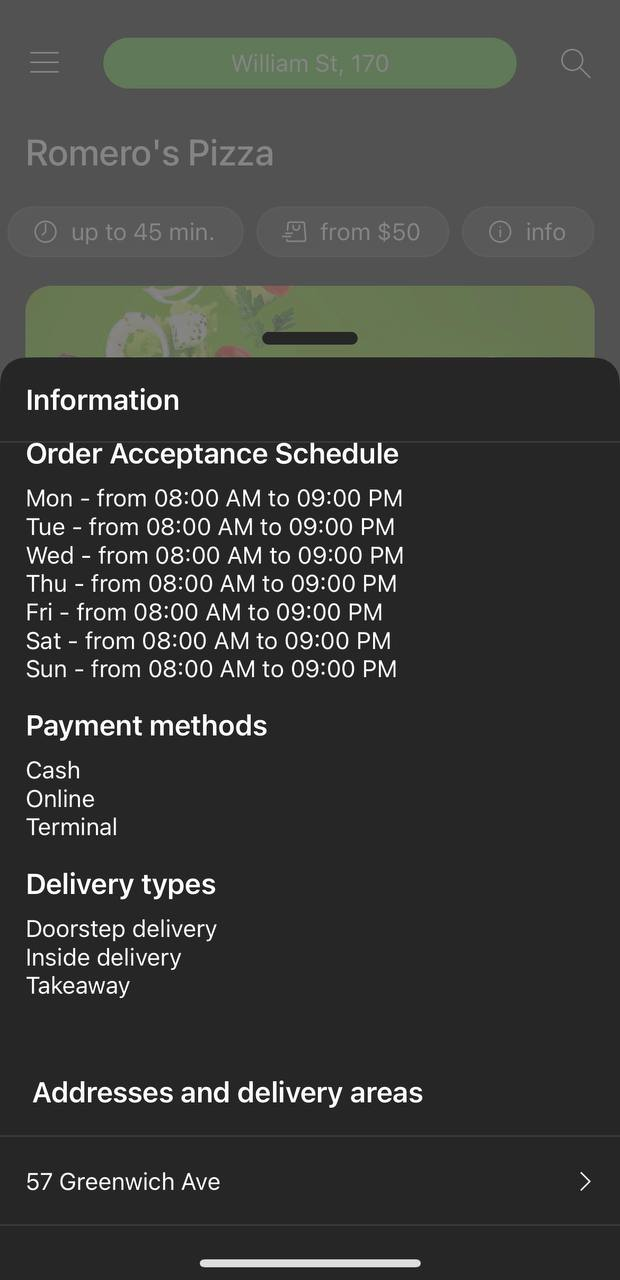
Display examples
Link to this article: here.
Was this article helpful?
Thanks for your feedback!