
2.0 Control panel. Editing a Company. Specializations
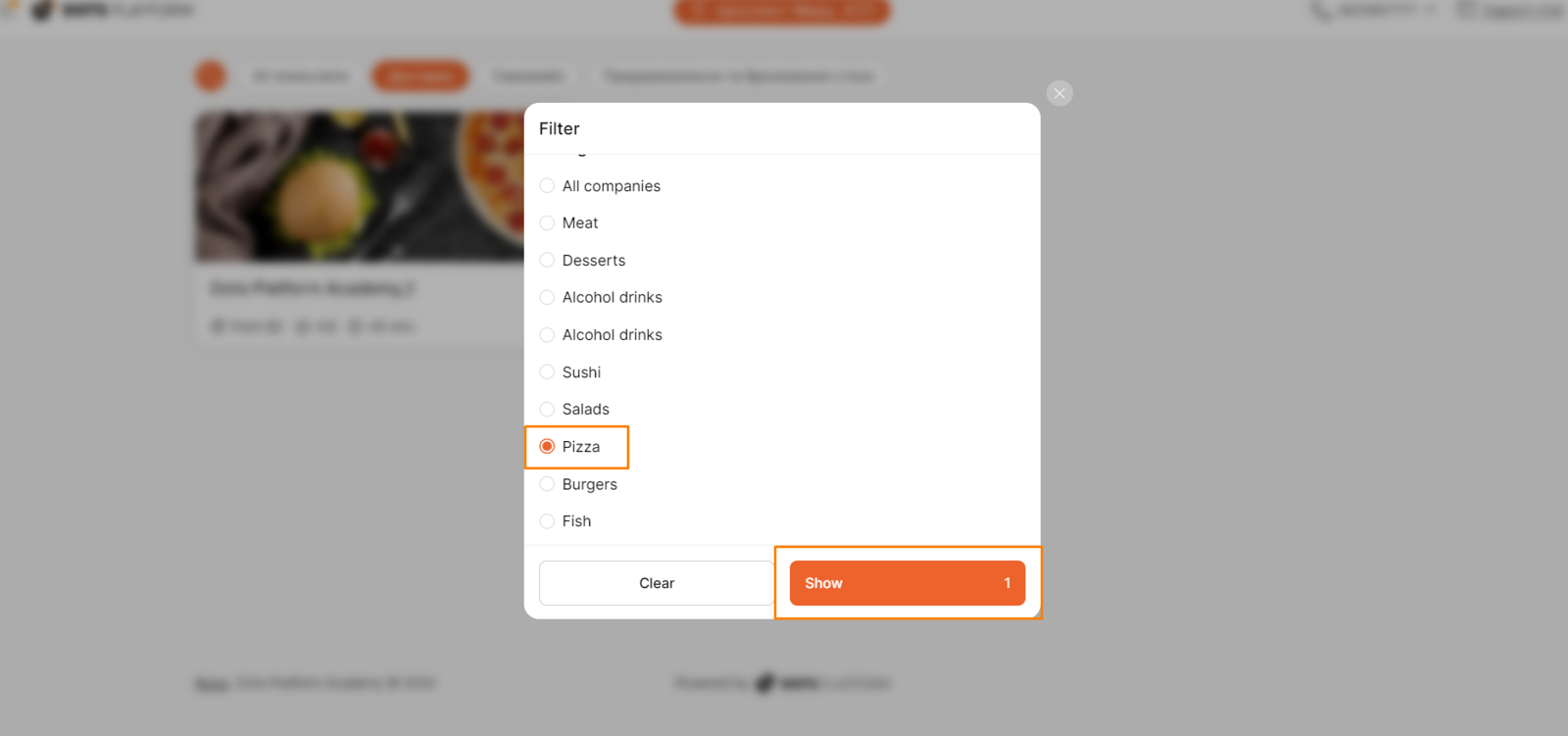
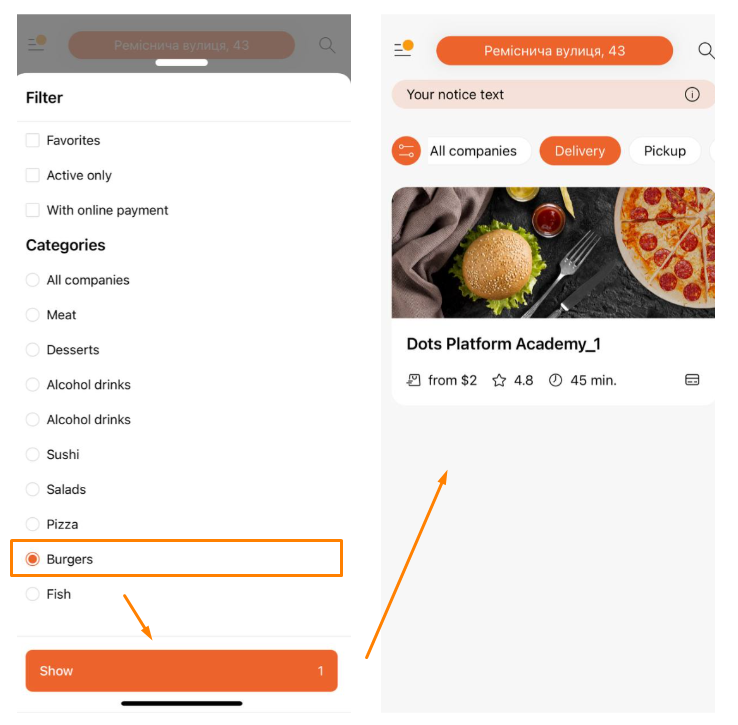
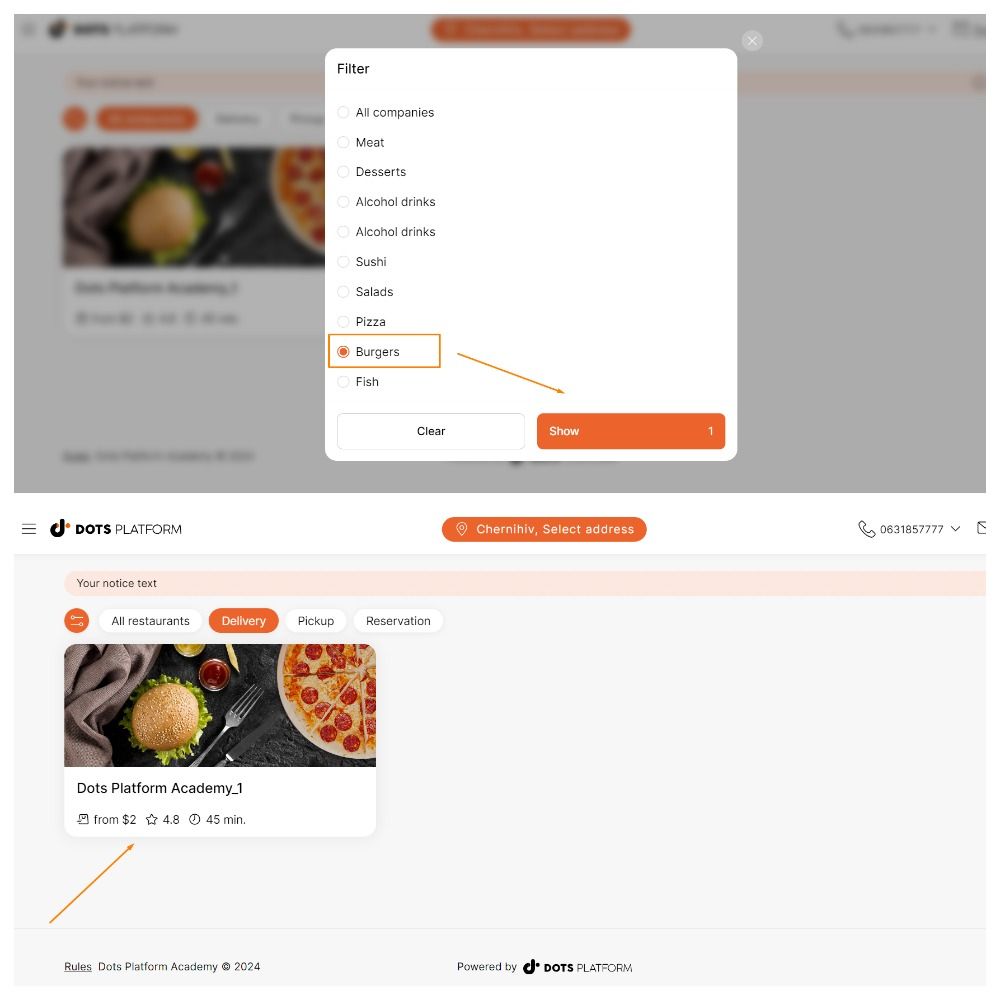
In this tab, a list of categories of goods (dishes) in which the selected company specializes is configured. This allows you to sort companies using the appropriate filters on the city page.
Settings
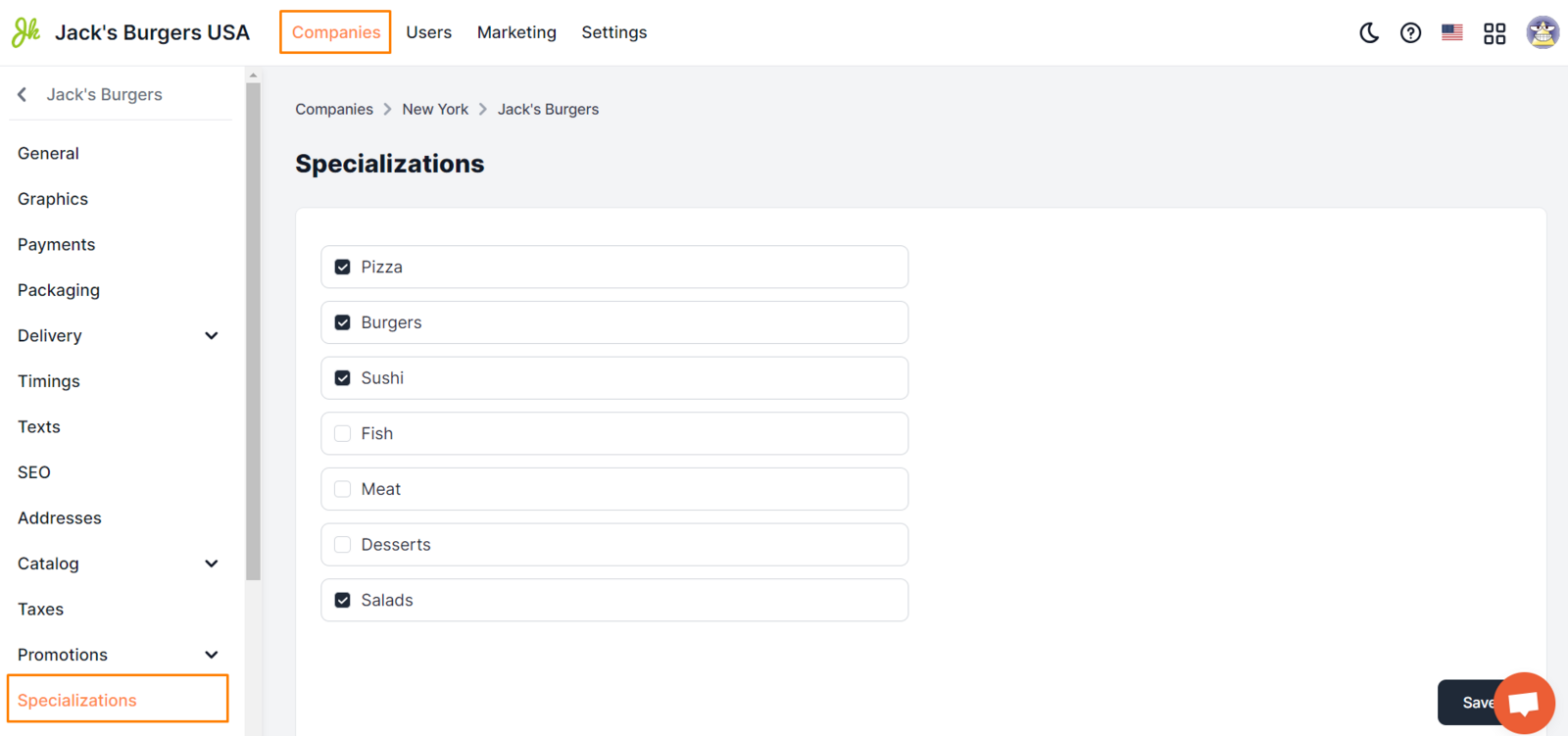
- Select the Settings section in the Control Panel menu.
- Click on the edit icon opposite the desired company.
- Go to the Specializations tab.
- Activate the checkboxes in the corresponding fields (see below).
- Click Save.
Setup requirements
The tab will display a list of all included city categories. To enable specialization, activate the checkbox in the corresponding field. After that, the company will be displayed in the list of results when selecting a specific category (filter) of the company.
Link to this article: here.
Was this article helpful?
Thanks for your feedback!