
2.0 Control panel. Settings. Integrations
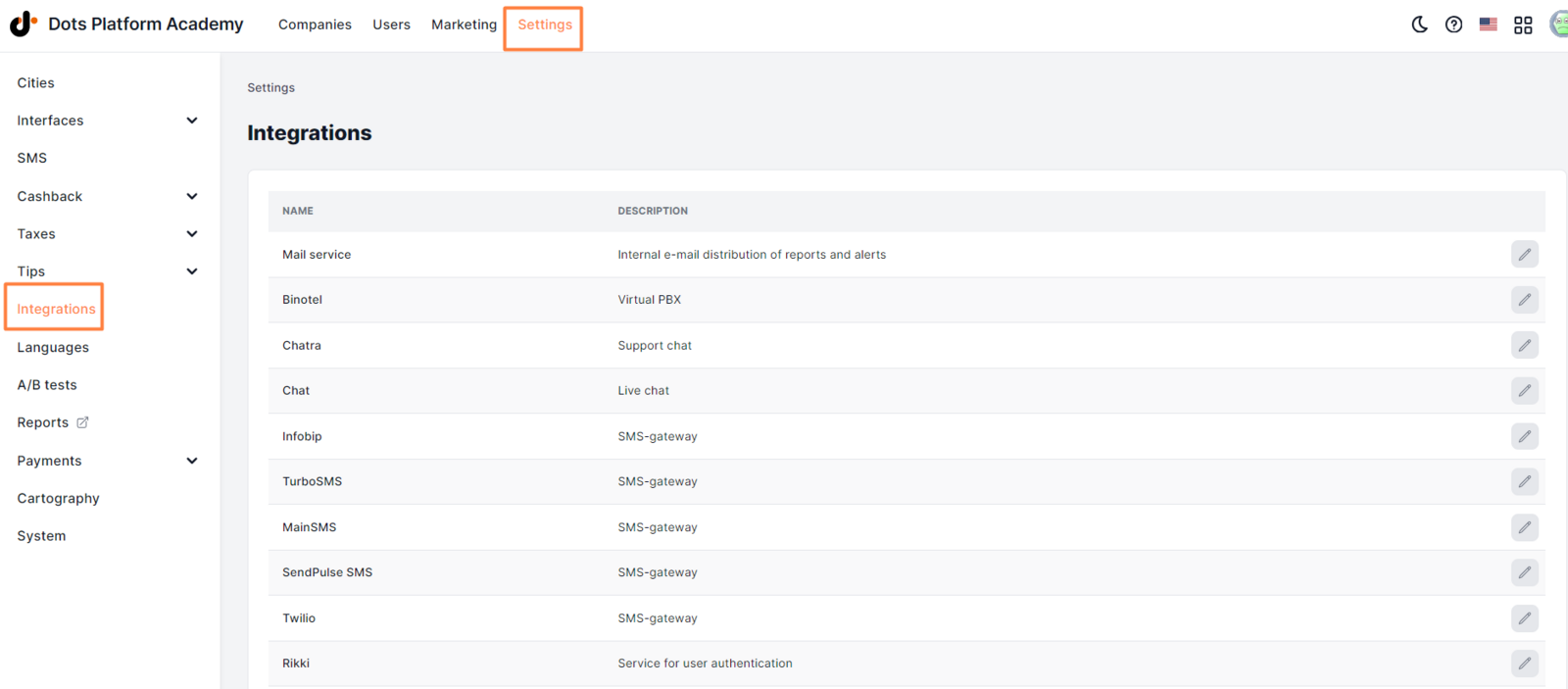
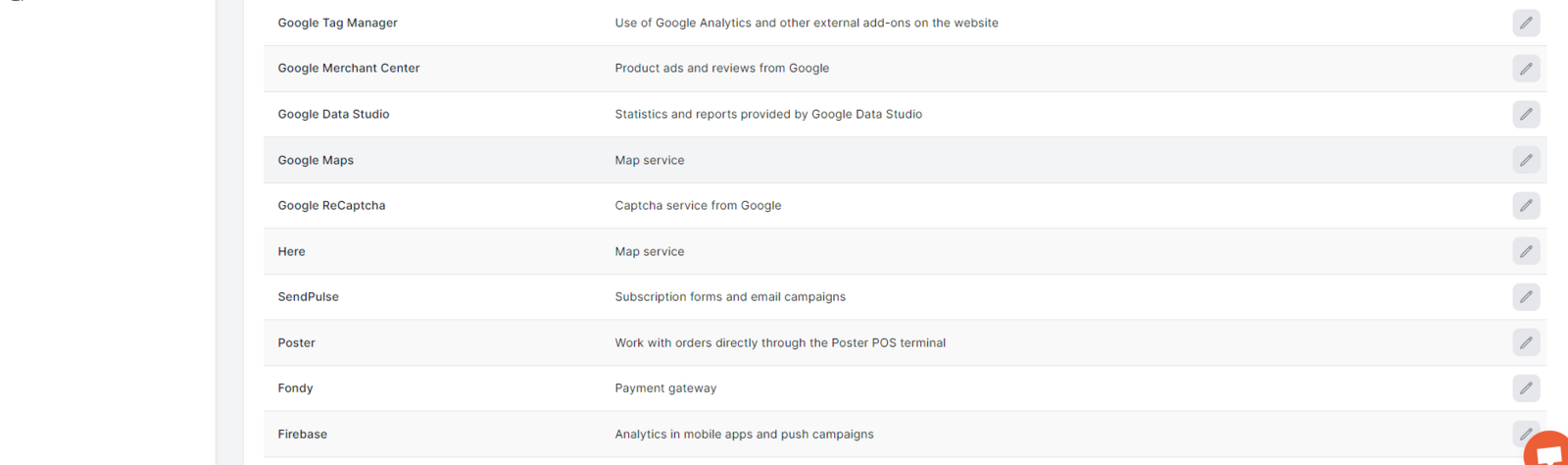
You can manage all available integrations with third-party services by using the Integrations tab.
To manage integrations:
- In the Control Panel, click Settings.
- Go to the Integrations tab.
- Click the pencil icon near the desired service to open the settings page.
Available elements:
Link to this article: ** here **
Was this article helpful?
Thanks for your feedback!