
2.0 Control panel. Settings. Interfaces. Web: Apps
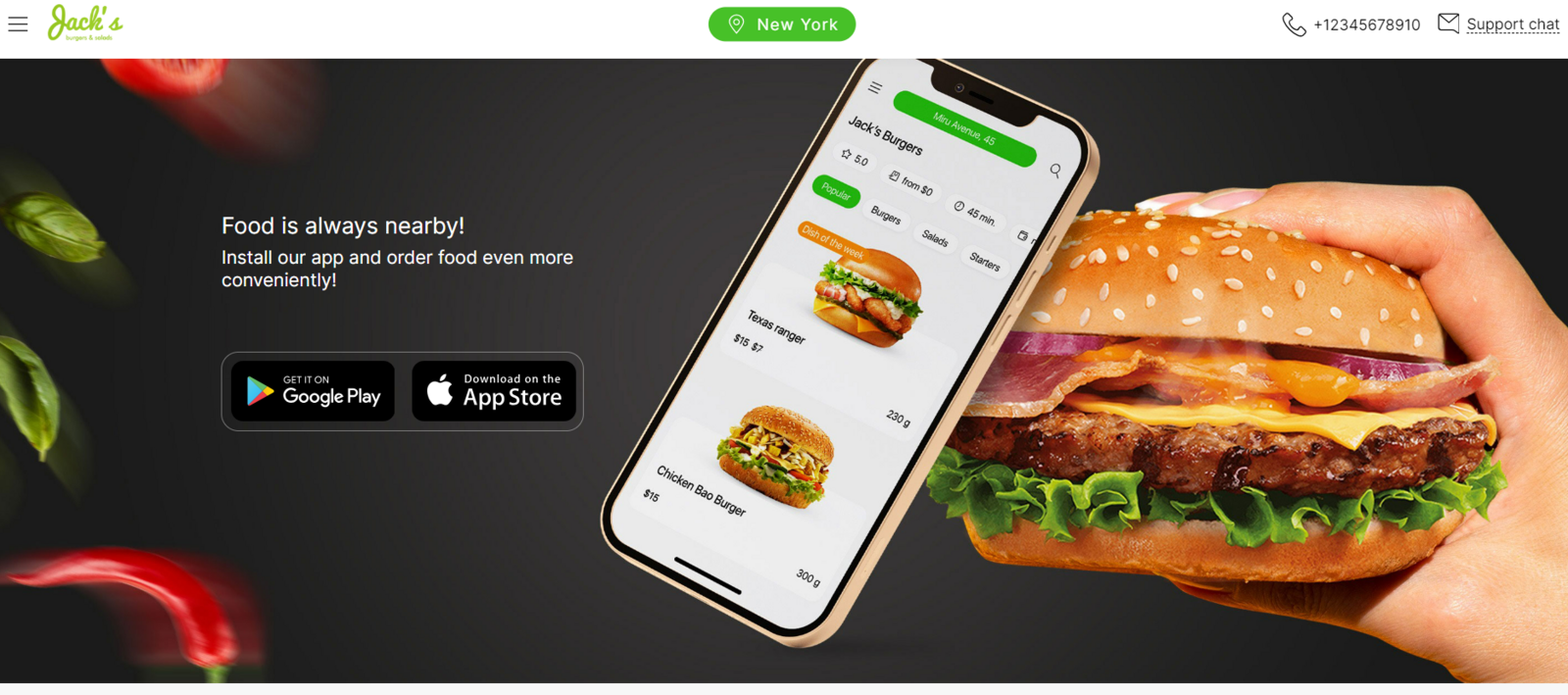
Add links to your mobile apps, that will appear in the Control Panel and on the website.
To add links:
- Open the Settings section in the Control Panel.
- Go to the Interfaces => Web: Apps tab.
- In the AppStore Link and GooglePlay Link fields, enter links from the respective app stores.
- Click Save.
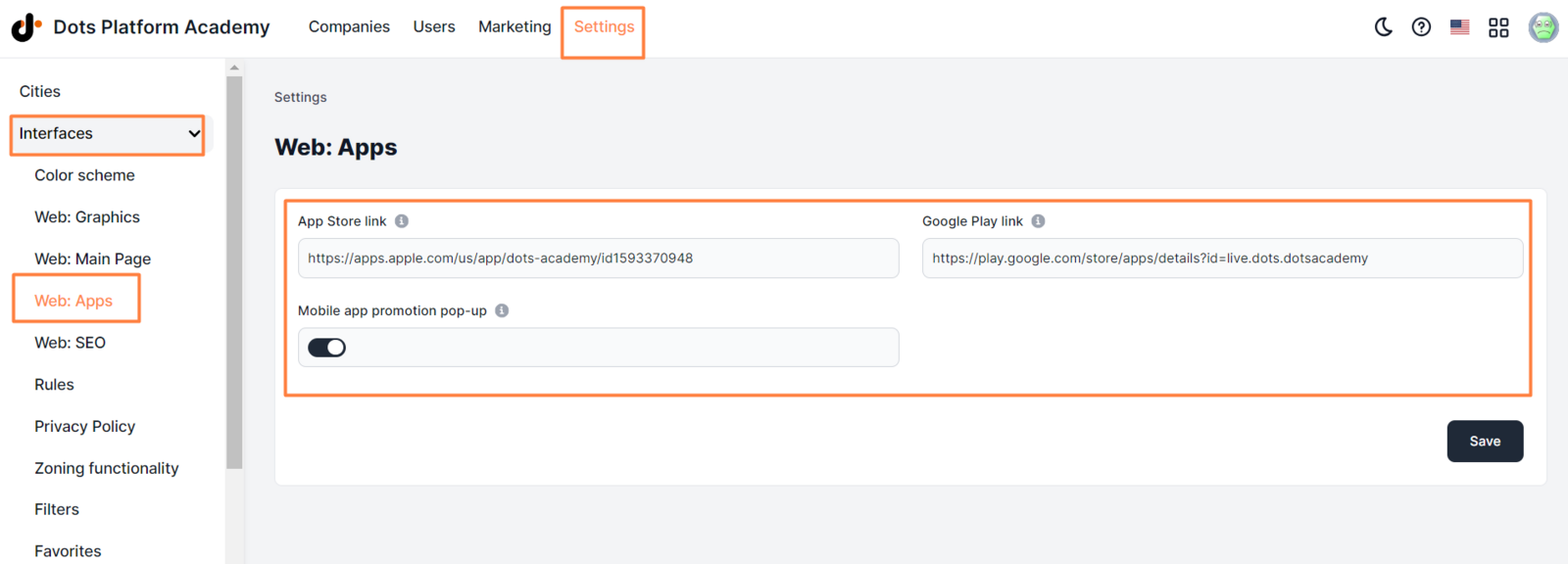
Each link must include “https://”.
** Examples ** _ https://apps.apple.com/app/apple-store/id1450833724 _ _ https://play.google.com/store/apps/details?id=live.dots.jacksburders _
Note: If you leave the fields blank, then all link icons on the website and in the Control Panel will become inactive.
Mobile app promotion pop-up.
- On - Pop-up messages about possibility to download the app are in company’s site.
- Off - pop-up messages are disabled in all pages of the site.

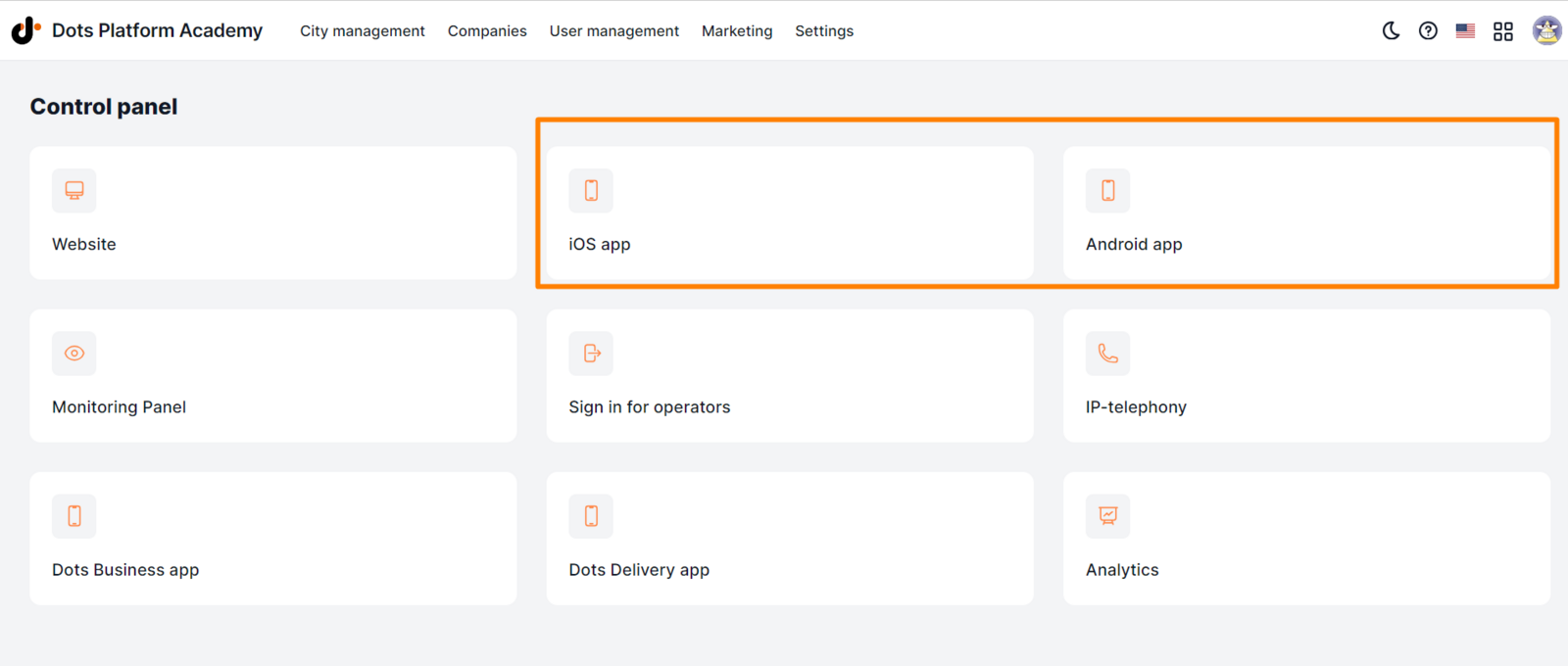
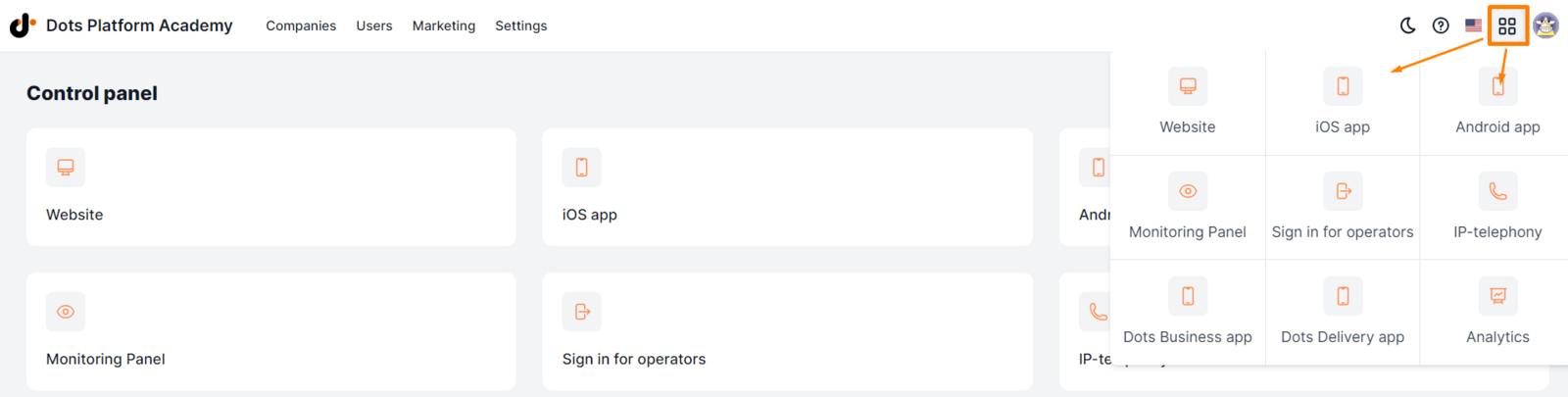
Links also appear in the main menu of the Control Panel.
Link to this article: here
Was this article helpful?
Thanks for your feedback!