
2.0 Control panel. Settings. Reports
This section contains a link to a service data report. You can use reports for analytics, marketing activities planning, and performance improvement. Note: The data report will only be available if your user role has the appropriate access.
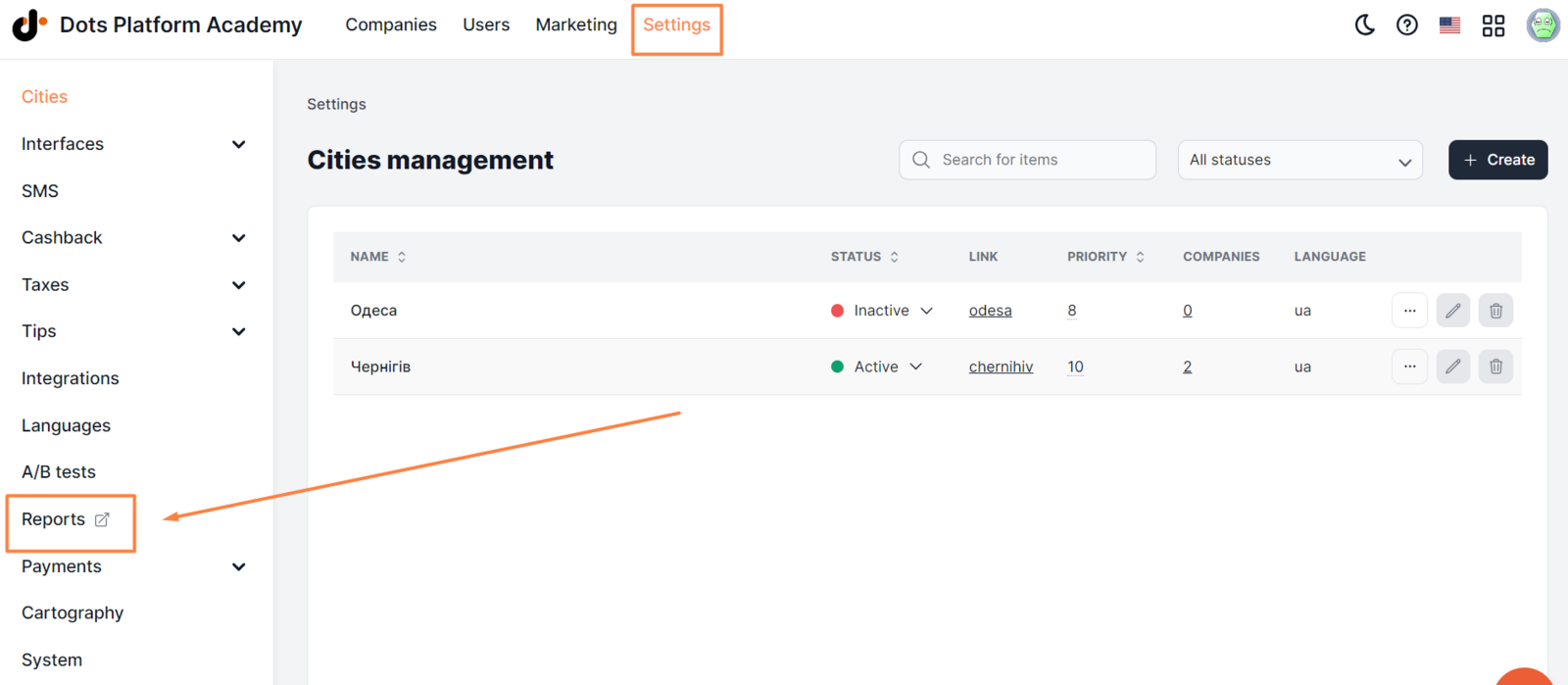
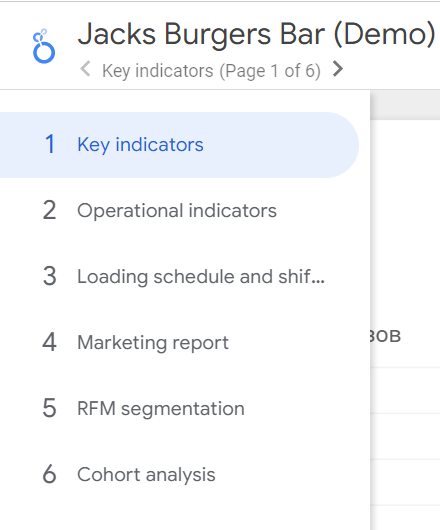
The report in Google Data Studio consists of six pages:
- ** Key metrics **
- ** Operational metrics **
- ** Load schedule and shift forecast **
- ** Marketing report **
- ** RFM segmentation **
- ** Cohort analysis **
Navigate between pages using the arrows keys, or using the menu at the top of the page.
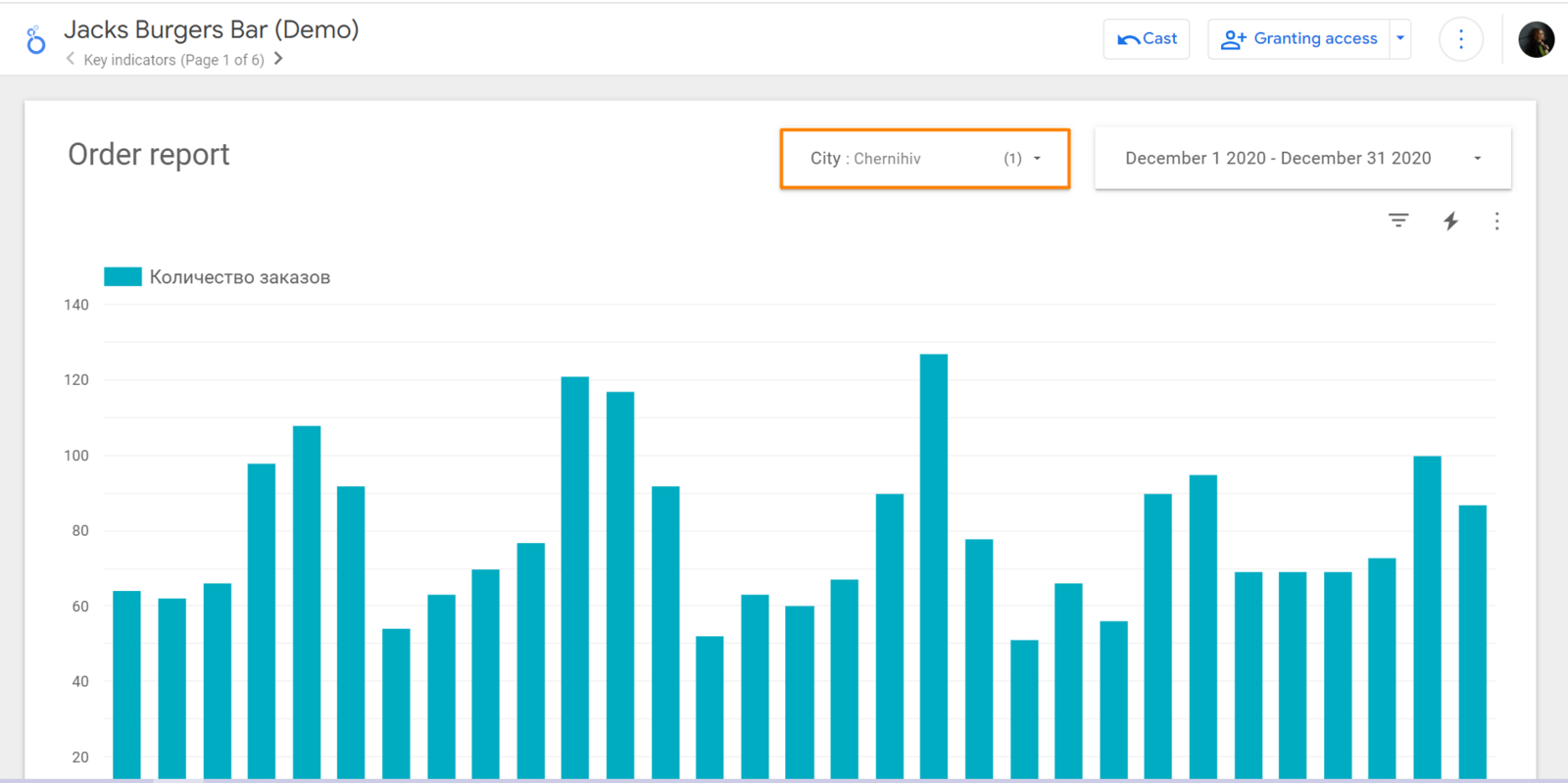
 You can see indicators for individual cities using the filter at the top of the page.
To access the report, you must be authorized in the Google account, which has access.
All pages, except for the Marketing Report, are updated once a month. Marketing metrics are updated in real-time.
Note: To add a link to the data report, go to Settings > Integrations > ** Google Data Studio **.
Link to this article: here
Was this article helpful?
Thanks for your feedback!