
How to get into the Client Card?
There are several ways to get into the client card:
- By client's phone number. To do this, enter their phone number in the search field of the Monitoring Panel.

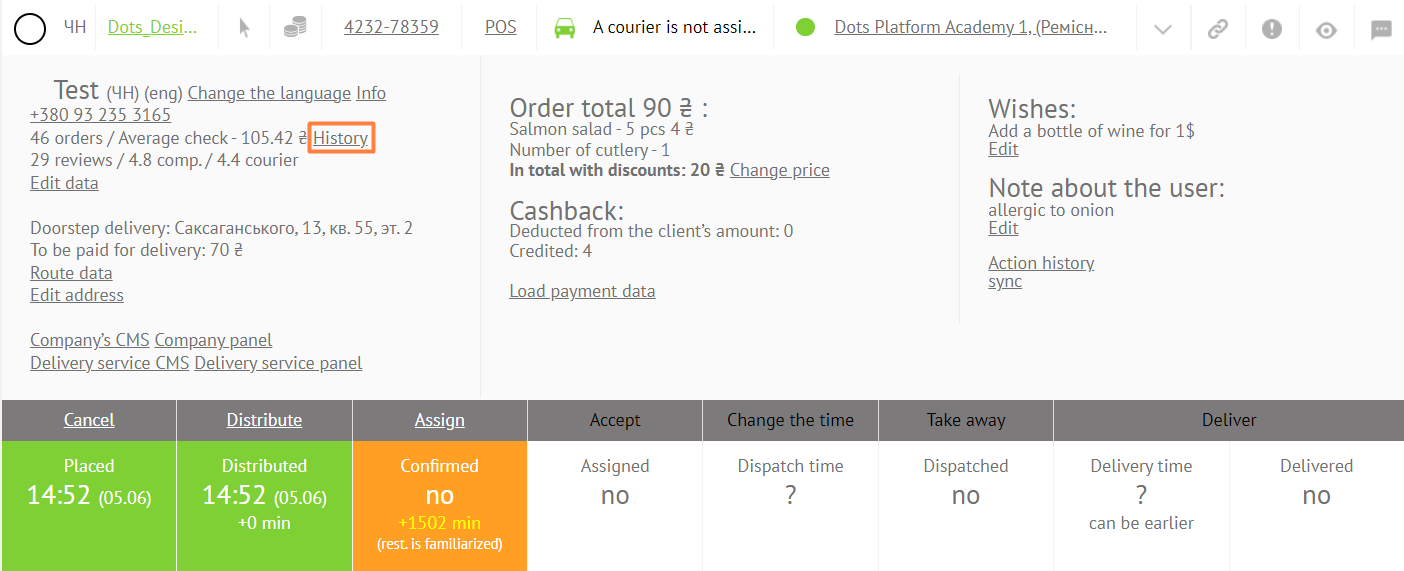
- From the order card. To do this, go to the Monitoring Panel → Order card → personal data block → History.
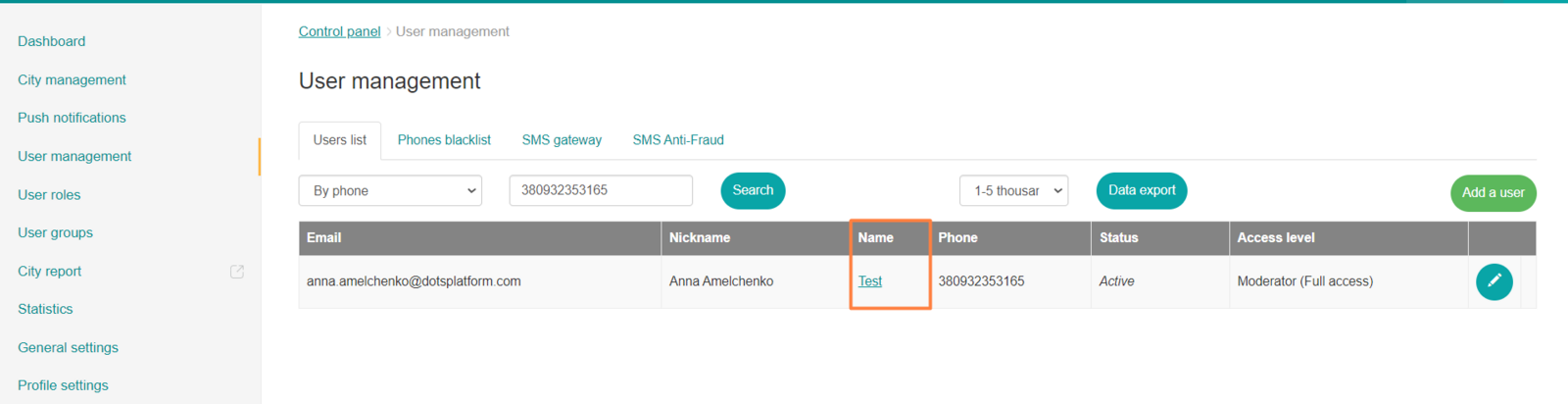
- From Control Panel → Users by clicking on the name of a specific user.
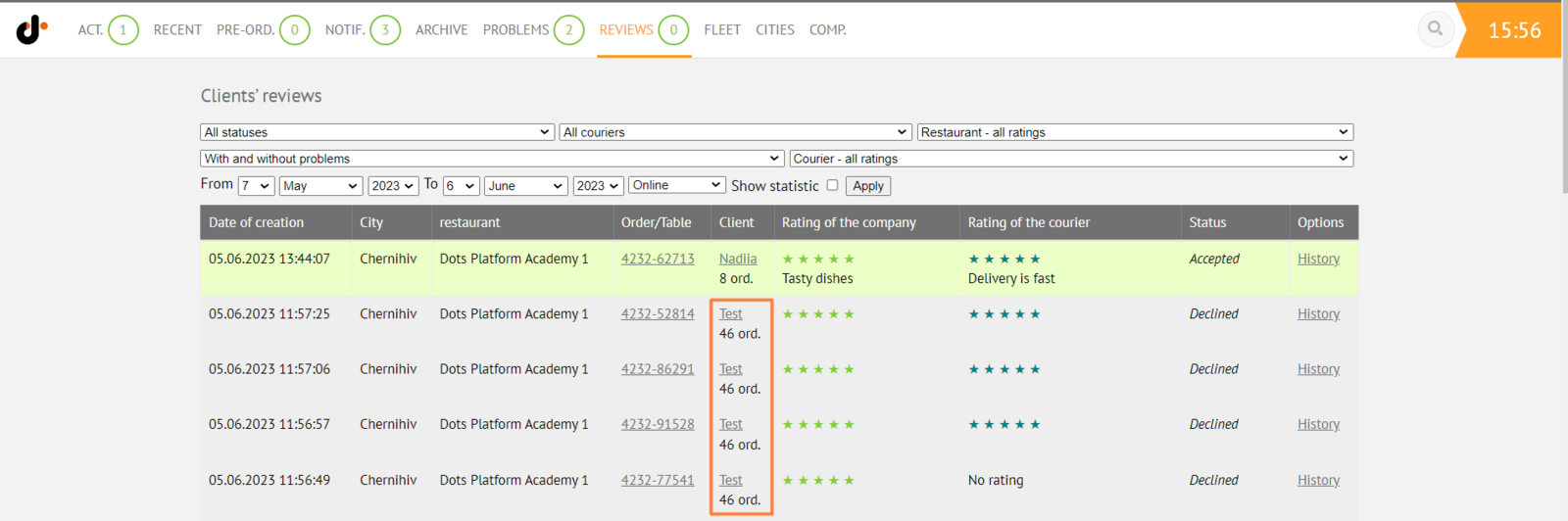
- From a customer's review by clicking on their name. To do this, go to Monitoring Panel → Clients.
Link to this article: here
Was this article helpful?
Thanks for your feedback!