
How to set up a free delivery promotion?
You can create a promotion at the city level and at the company level:
- To create a promotion at the city level, go to Control Panel → Cities → Promotions → Add Promotion;
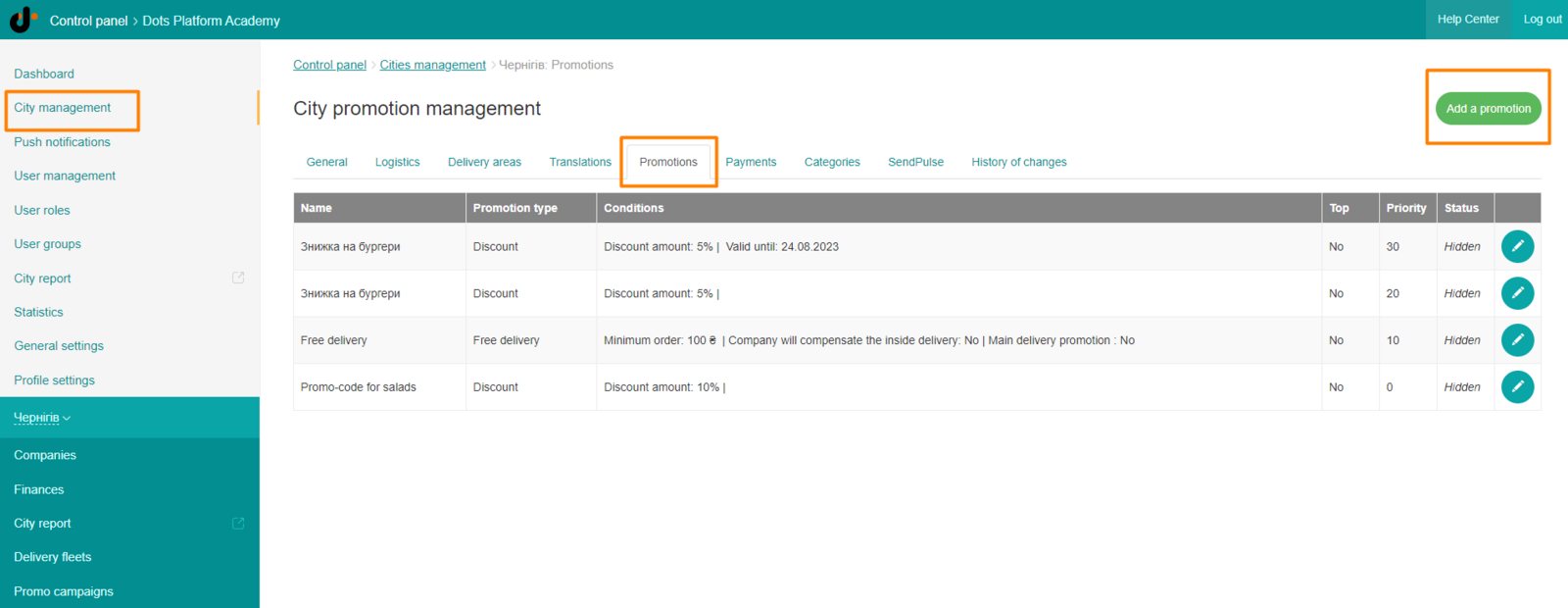
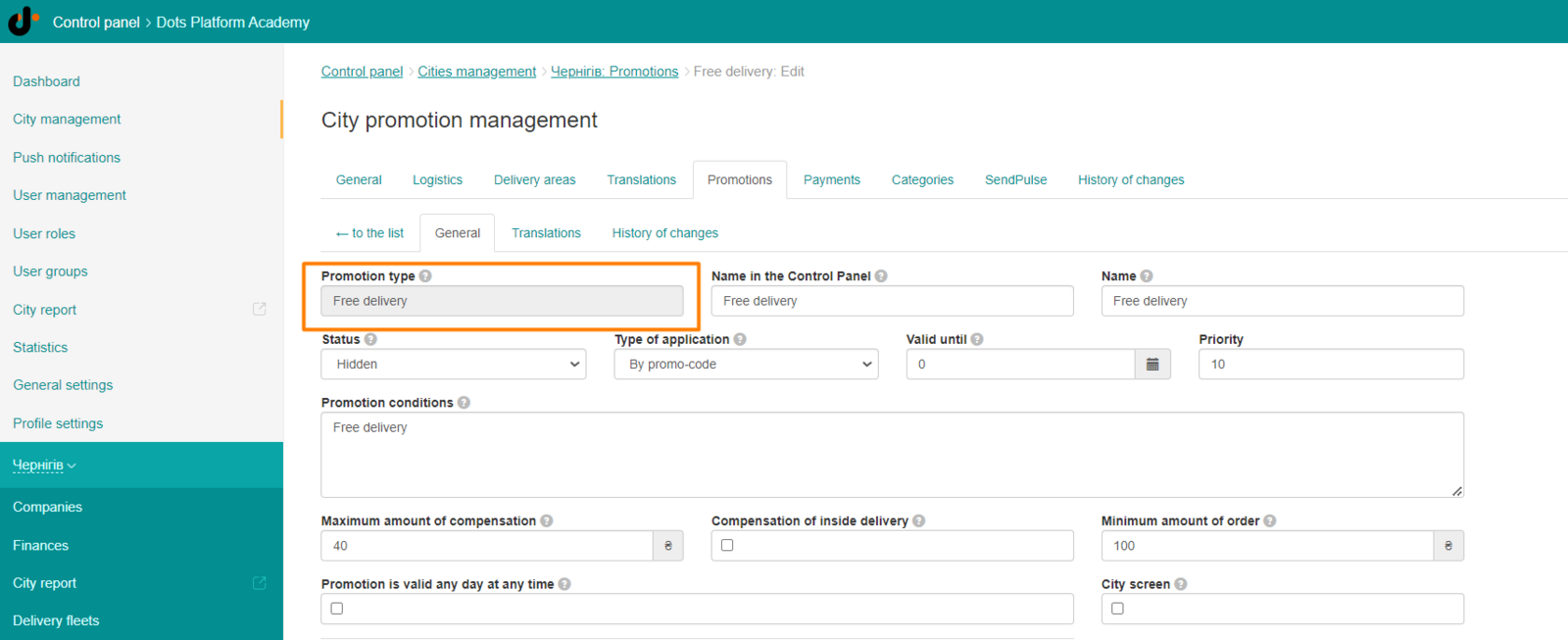
- To create a promotion at the company level, go to Control Panel → Companies → Promotions → Add Promotion. In the promotion type, you need to select the Free delivery item and fill in the rest of the fields.
Link to this article: here
Was this article helpful?
Thanks for your feedback!