
Restriction of new users by order amount
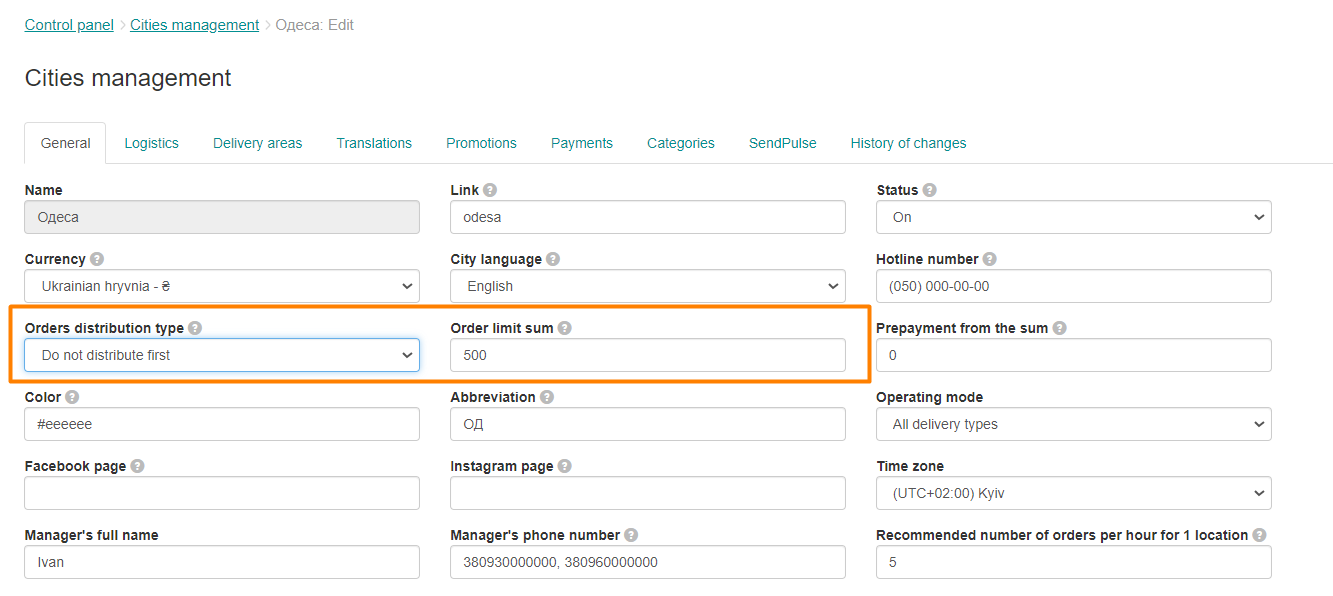
In order to set the First Order Limit for all new customers, go to Control Panel → Cities → edit → Main. In the Order distribution type field, select the Do not distribute first orders value and set the required limit, above which the order will not be distributed.
Link to this article: ** here **
Was this article helpful?
Thanks for your feedback!