
Where to view online payment statistics?
Online payment statistics can be seen in several places:
- In the Monitoring Panel → Archive on the Finance tab. Only online payments are displayed here.

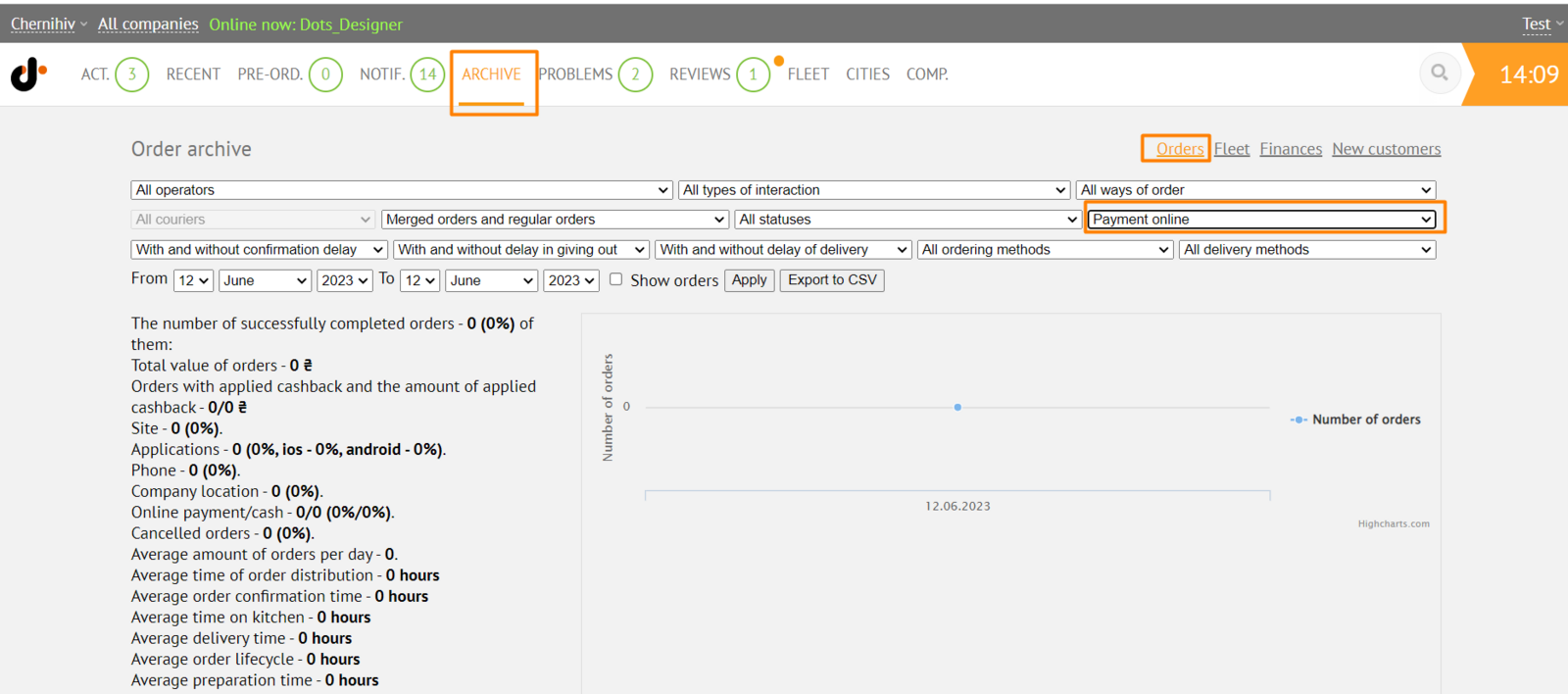
- In the Monitoring Panel → Archive on the Orders tab. You can view data on online payments using the filter by payment type.
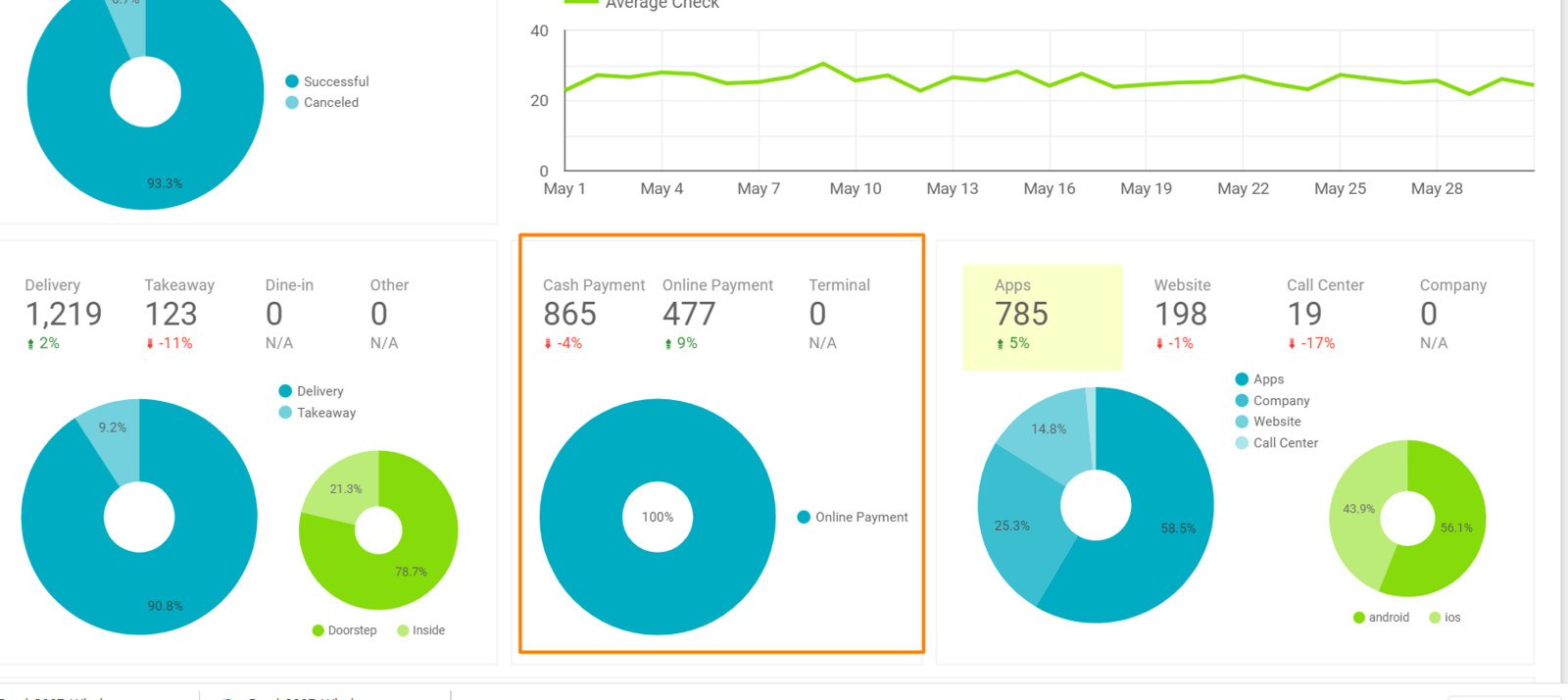
- In Data Studio reports. To view, go to Control Panel → City → Reports tab.
Link to this article: ** here **
Was this article helpful?
Thanks for your feedback!