
Why is it empty in the Monitoring Panel, in the Couriers tab?
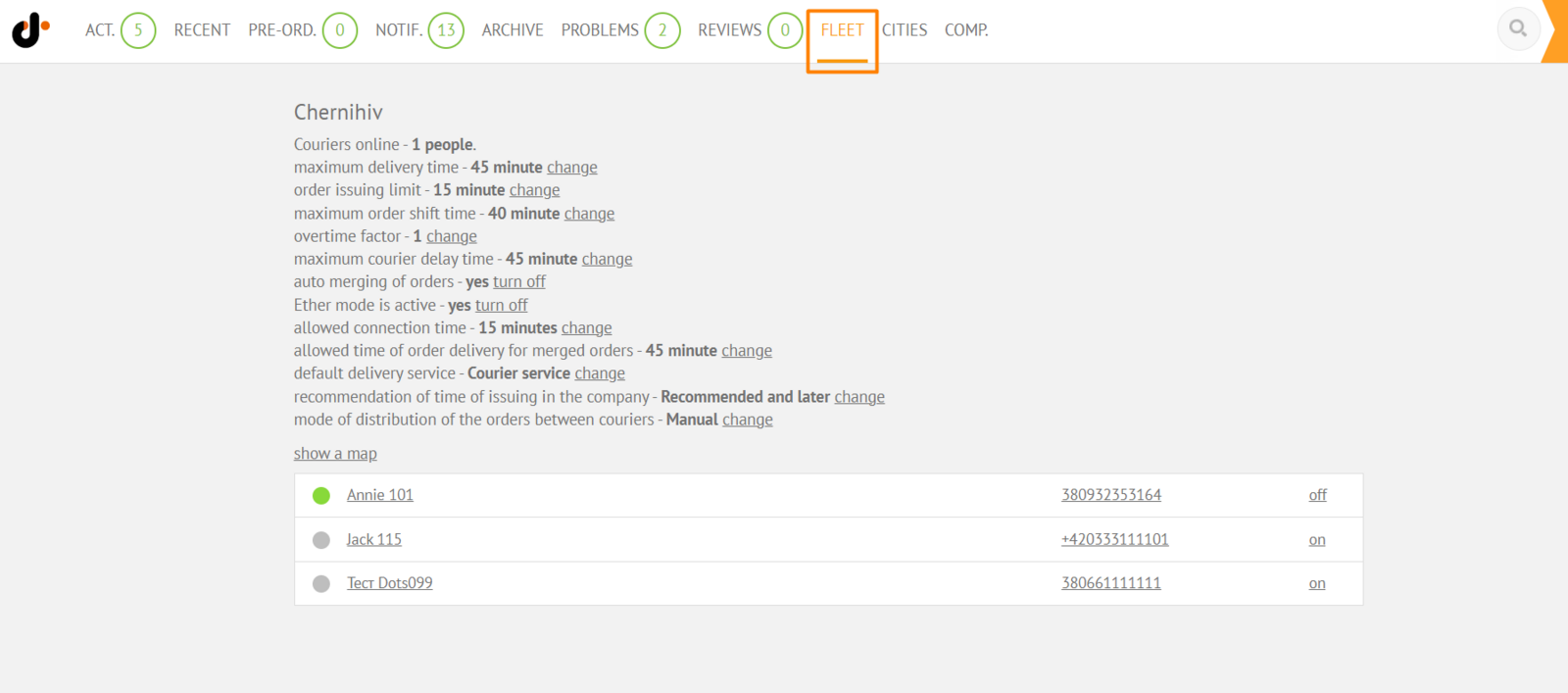
To display information on the Couriers tab in the Monitoring Panel, you need to select a city in the filter by cities. The filter is located in the upper left corner of the Monitoring Panel. After selecting a city, information about logistics settings and couriers will become available on the tab.
Link to this article: ** here **
Was this article helpful?
Thanks for your feedback!