
Work statistics for each individual courier
There are two ways to view statistics for each individual courier:
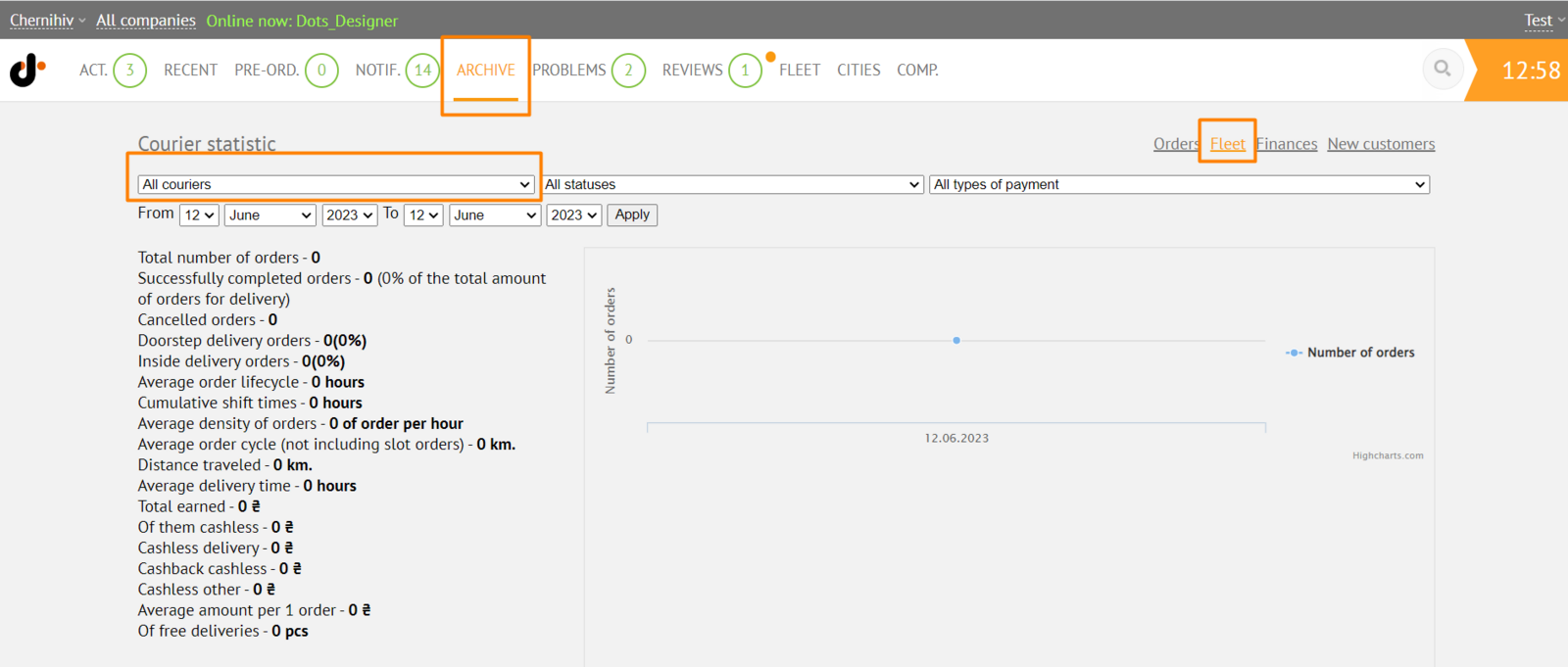
- In the Monitoring Panel → Archive → Couriers, specify the city and select the courier of interest in the filter.
- In the Monitoring Panel → Archive → Orders, specify the desired filters and upload the report to a .CSV file.
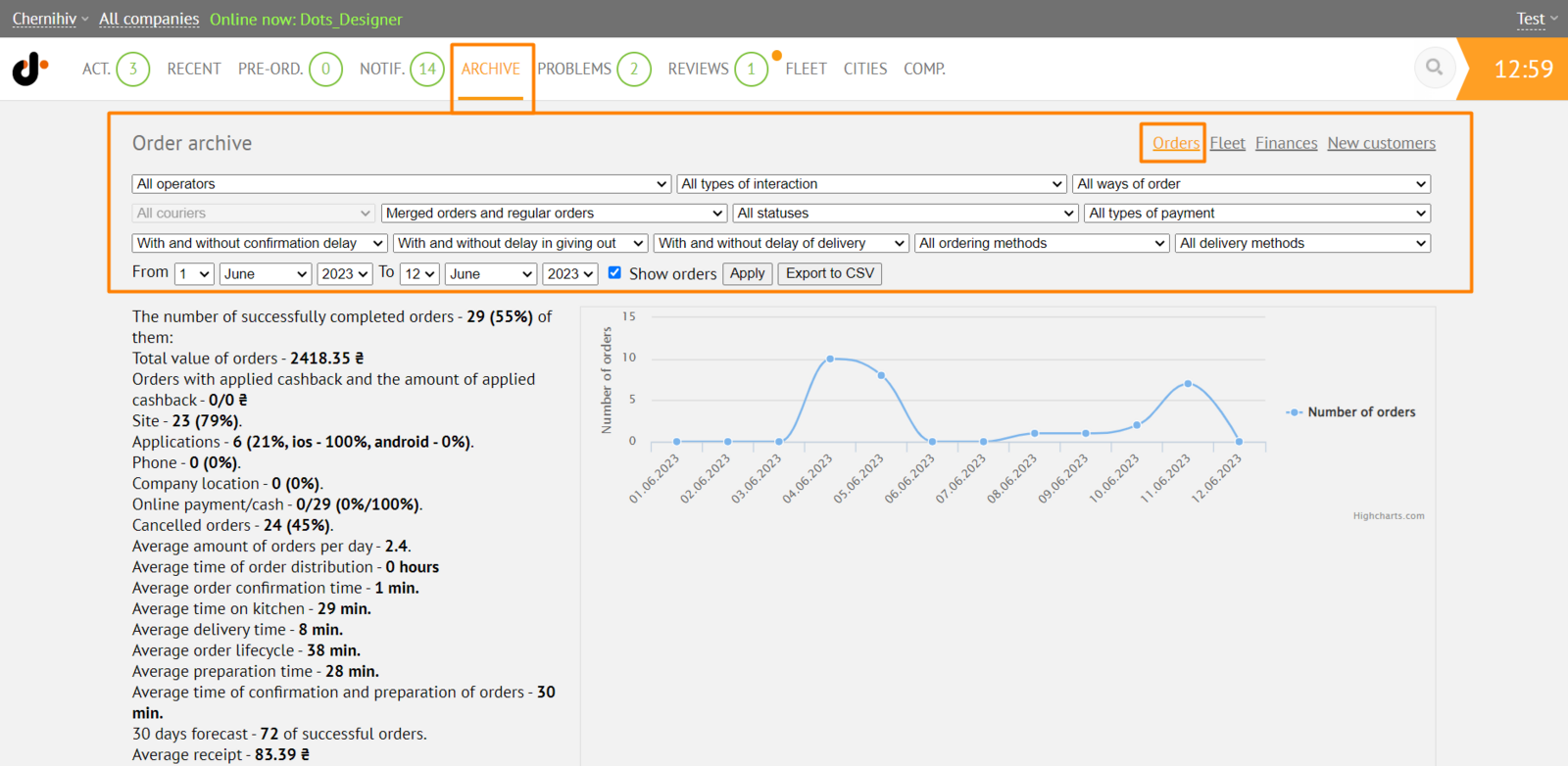 Further, the uploaded data can be filtered by the Courier column and the received information can be processed according to your needs
Link to this article: here
Was this article helpful?
Thanks for your feedback!