
2.0 Control panel. Settings. Interfaces. Web: Main page. Apps
This block shows engaging information about the mobile apps of your service on the main page of the website.
To set up the block:
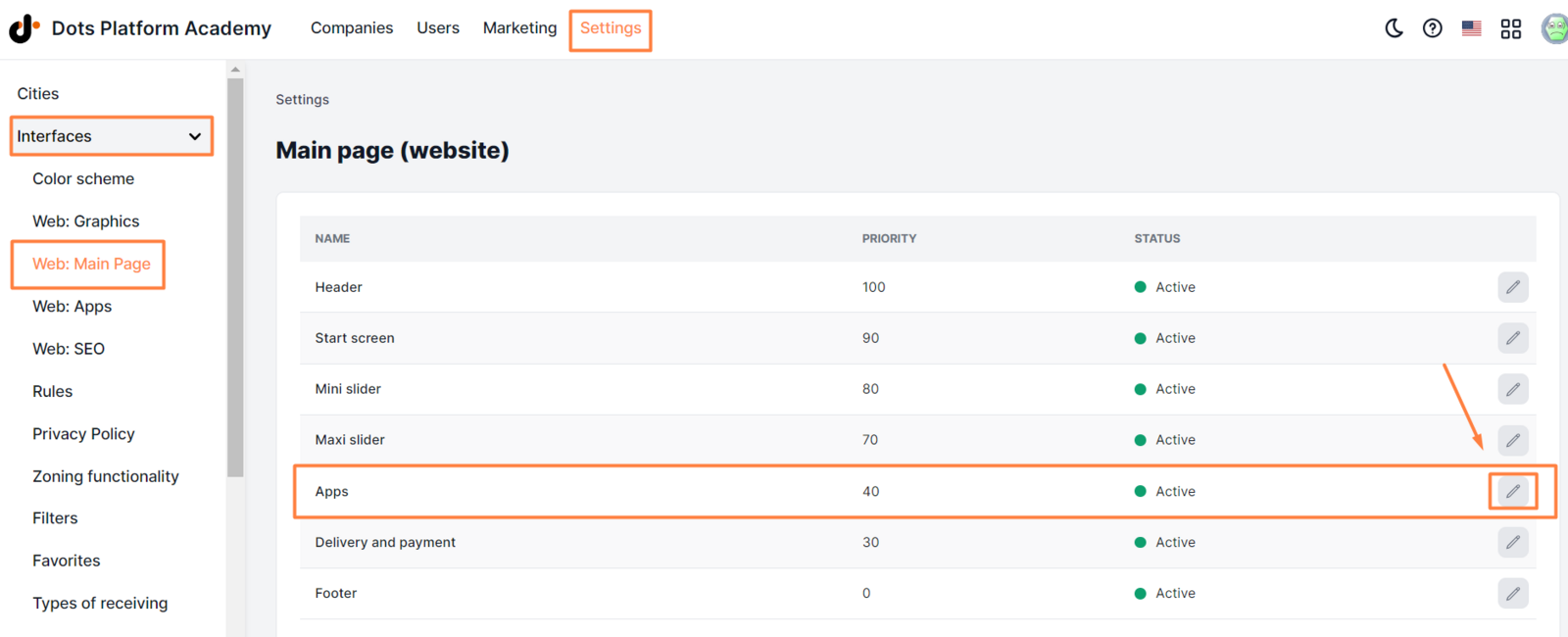
- In the Control Panel, click Settings.
- Go to the ** Interfaces => Web: Main page** tab.
- Find the Apps block and click the pencil icon.
- In the General and Translations tabs, add all necessary information (more details below).
- Click Save.
Available parameters:
-
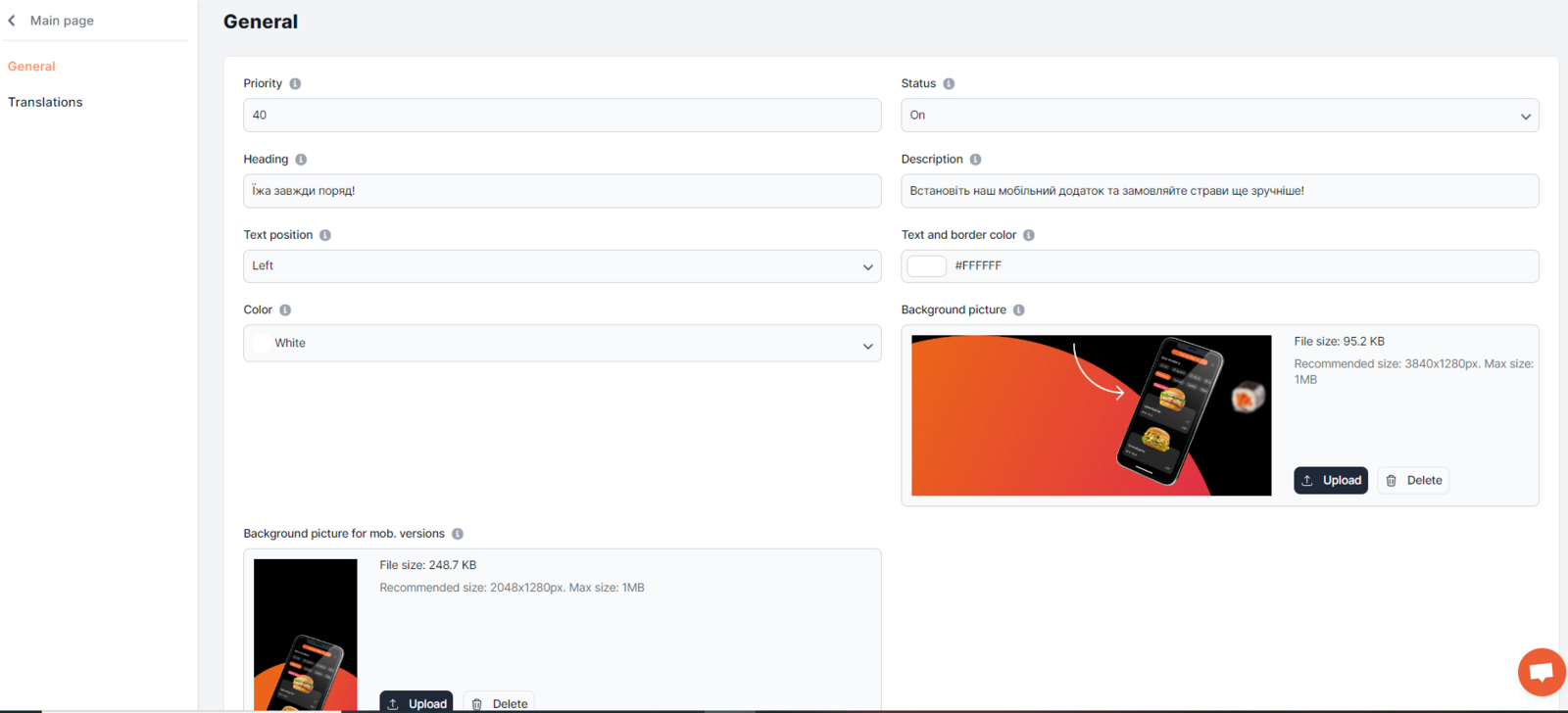
Priority. The value that affects the palace of the block on the home page. The higher the value, the higher the place. Valid values are from 1 to 99.
-
Status. The current status that affects the availability of the block on the home page. Available statuses: On. The block is available on the home page. Off. The block isn’t available on the home page.
-
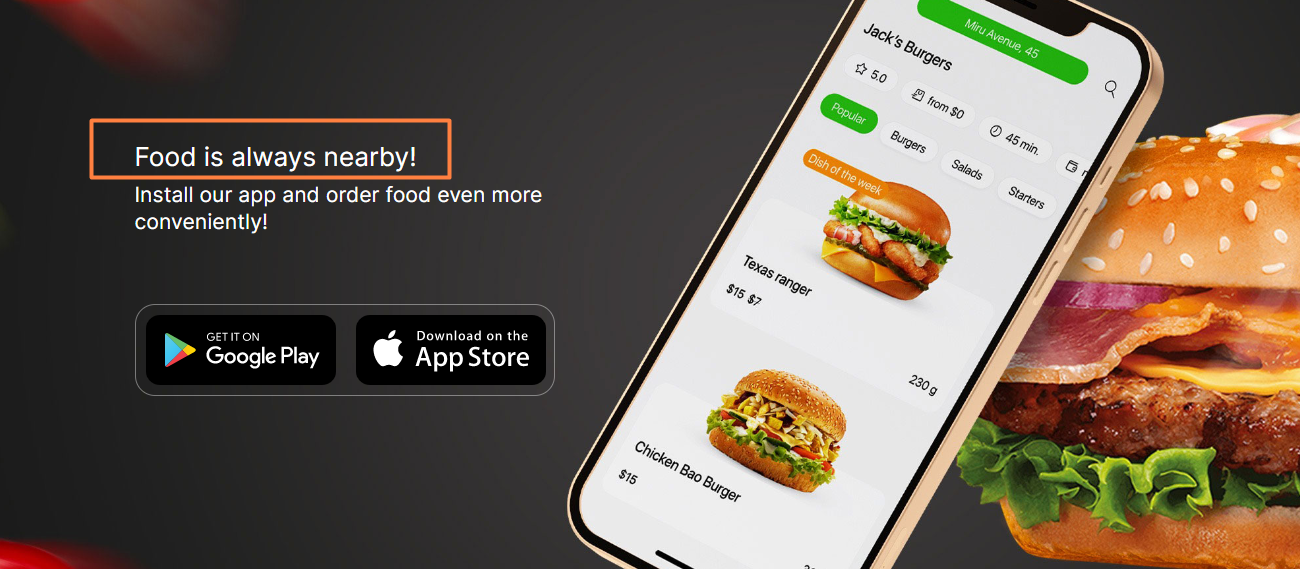
Heading. Block’s title that has up to 25 characters. ** Examples ** Food is always nearby!
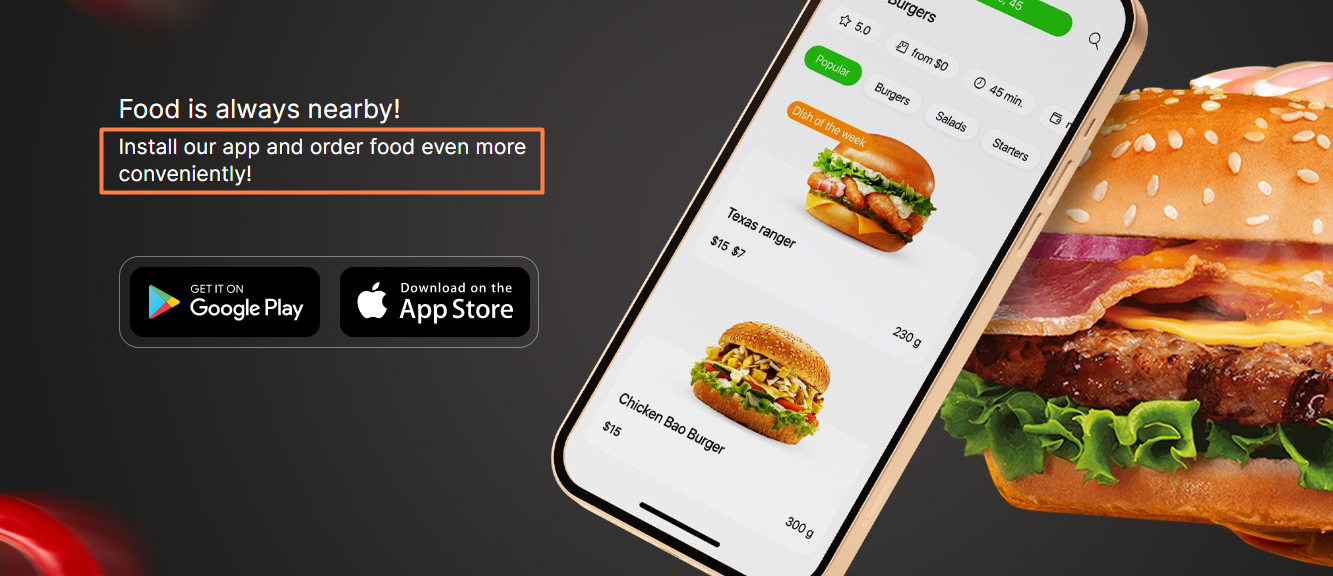
- Description. A short text that should motivate customers to download the app. The submitted description should not exceed 450 symbols. ** Example ** Install our app and order food even more conveniently!
Note: The text color in this block can only be white.
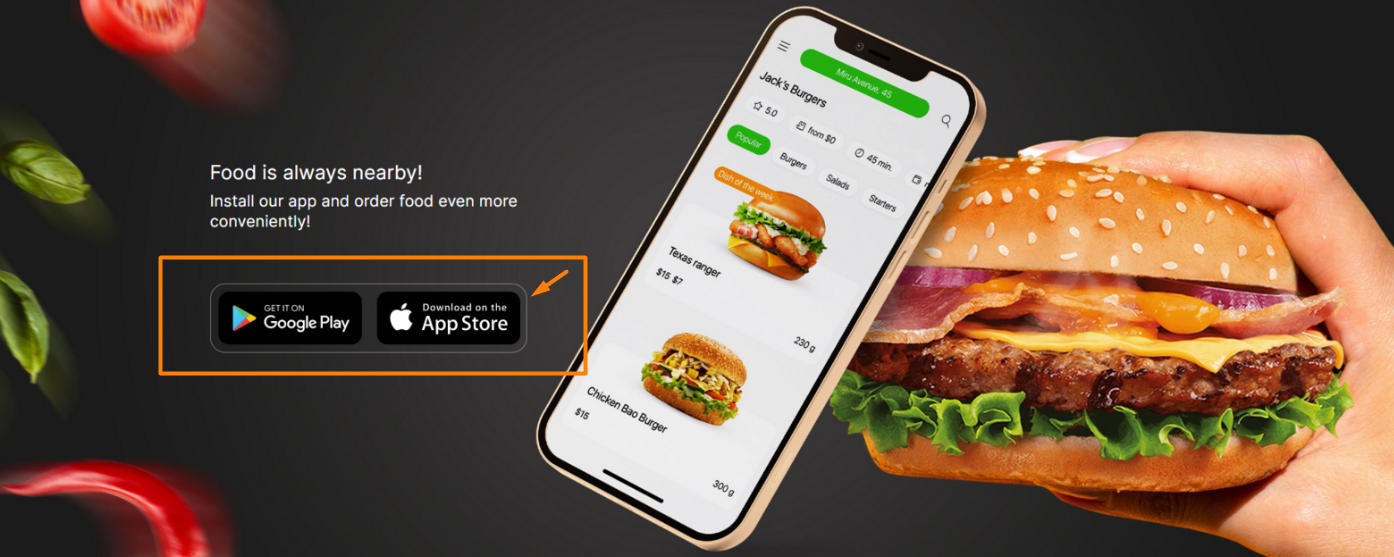
- Text and border color. Border color of application icons.
-
Color of the app store icons. Select the desired color - white, black, grey
-
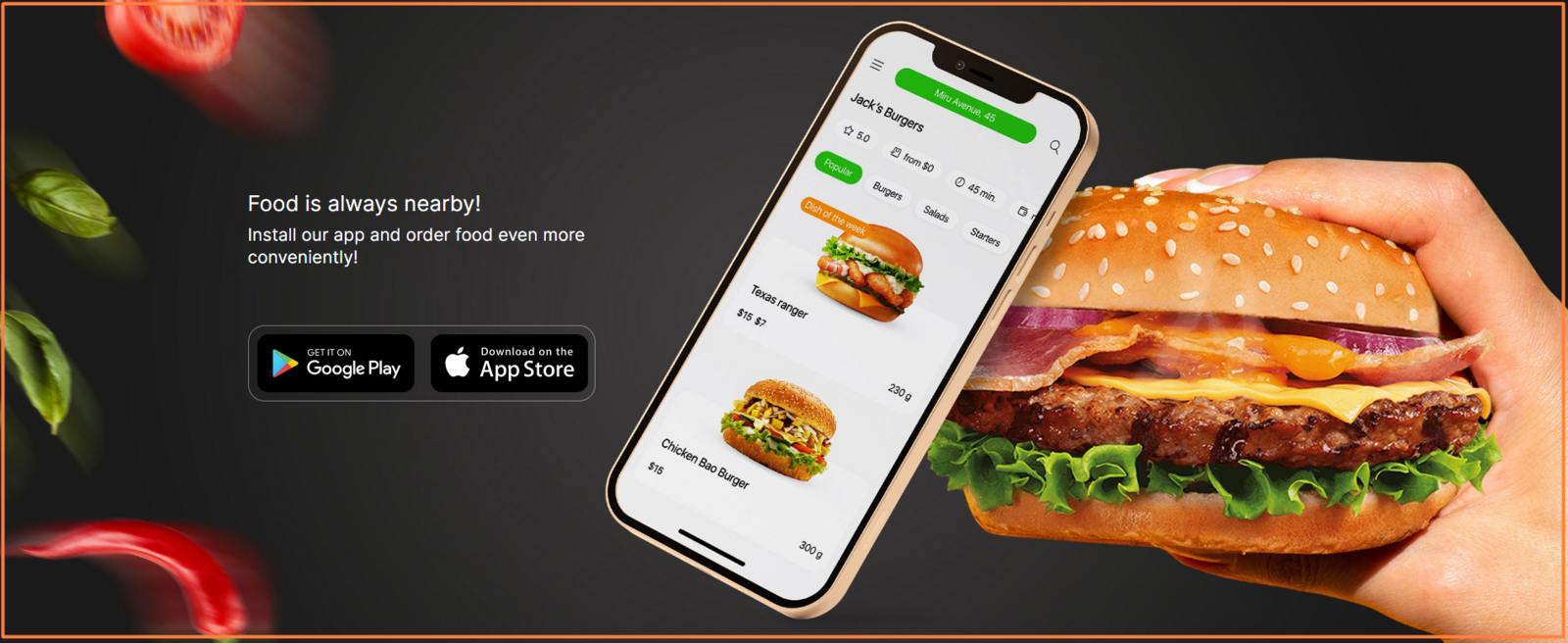
Background for the desktop version. The background image that appears on the desktop version of the home page. The uploaded file must have a resolution of up to 3840х1280 PX and be in JPG or PNG format. File size should not exceed 1 MB.
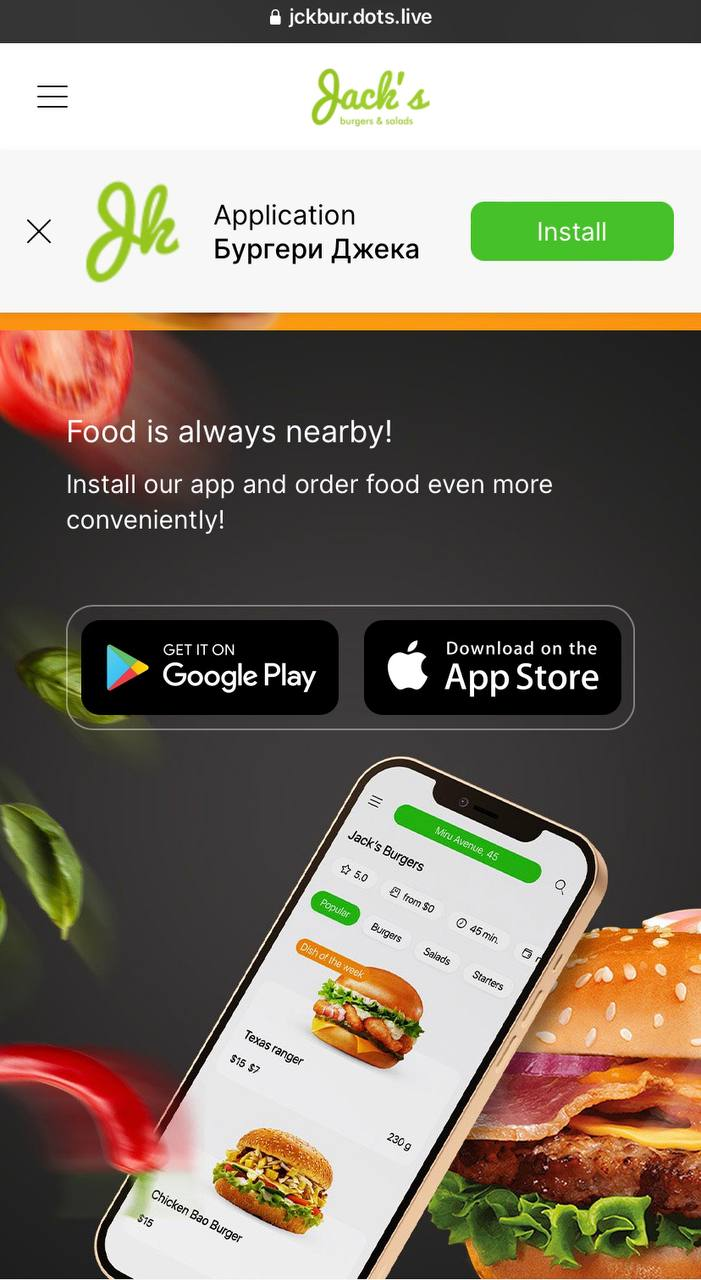
- Background for the mob. Version. The background image that appears on the mobile version of the home page. The uploaded file must have a resolution of up to 2048х1280 PX and be in JPG or PNG format. File size should not exceed 1 MB.
To add heading and description in other available languages, go to the Translations tab.
Note: To add mobile app links, go to ** General settings ** > Website settings > General ** The location of the app download buttons in the block cannot be changed.
Link to this article: ** here **
Was this article helpful?
Thanks for your feedback!