
2.0 How can you share a link to a product, company or promotion?
- To share a link to the Institution, click the Share button on the institution's page
Online
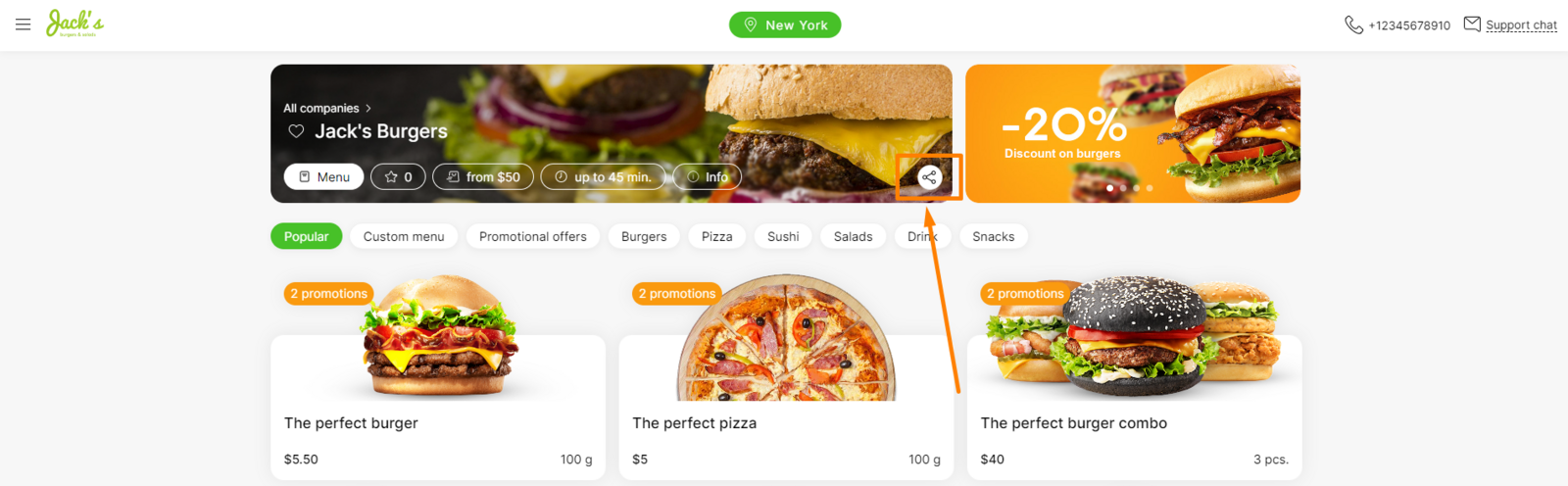
In the application
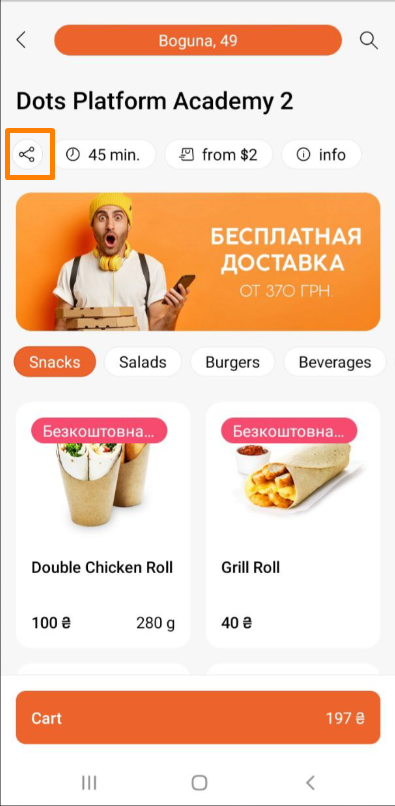
More details about setting up this link can be found in the article at link
- To share a link to the Product, click the Share button in the Product card
Online
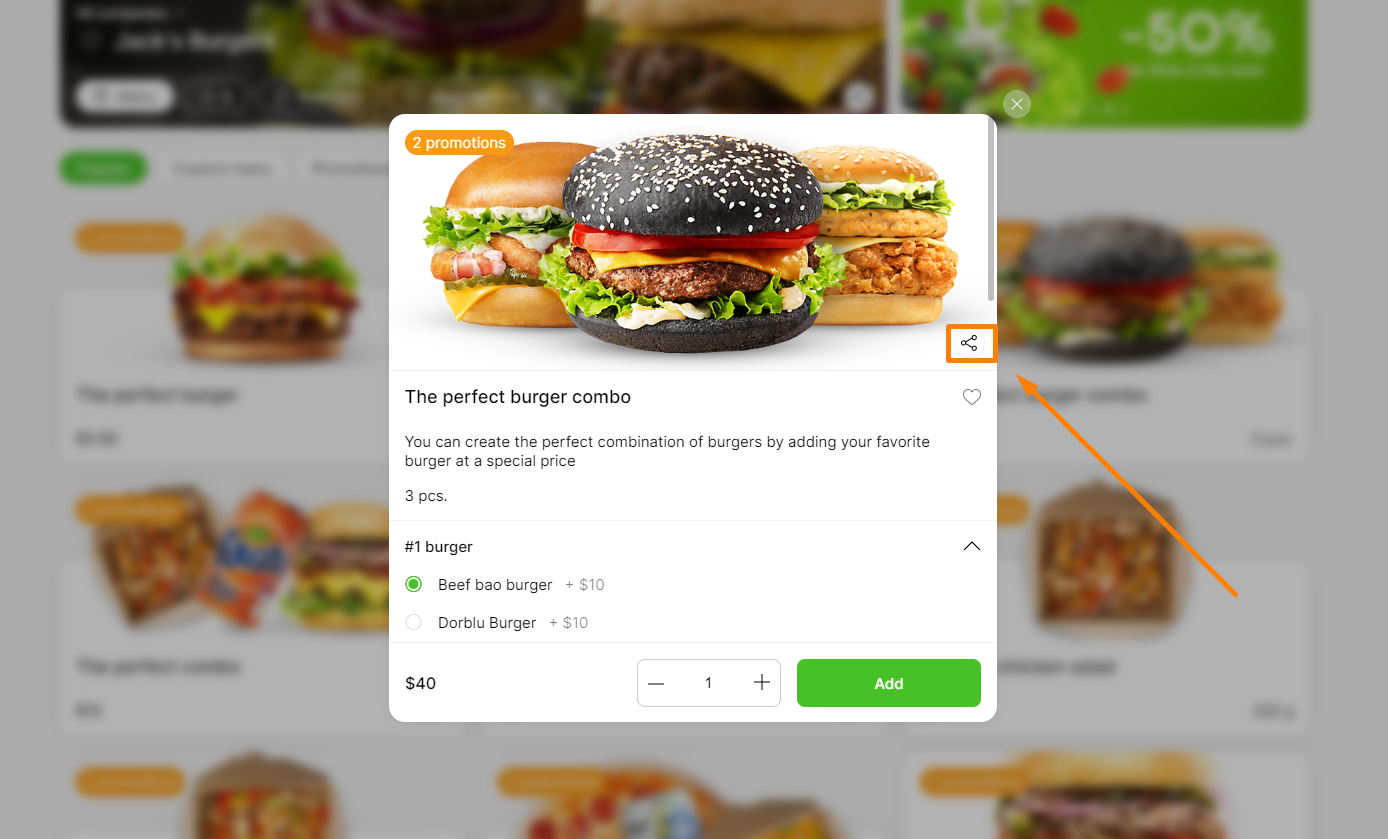
In the application
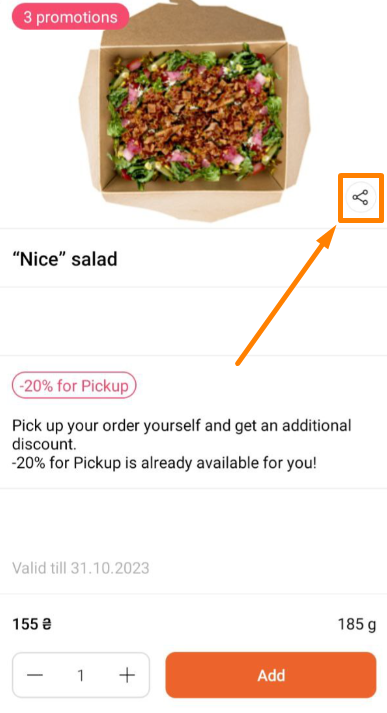
This link is generated automatically when the product is created.
- To share a link to the Promotion, click the Share button in the card about the promotion.
Online
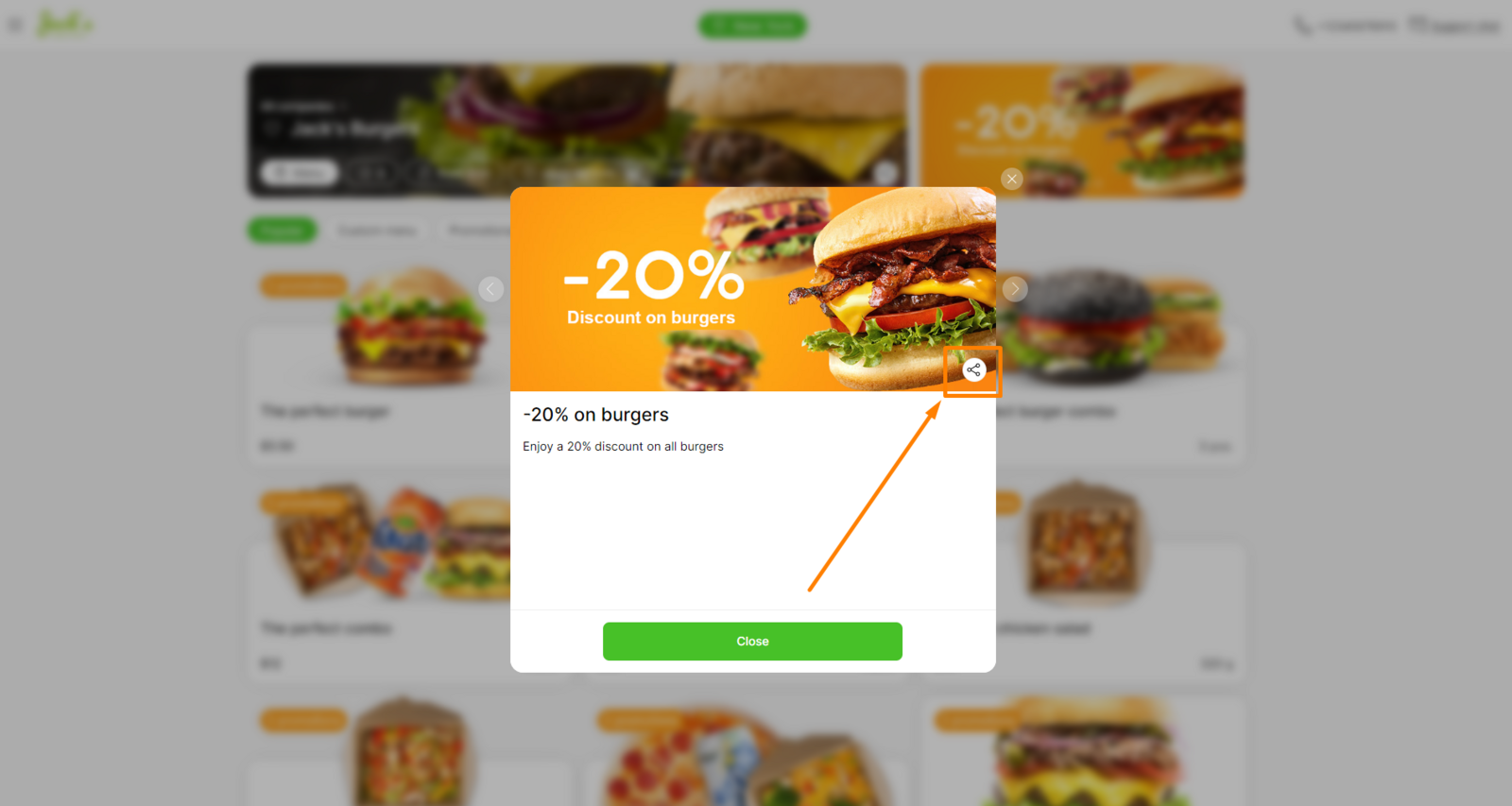
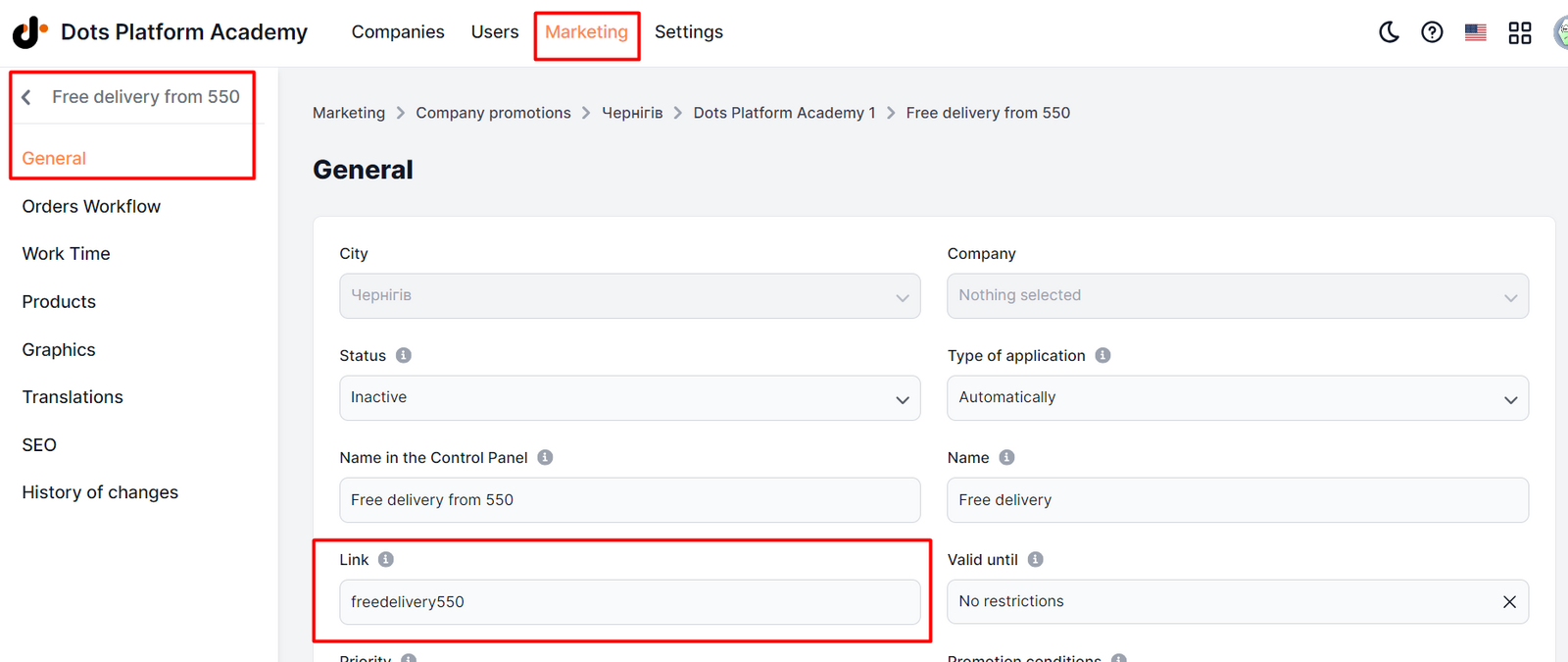
To be able to share a link to the Promotion, when creating the Promotion, you MUST fill in the Link field. ** https://jbusa.dots.live/newyork/jacks-burgers-ny/promotions/freedeliverover100 €
Link to this article: here
Was this article helpful?
Thanks for your feedback!