
2.0 How do logistics settings work?
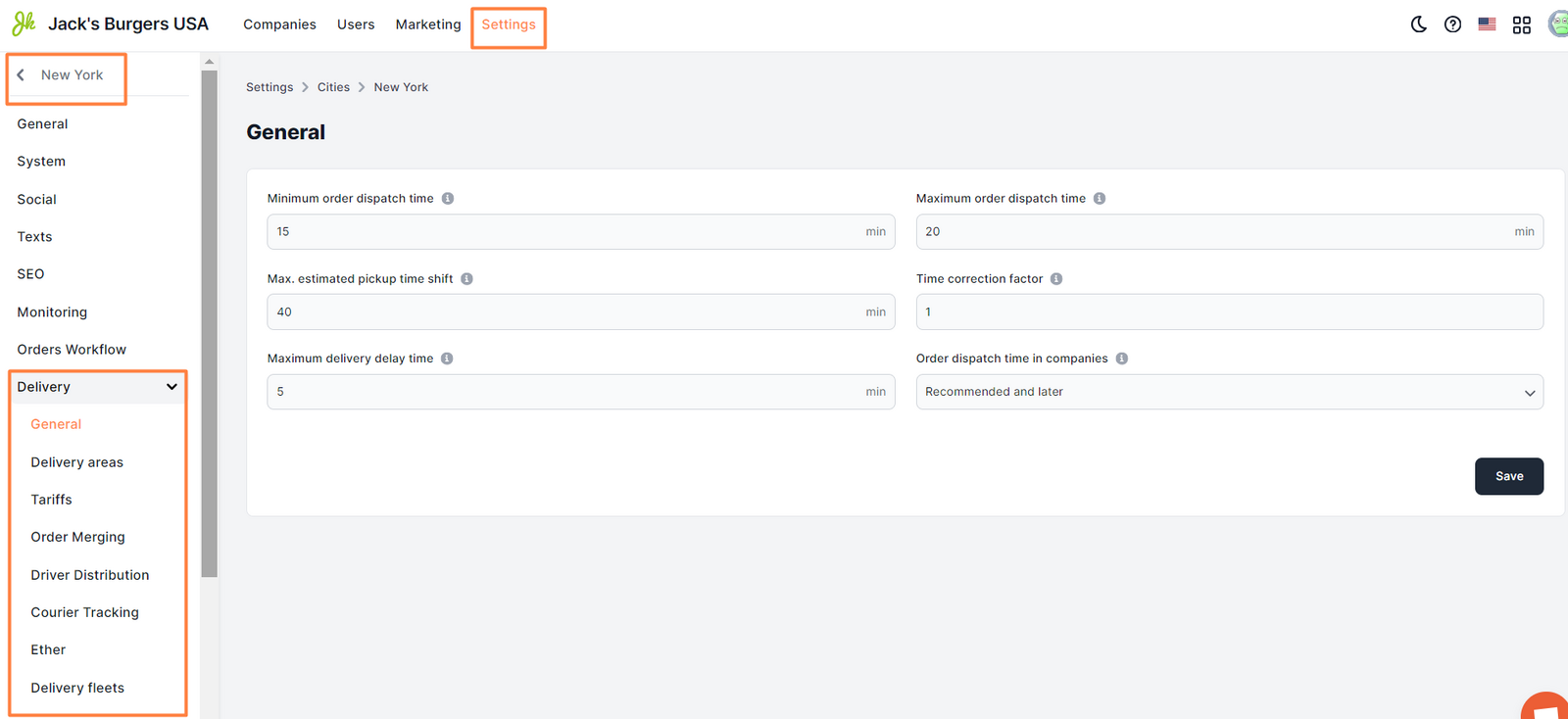
The main logistics settings are configured in the Control Panel → Settings → Cities → edit → Delivery tab.
By going to this tab, you can set up tariff zones for delivery, the possibility of inside delivery, the time for dispatching orders, the availability of merging orders on couriers, and more.
Read more:
Delivery tab. General Delivery tab. Delivery areas Delivery tab. Tariffs Delivery tab. Order Merging Delivery tab. Driver Distribution Delivery tab. Courier Tracking Delivery tab. Ether Delivery tab. Delivery fleets.
Link to this article: ** here **
Was this article helpful?
Thanks for your feedback!