
2.0 How to change the design of the website?
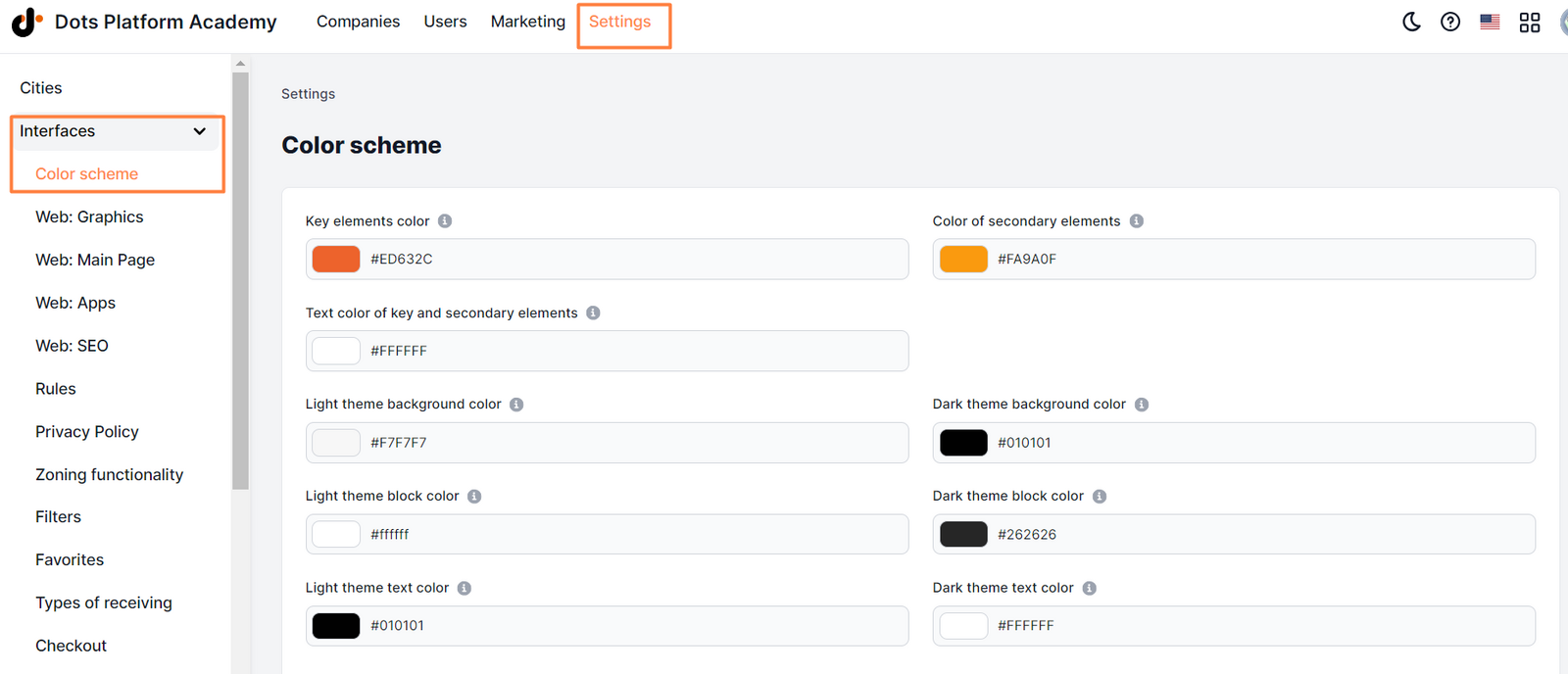
- Control Panel → Settings → Interfaces → Color scheme.
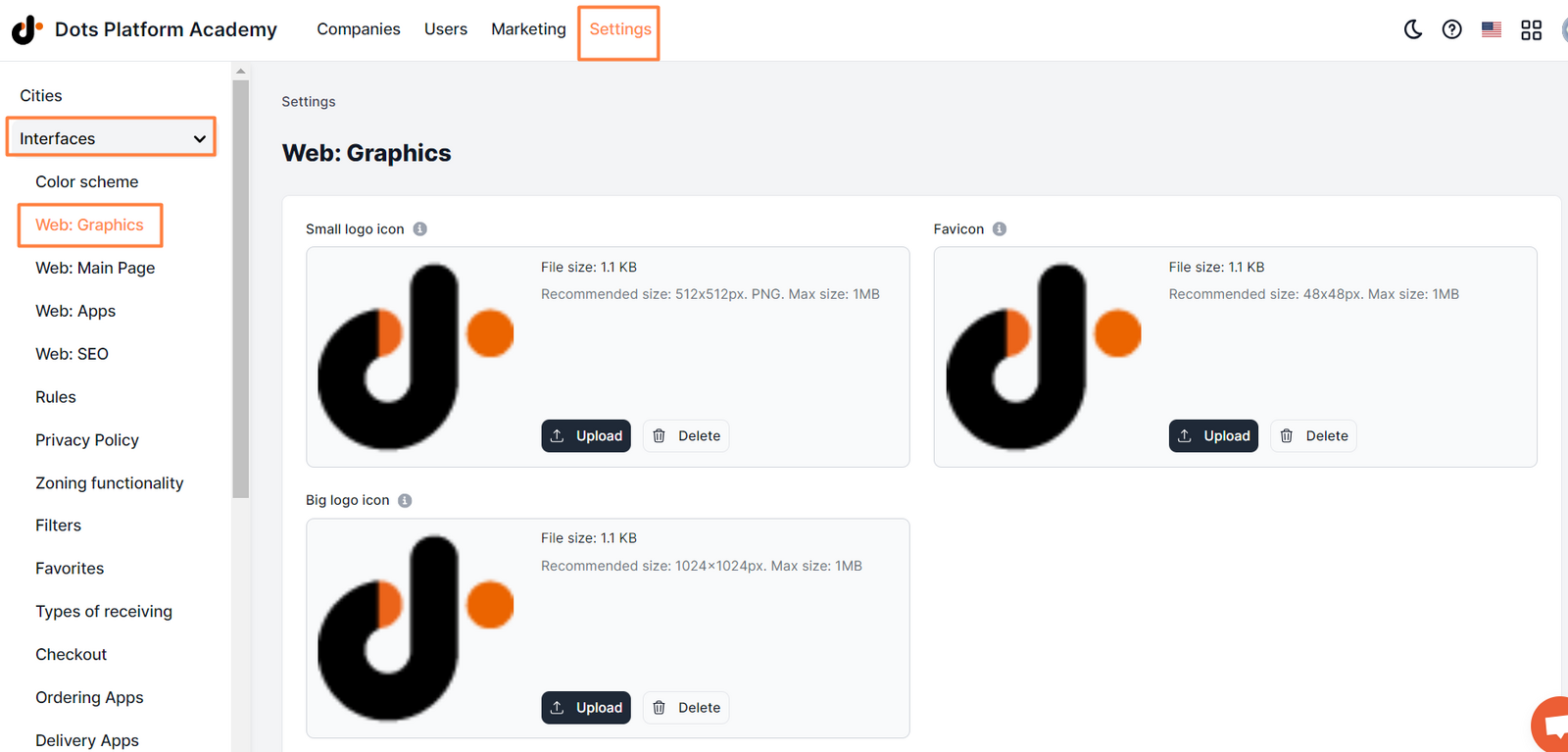
- Control Panel → Settings → Interfaces → Web: Graphics.
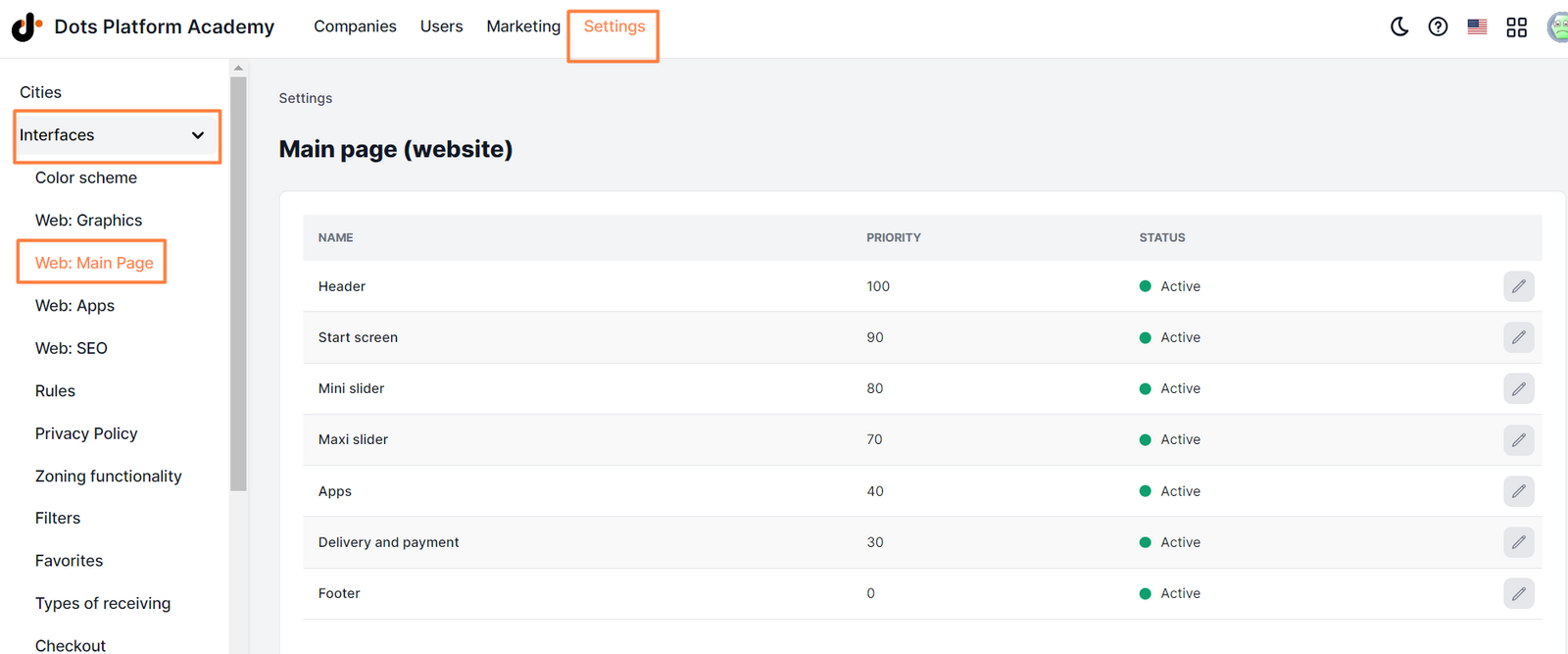
- Control Panel → Settings → Interfaces → Main page (website), where you can set up site display blocks.
Link to this article: here
Was this article helpful?
Thanks for your feedback!