
2.0 How to copy the order number?
There are two ways to copy the order number in the Monitoring Panel:
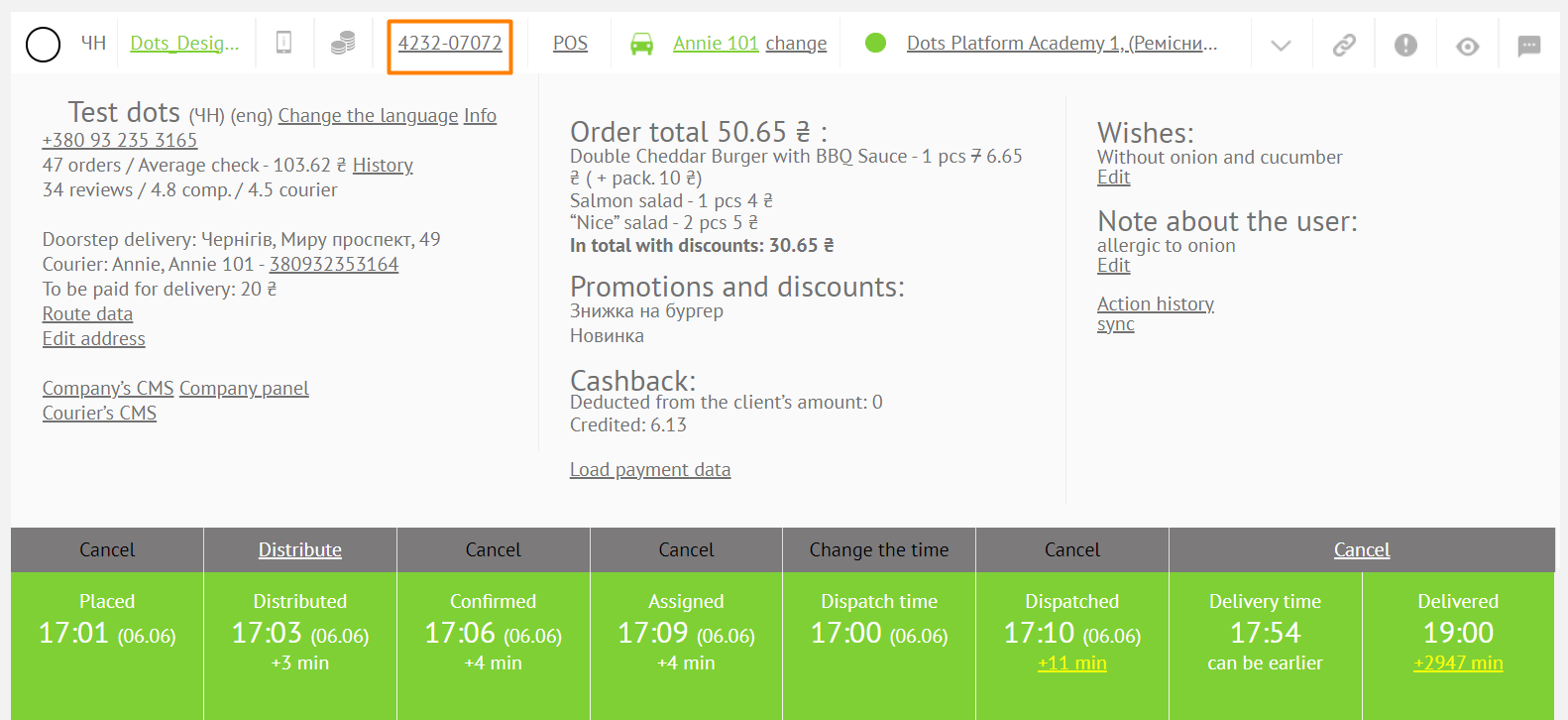
- With a single click on the order number, the text with the order number, the operator's call sign and a link to the order are copied.
Example: 2953-77057 (order number) #test_nickname (operator's callsign) https://jackbtest.dots.live/profile/order?id=2953-77057 (order link).
- By double-clicking on the order number, only the order number is copied.
Example: 2953-77057 (order number).
Link to this article: here
Was this article helpful?
Thanks for your feedback!