
2.0 How to delete all promo codes?
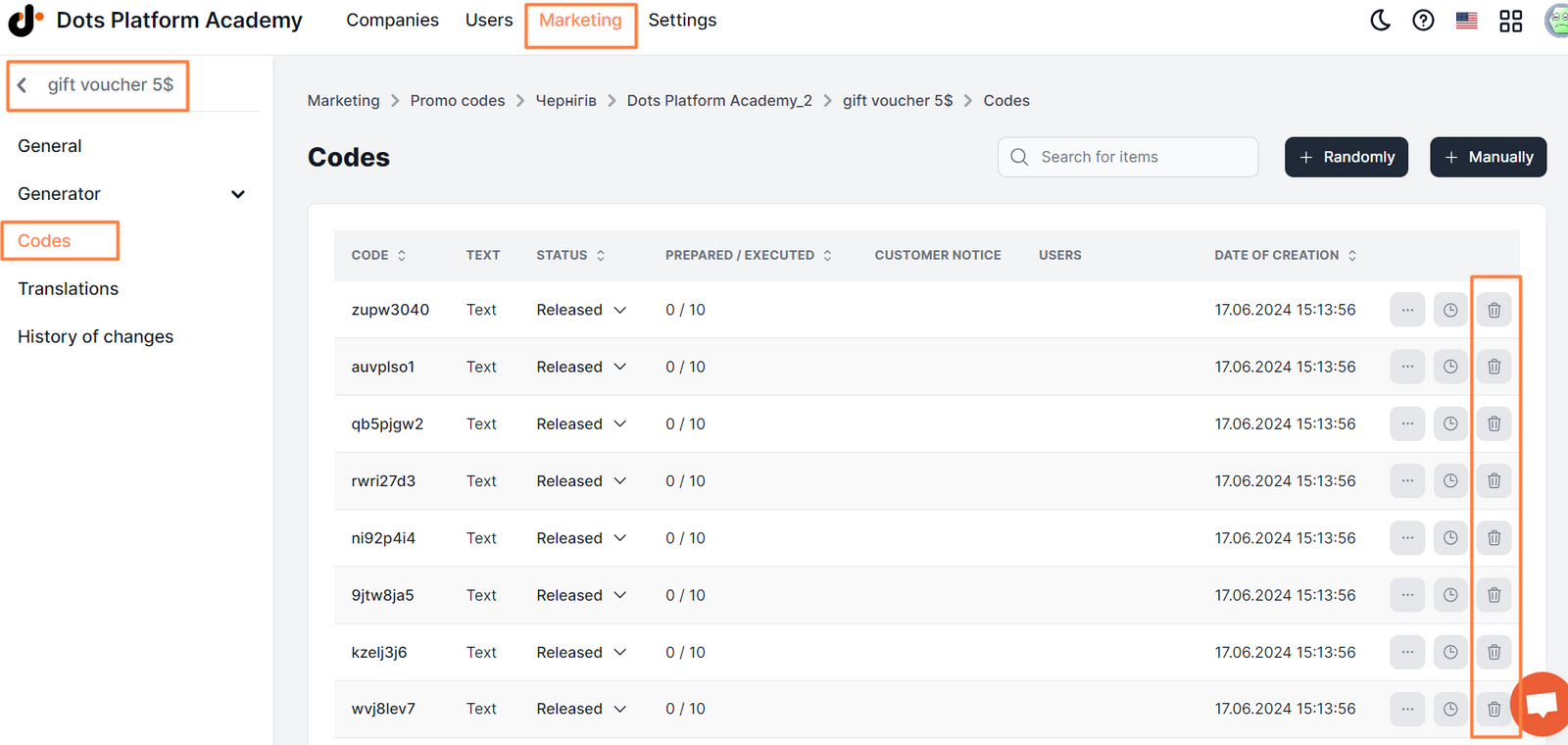
One-time deletion of all promo codes is not provided, each promo code is deleted individually. To delete promo codes, go to Control Panel → Marketing → Promo codes → edit → Codes tab, and click on the red trash can icon next to the desired promo code.
Link to this article: ** here **
Was this article helpful?
Thanks for your feedback!