
2.0 How to export statistics?
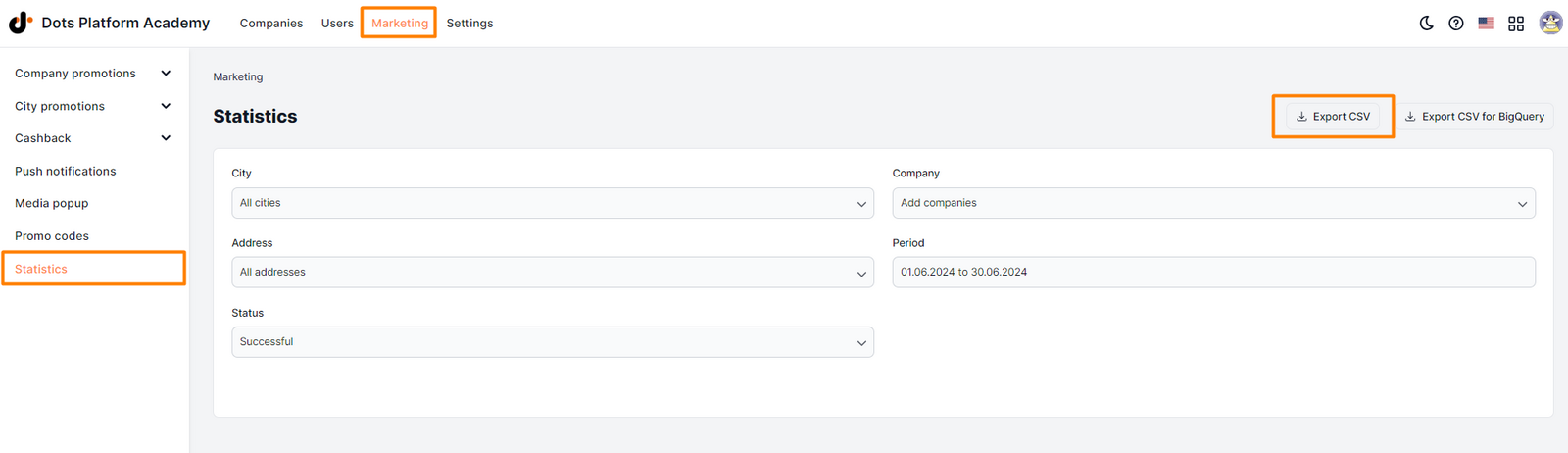
To export statistics, go to the Control Panel - Marketing on the Statistics tab. After selecting the city and setting the filters, click on the Export to CSV button.
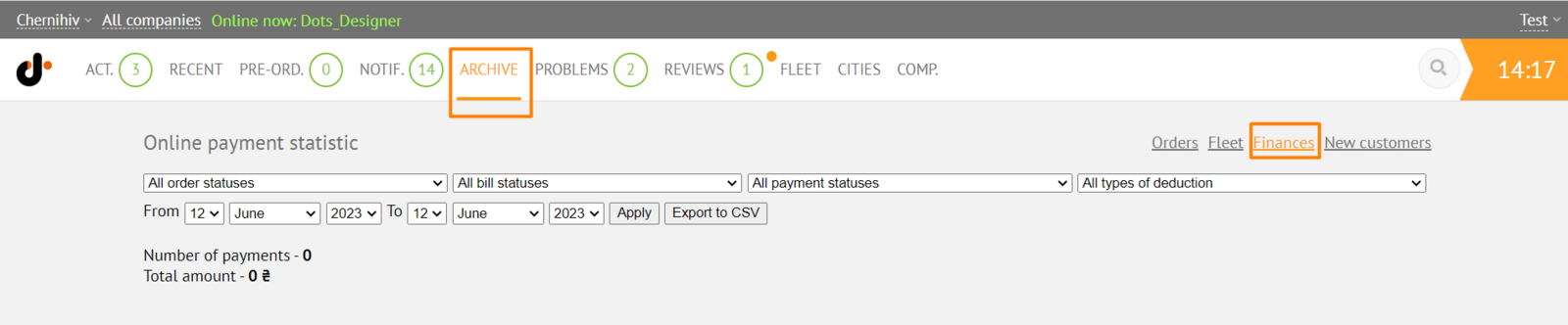
Also, you can export statistics by going to the Monitoring Panel on the Archive tab, edit filters and click Export to CSV.
Link to this article: ** here **
Was this article helpful?
Thanks for your feedback!