
2.0 How to filter active orders by couriers
If you need to filter active orders in the Monitoring Panel by couriers, then you need to:
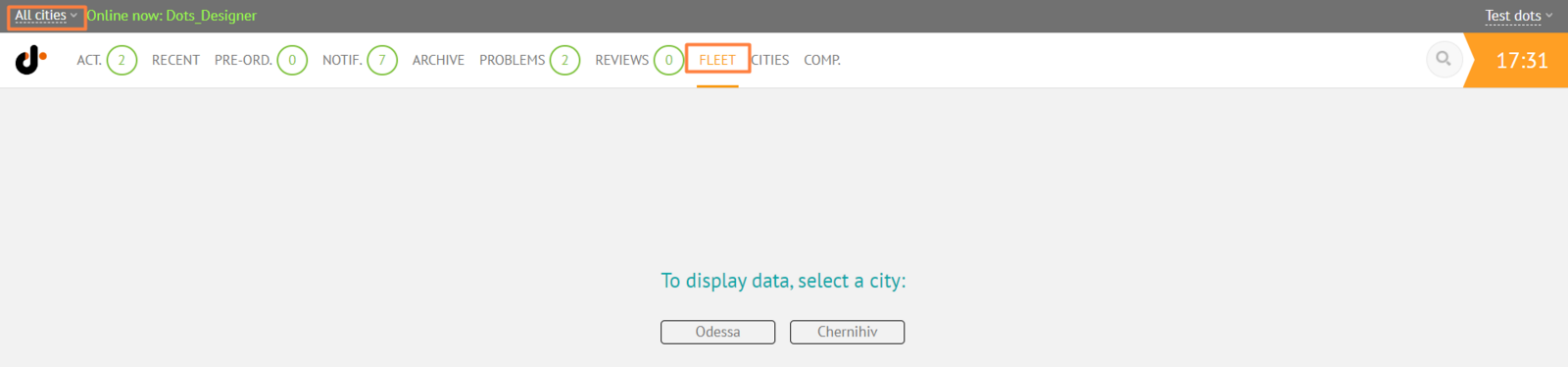
- Go to the Fleet tab and select a city
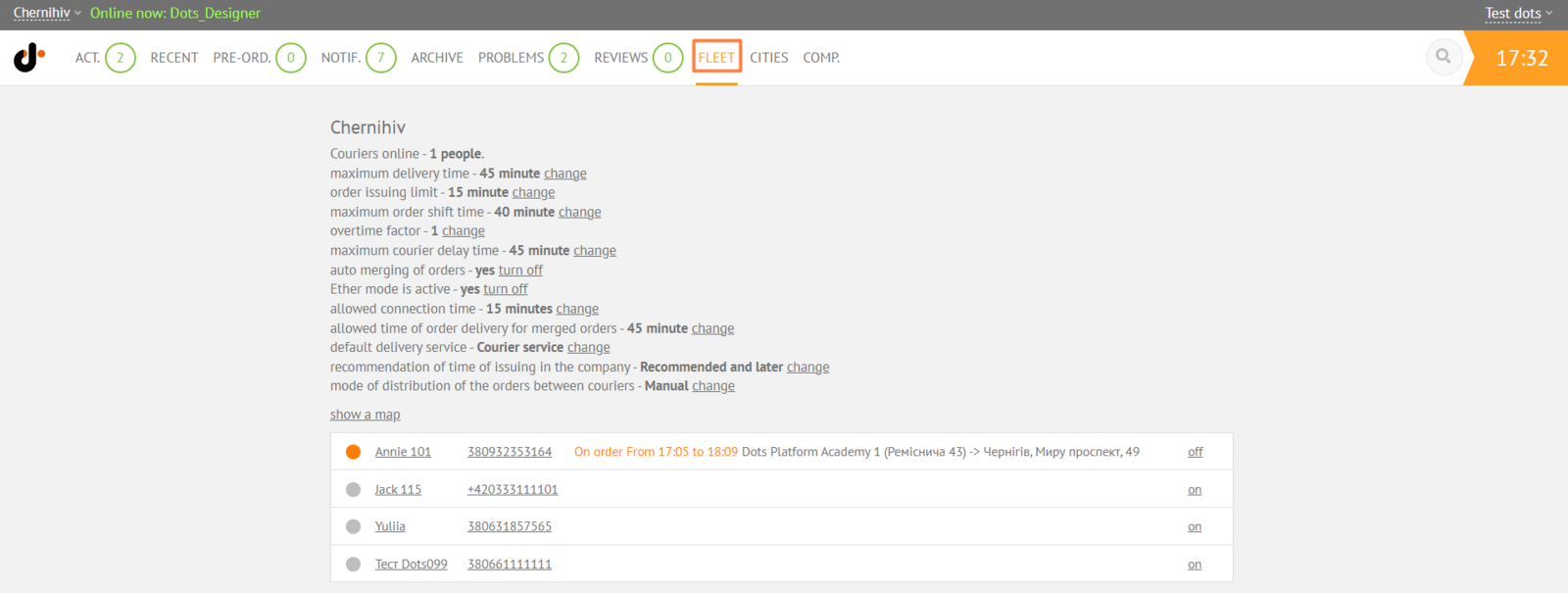
- Click on the name of the courier whose active orders you want to see
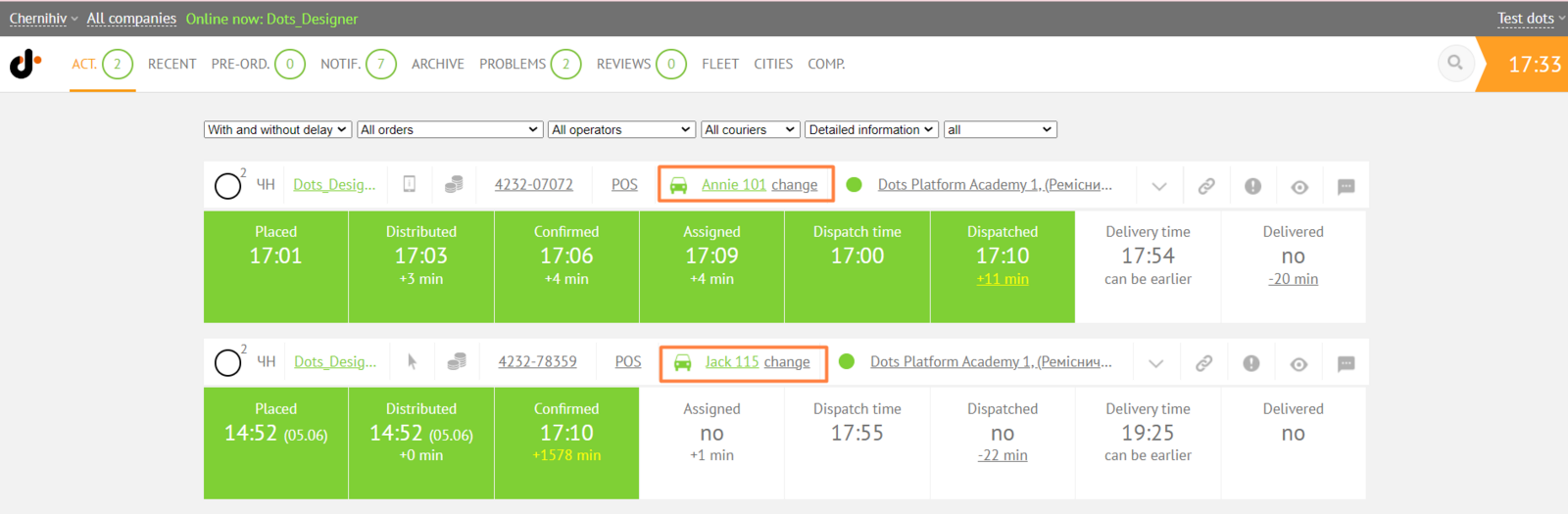
- You will be directed to the Active Orders page, where there will be orders only for this courier
Link to this article: here
Was this article helpful?
Thanks for your feedback!