
2.0 How to find out the payment type of an order?
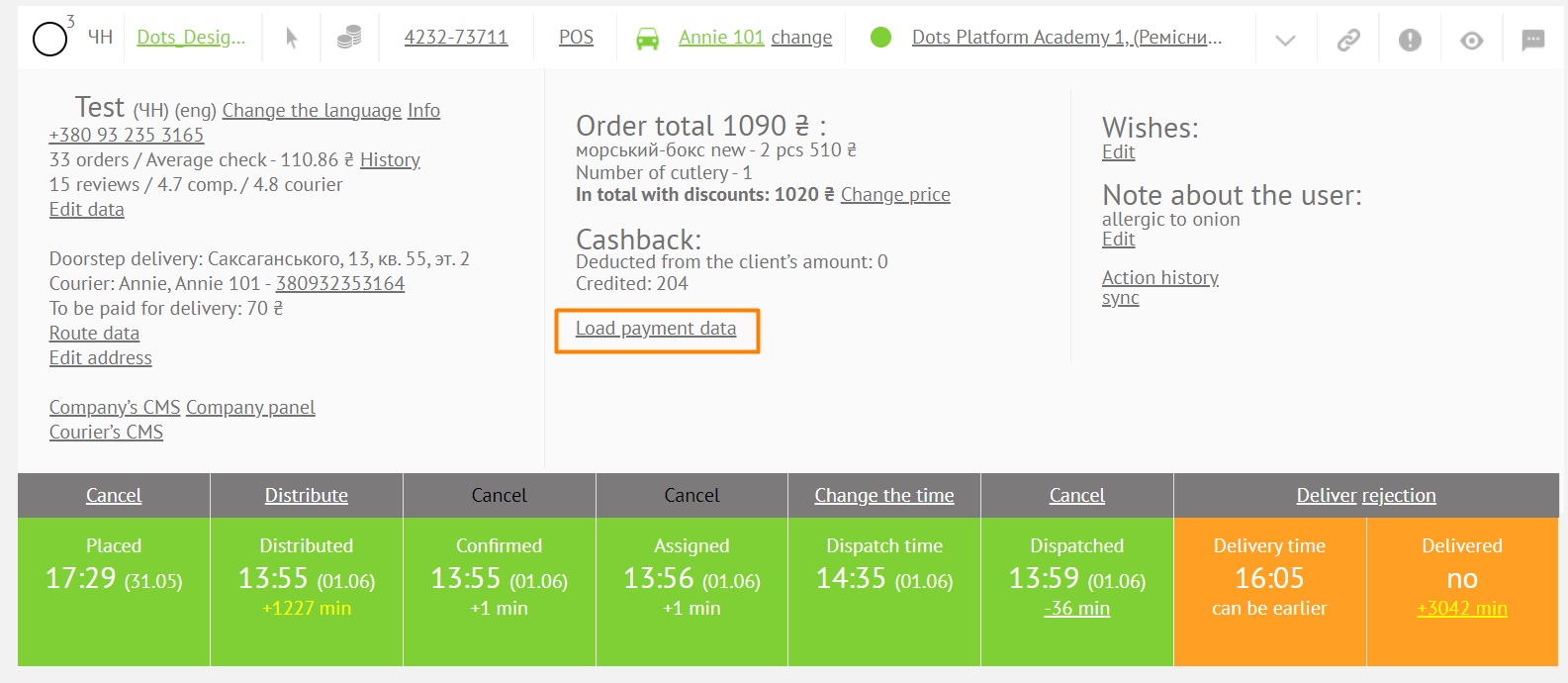
The payment method can be found in several places:
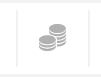
- In the upper part of the order card in the Monitoring Panel. Displayed as icons.
- Plastic card - online payment.

- Coins - cash payment.
- In the order card in the Monitoring Panel, by clicking on the Load payment data field.
Link to this article: ** here **
Was this article helpful?
Thanks for your feedback!