
2.0 How to include the Courier in the order acceptance process?
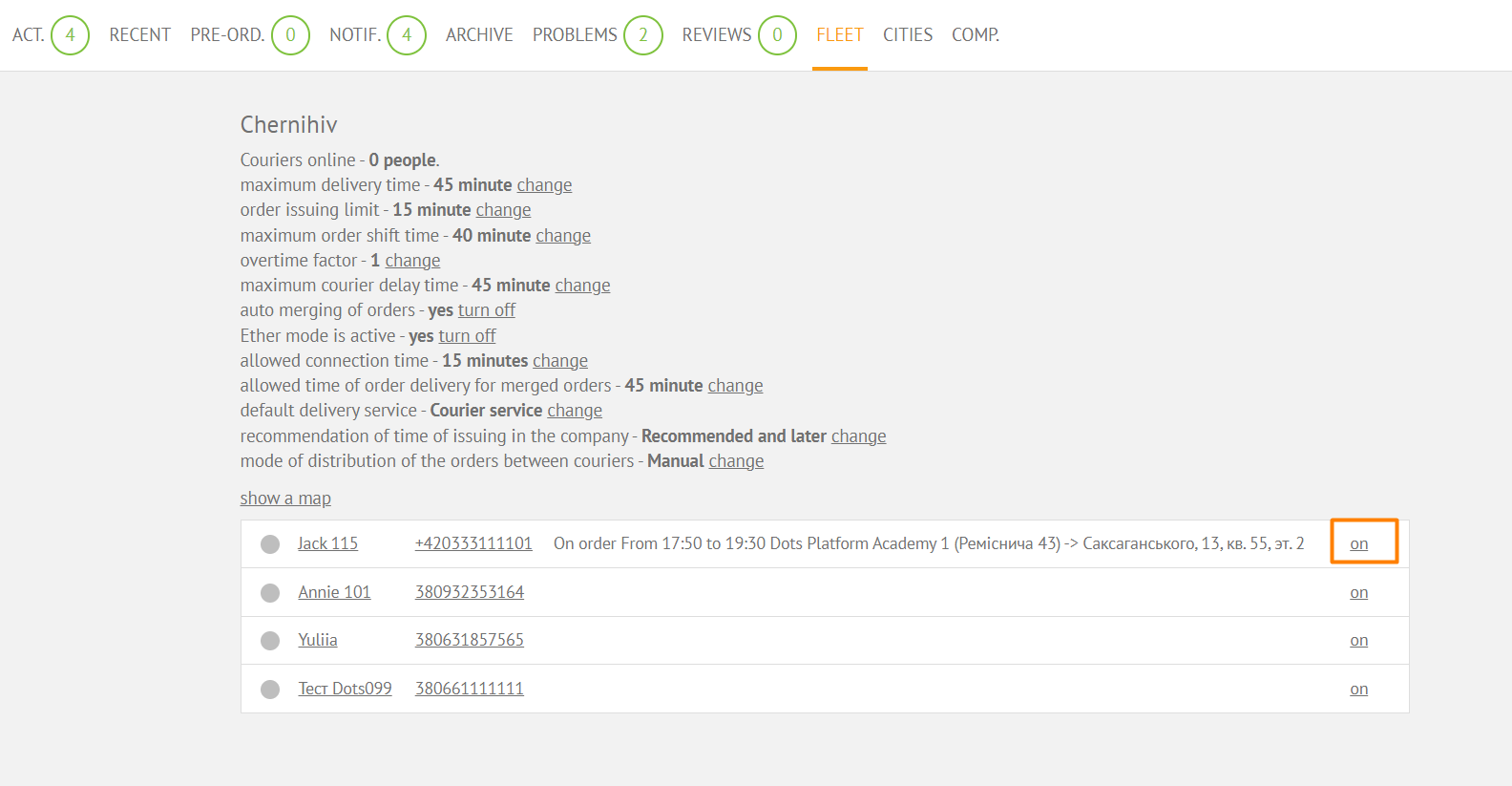
To enable a courier, go to the Monitoring Panel → select the required city in the city filter → go to the Fleet tab → there is a status switch next to the desired courier. Couriers must be enabled every day when starting a shift. To do this, couriers can contact the operator and report their readiness to go on the line.
Link to this article: here
Was this article helpful?
Thanks for your feedback!