
2.0 How to see reviews from a particular client, understand their loyalty?
All user reviews can be viewed in the Monitoring Panel on the Clients tab.
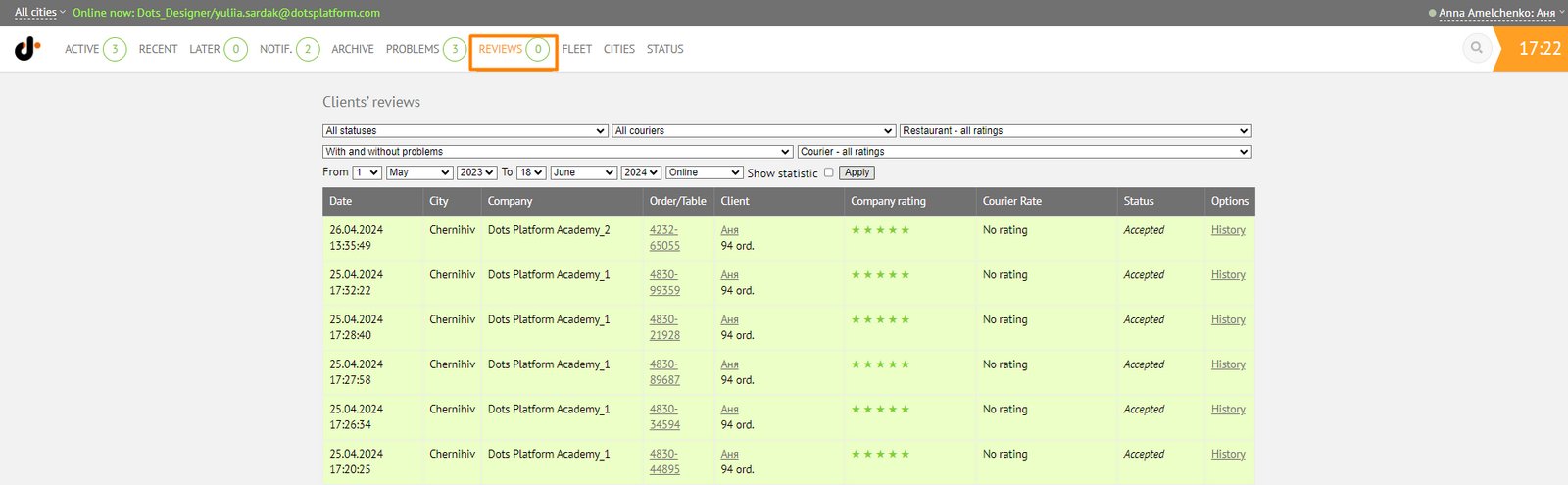
You can view reviews for a specific client manually. To do this, go to this client's card.
This can be done in two ways:
- Enter the client's phone number in the search field on the Monitoring Panel;

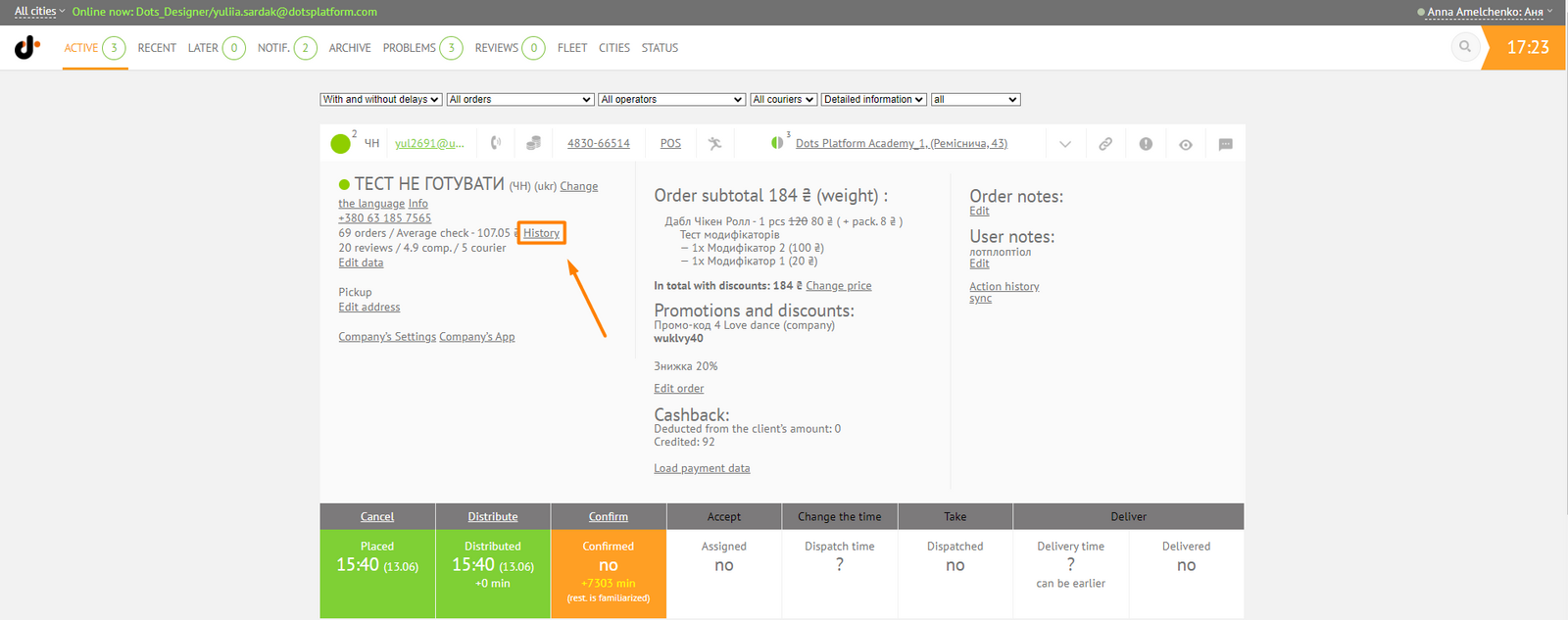
- Go to Monitoring Panel → Order card → Personal data section → History.
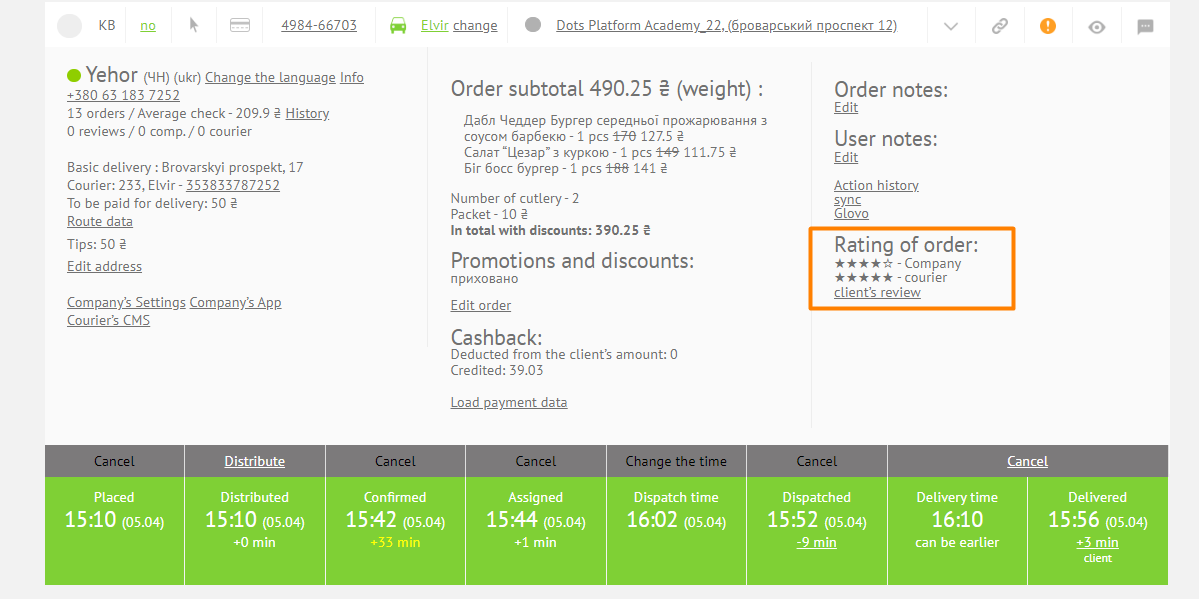
- On the Client's Card, you can see all their orders. If necessary, you can view reviews for each individual order in the Order review → Customer Review field.
Link to this article: here
Was this article helpful?
Thanks for your feedback!