
2.0 How to send a payment link to a customer after changing the payment method?
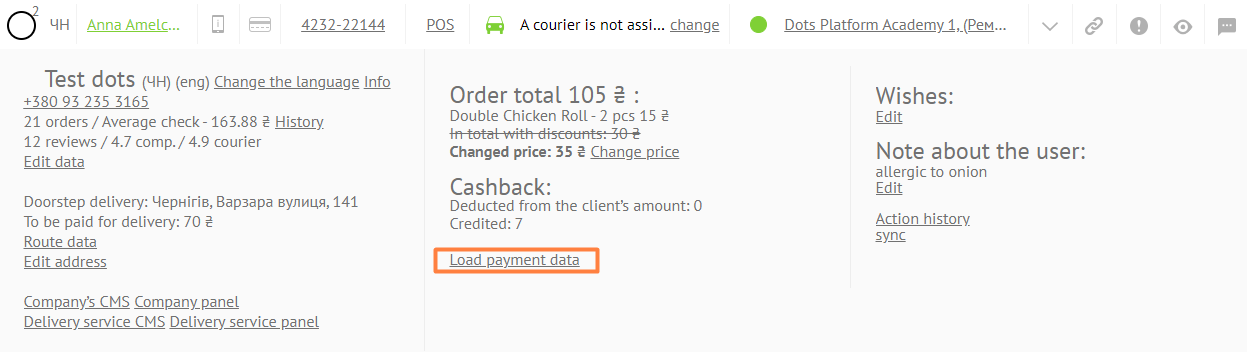
- To send a payment link to a client, go to the order card of the Monitoring Panel and click on the Load payment data link.
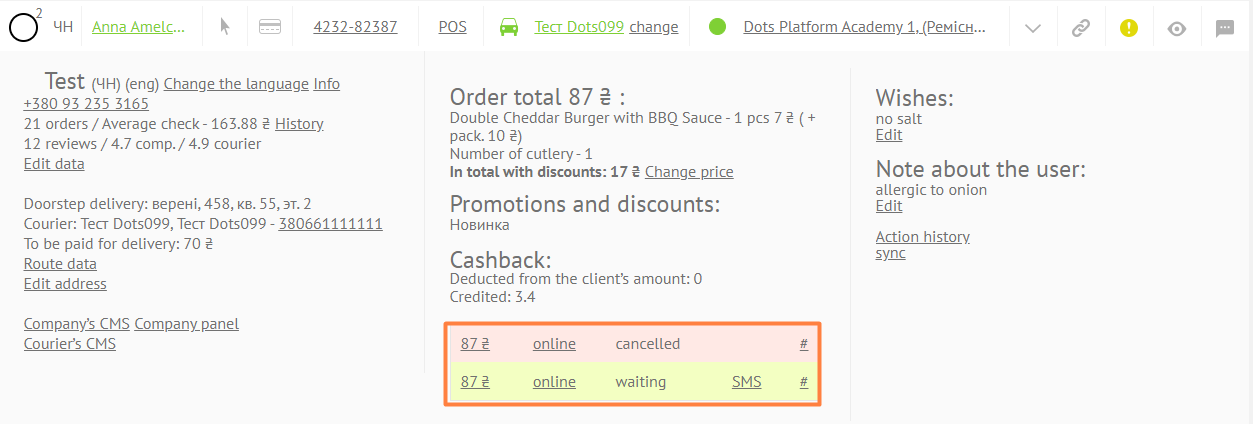
- In the field with the amount of the surcharge, click on the SMS link. After that, the client will be automatically sent an SMS message with a link to the surcharge.
Link to this article: ** here **
Was this article helpful?
Thanks for your feedback!