
2.0 How to set up the automatic distribution of orders?
You can enable automatic distribution of customer orders in Control Panel → Settings → Cities → edit → Orders Workflow → In the Orders distribution type field, select Distribute all.
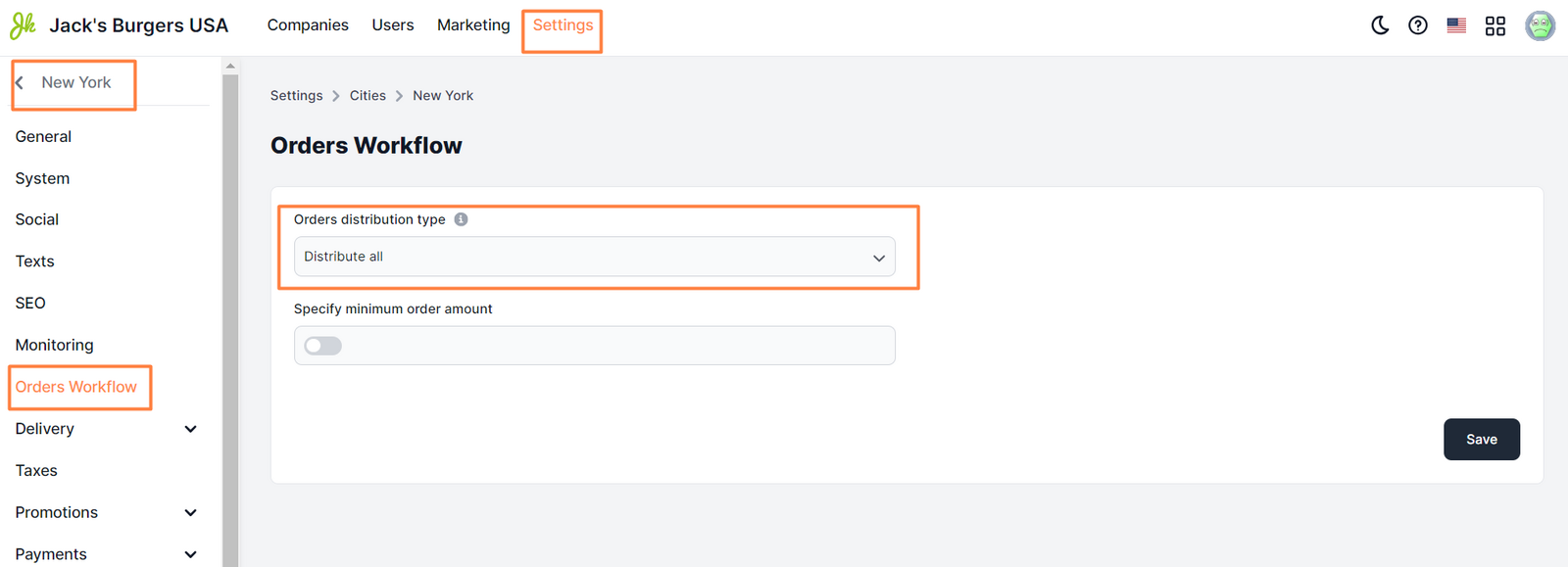
Read more about setting up this field in the article ** here **
Link to this article: ** here **
Was this article helpful?
Thanks for your feedback!